
A wastewater SOC analyst is told to use SPL against civic indexes and the Authentication data model while scoping a notable. What is SPL in that workflow?
Select an answer to reveal the explanation.
Short Explanation
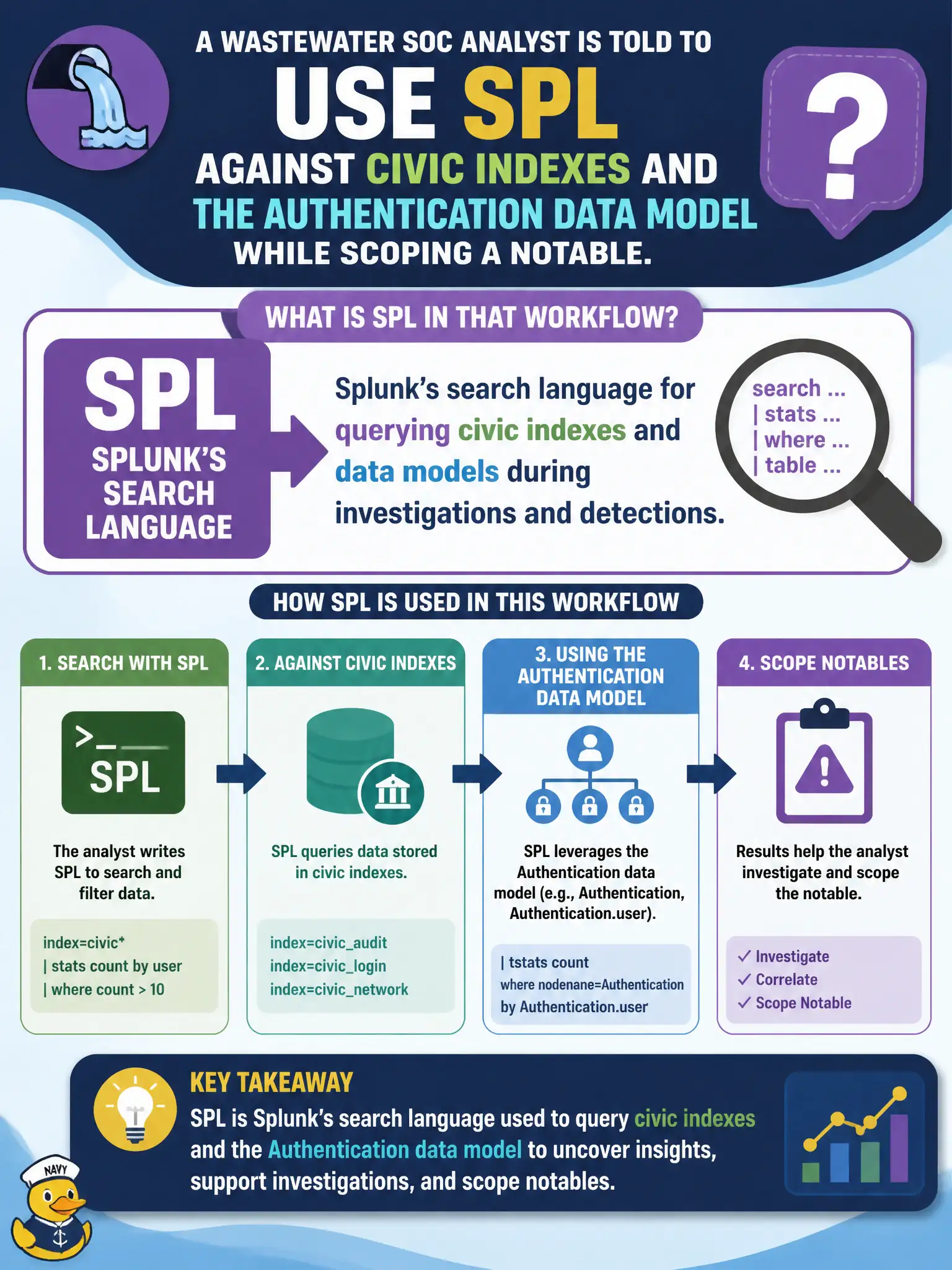
SPL is the language you type into Splunk, not a dashboard hanging on the wall. When the wastewater crew scopes a notable, they search indexes and data models in SPL. Dashboards and lookups are other ES objects, not the language.
Full Explanation
SPL is Splunk's Search Processing Language—the query language defense analysts use against civic indexes and CIM data models during investigations and detections. In a wastewater notable workflow, SPL is how the analyst scopes Authentication events, correlates historian-adjacent logons, and validates hypotheses—not a dashboard tile and not an Adaptive Response installable. Calling SPL the Enterprise Security dashboard that lists every civic notable by urgency fails by concept because Incident Review / Analyst Queue is that queue UI; SPL is the language that powers searches behind detections and pivots. Calling SPL a Windows service Adaptive Response installs on historian hosts fails by concept because Adaptive Response actions are ES alert actions such as notable, risk, or ping, not an SPL service package pushed to OT hosts. Calling SPL the Asset and Identity lookup that stamps civic priority on users fails by concept because A&I is enrichment content consulted by searches; SPL may invoke those lookups but is not the lookup itself. Exam caveat: SPLK-5001 treats SPL as the search language for indexes and data models in analyst workflows on municipal telemetry. Operational check: from the wastewater notable, open Search or a related search, run time-bounded SPL against the Authentication model or relevant indexes, document scoping results in the notable, and keep dashboards, AR, and A&I conceptually separate from SPL.