
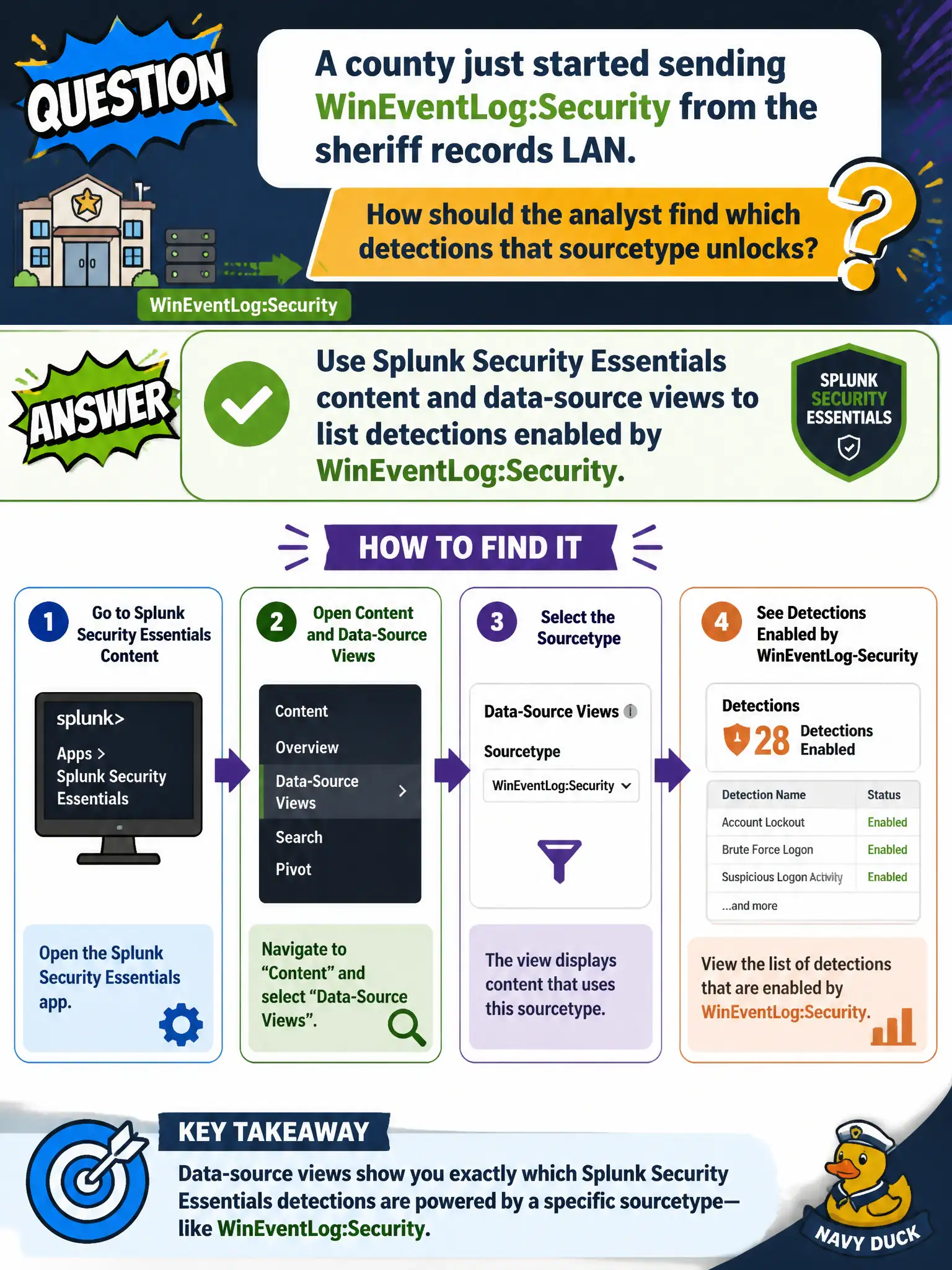
A county just started sending WinEventLog:Security from the sheriff records LAN. How should the analyst find which detections that sourcetype unlocks?
Select an answer to reveal the explanation.
Short Explanation
Security Essentials is the catalog: feed it the new Windows sourcetype and it shows which detections just became possible. That is faster and safer than inventing a SOAR playbook to guess. New source in, content list out.
Full Explanation
When a county just started sending WinEventLog:Security from the sheriff records LAN, the analyst should use Splunk Security Essentials content and data-source views to list detections enabled by that sourcetype. Security Essentials is designed to map onboarded sources to available detections so civic SOCs know what coverage they just unlocked without guessing or writing speculative automation.
Writing a Python SOAR playbook that guesses Windows detections from the sourcetype string invents fragile automation and bypasses the curated content catalog. Opening only the Risk Analysis dashboard fails because that view does not enumerate every Windows detection by sourcetype as a content inventory for newly onboarded LANs. Filing a Splunkbase ticket asking for a random list of apps that mention Windows is neither authoritative nor tied to the county's actual onboarding state.
Exam caveat: a new sourcetype should drive a Security Essentials data-source and content review to discover enabled detections.
Operational check: open Security Essentials, filter to WinEventLog:Security, review listed detections and prerequisites for the sheriff records LAN, enable or tune relevant content, and verify sample events satisfy CIM Authentication requirements.