
A home-robot company runs one-week Sprints for its app team and one-month Sprints for its firmware team. What is the maximum timebox for the Daily Scrum in each case, according to the Scrum Guide?
Select an answer to reveal the explanation.
Short Explanation
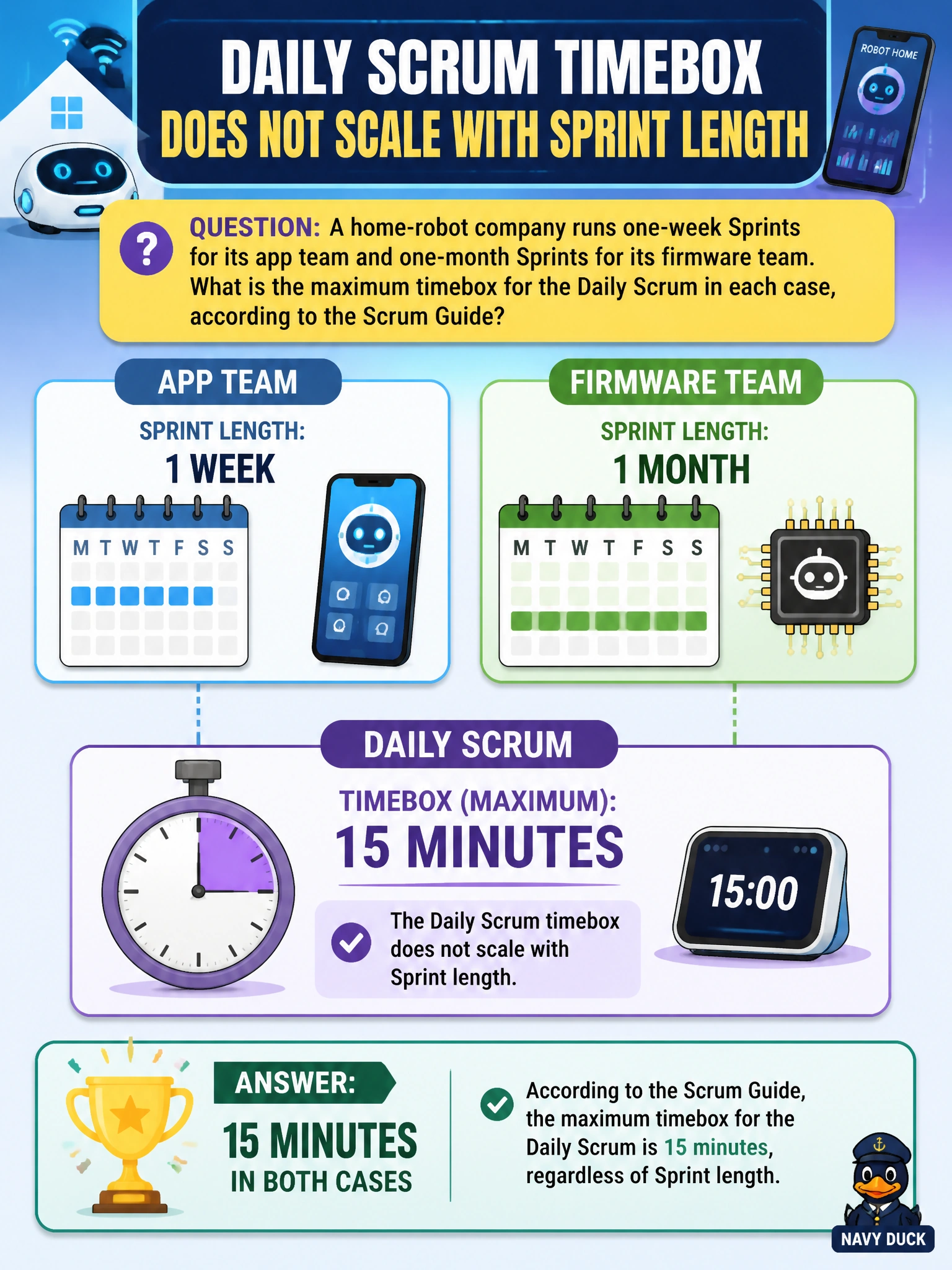
Unlike Sprint Planning, the Daily Scrum doesn't get a bigger clock just because the Sprint around it is longer. Fifteen minutes is the cap whether the Sprint is one week or one month — it's a flat ceiling, not a sliding scale. That short window is exactly what keeps it a quick sync instead of a status meeting.
Full Explanation
The Scrum Guide sets the Daily Scrum's timebox at 15 minutes, and unlike Sprint Planning - whose maximum does scale down for shorter Sprints - the Daily Scrum's cap doesn't move with Sprint length at all; it stays 15 minutes whether the Sprint is one week or one month. This is deliberate: the Daily Scrum's job is a fast check on progress toward the Sprint Goal and any needed adjustment to the plan, not an exhaustive status review, so a fixed short timebox pressures the conversation to stay focused regardless of how long the surrounding Sprint runs. Scaling it to 30 minutes for a longer Sprint applies Sprint Planning's scaling logic to the wrong event. A proportional per-day formula invents a rule the Guide doesn't state anywhere. Leaving it open-ended for the Developers to decide daily removes the timebox altogether, which conflicts with the Guide's general principle that every Scrum event is timeboxed to a maximum duration. Caveat: 15 minutes is a maximum, not a target - a team that consistently needs less time is not doing anything wrong. Operational check: if a Daily Scrum on the one-month firmware Sprint is regularly running well past 15 minutes, that's a signal to move detailed discussion elsewhere, not a reason to lengthen the event.