
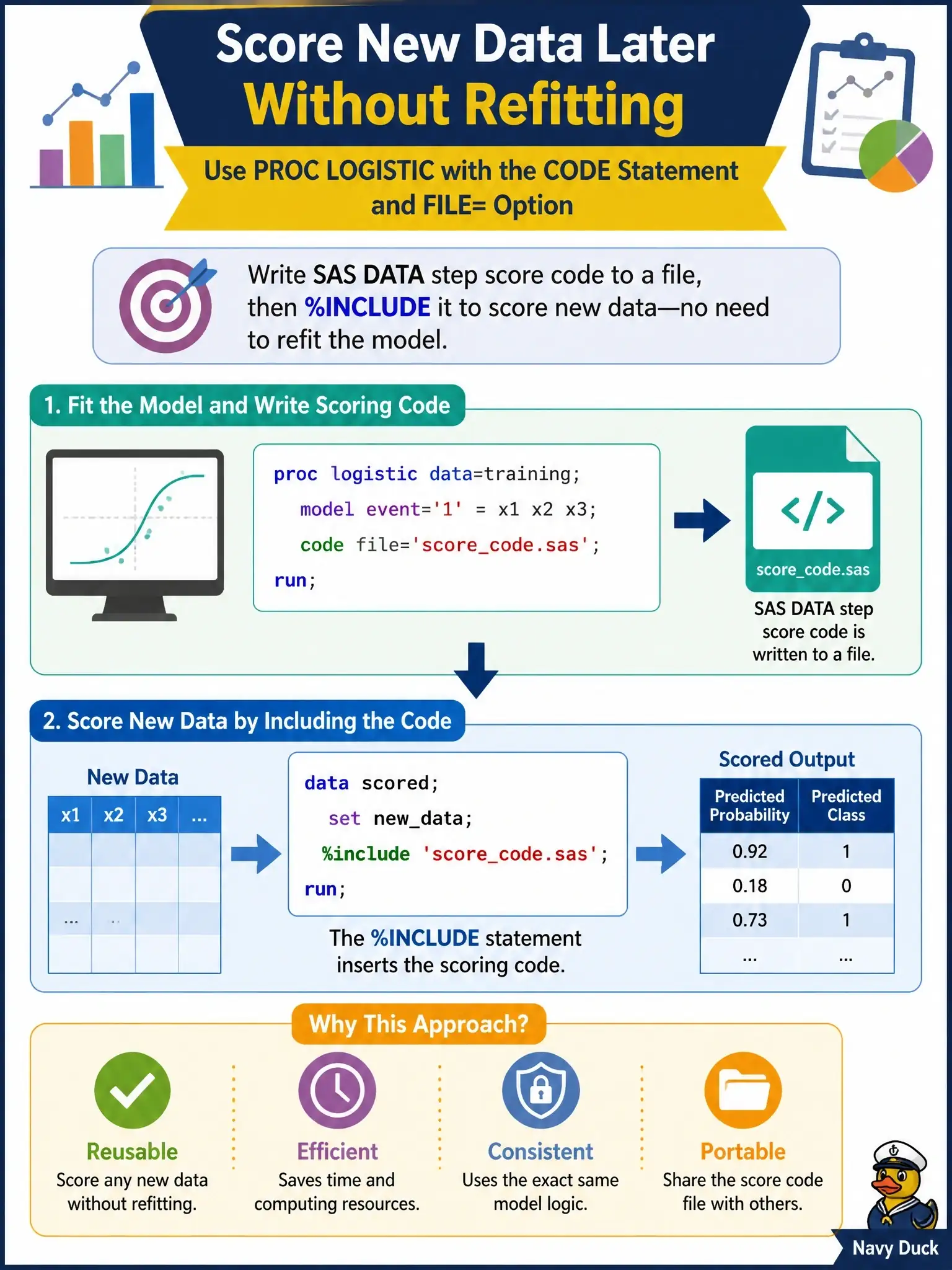
A data scientist wants PROC LOGISTIC to write scoring code for a fitted model to a file so new data can be scored later without refitting. Which approach does this?
Select an answer to reveal the explanation.
Short Explanation
Think of the CODE statement as PROC LOGISTIC writing down its own recipe: you point FILE= at a file and it saves DATA step code that computes predictions for the fitted model. Later you just %INCLUDE that file in a DATA step and score new rows without ever refitting. No PMML export, no special export procedure, just plain SAS code you can run anywhere SAS runs.
Full Explanation
The CODE statement, shared by PROC LOGISTIC and several other SAS/STAT modeling procedures such as GENMOD, GLM, GLMSELECT and REG, writes SAS DATA step code that computes predicted values from the fitted model. The FILE= option names the external file that receives that code; if neither FILE= nor CATALOG= is given, the code is written to the SAS log instead. To score new data, you run a DATA step that reads the new table and uses %INCLUDE to pull in the generated file, so the model is applied without refitting. PROC EXPORT is wrong because it moves tables to external formats such as CSV or Excel and has no DBMS=PMML engine for models. PROC PMML is wrong because no such SAS procedure exists. PROC SCORE with SCORE=PMML is wrong because PROC SCORE multiplies coefficient data sets against raw data and has no PMML option. A useful exam caveat is that SAS can consume PMML through PROC PSCORE, but SAS/STAT does not export a fitted logistic model as PMML. To verify, run the CODE statement with FILE= once, open the file, and confirm it contains DATA step assignments for the predicted probabilities before including it in a scoring step.