
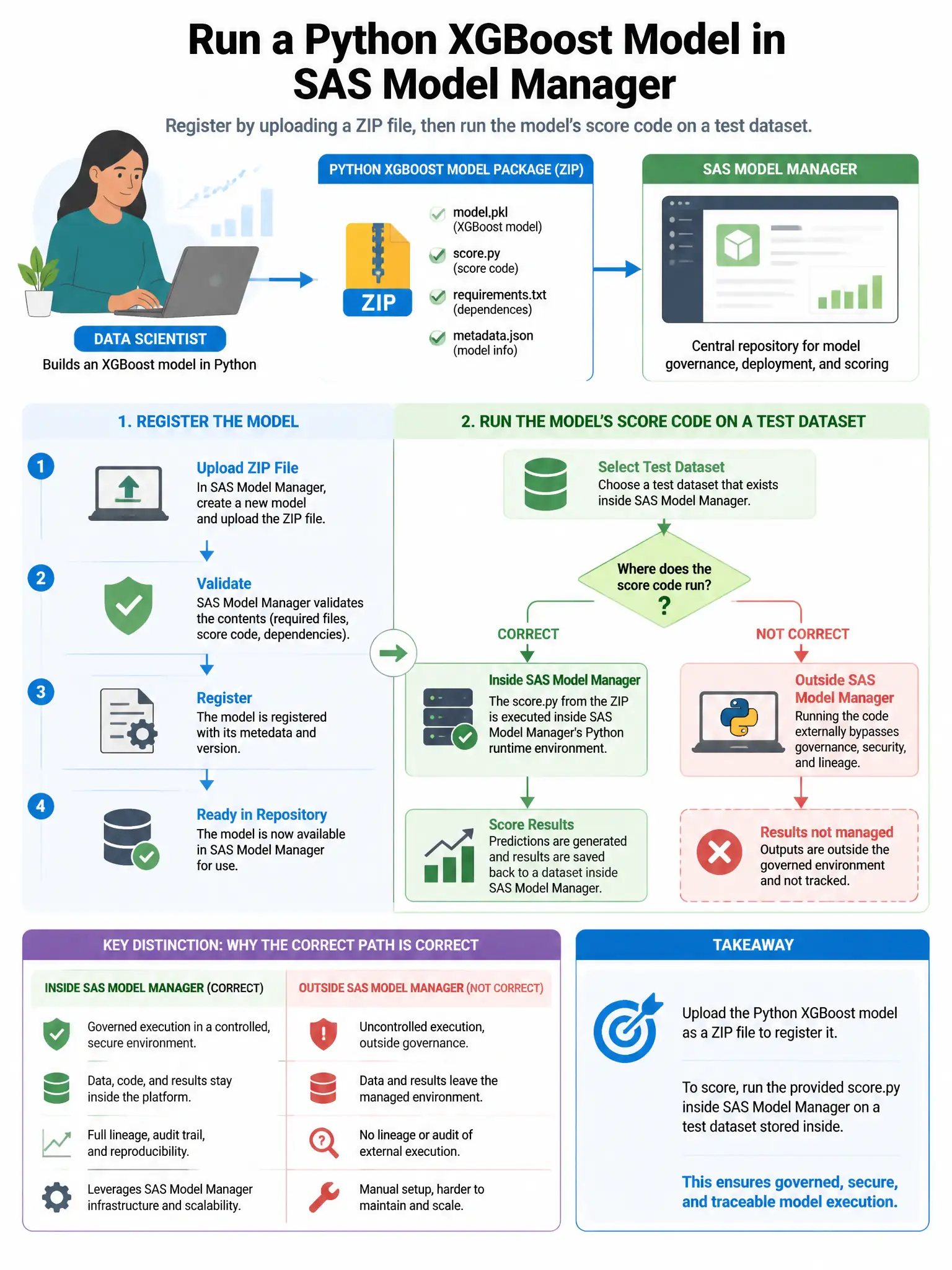
A data scientist registers a Python XGBoost model in SAS Model Manager by uploading a ZIP file. After registration, she wants to run the model's score code on a test dataset inside SAS Model Manager. What must be true for the scoring to succeed?
Select an answer to reveal the explanation.
Short Explanation
Here's the deal — you need SAS Open Model Interface conventions for Python model scoring: your score.py function must take a pandas DataFrame and return a pandas DataFrame. SAS Model Manager calls that function when it scores the test data.
Full Explanation
The correct requirement is SAS Open Model Interface conventions for Python models: score.py must define a scoring function, typically score, that accepts a pandas DataFrame and returns a pandas DataFrame with predictions. SAS Model Manager calls it during test scoring. The requirements.txt option is wrong because SAS Model Manager does not make scoring succeed by automatically installing all Python dependencies from a ZIP requirements.txt file in a virtual environment; the decisive scoring requirement is the SAS Open Model Interface score.py DataFrame contract, not automatic dependency installation. The PROC ASTORE option is wrong because PROC ASTORE is for SAS-native ASTORE objects, not Python pickle files. The Jupyter kernel option is wrong because SAS Model Manager does not require a direct connection to a Jupyter kernel running on the same server.