
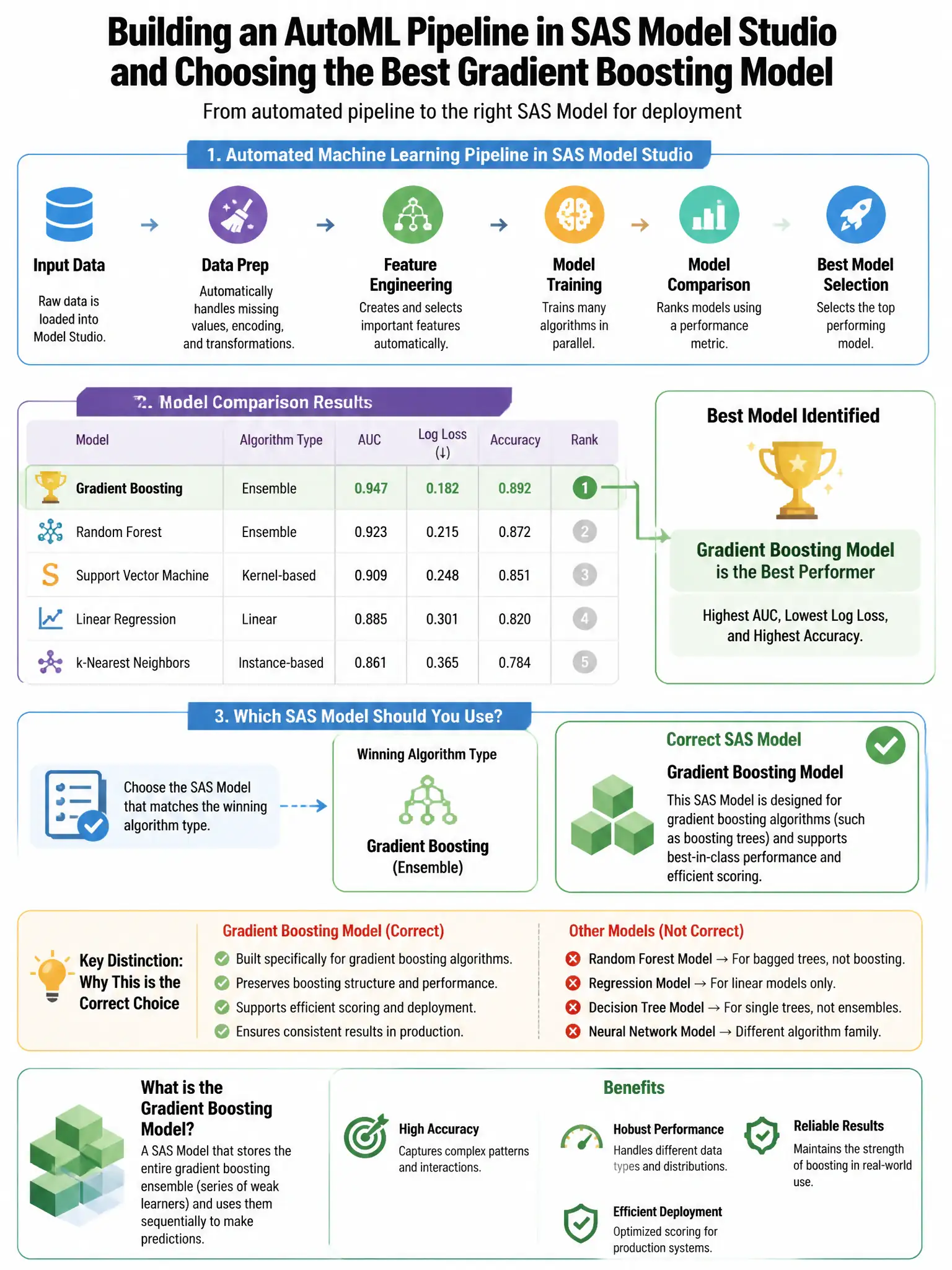
A data scientist uses SAS Model Studio to build an automated machine learning (AutoML) pipeline. After model comparison, the best model is a gradient boosting model. Which SAS Model Studio action makes the selected model available for production scoring in SAS Model Manager?
Select an answer to reveal the explanation.
Short Explanation
Here's the deal — you use Model Studio's Register Model action to push the champion model, score code, variable definitions, and metrics straight into Model Manager's repository. That's the integrated path from development to production. Manually exporting score code or saving tables or PROC files doesn't register the model for production scoring.
Full Explanation
The correct choice is using Model Studio's 'Register Model' action, which directly registers the selected champion model and its score code into SAS Model Manager. This action packages the model's score code, input/output variable definitions, and performance metrics and registers them directly in Model Manager's model repository, enabling seamless transition from development to production. Exporting the model score code as a .sas file and manually uploading it to Model Manager is a manual workaround, not the integrated action. Publishing the model to a CAS table using table.save() saves a data table, not a model object. Running PROC HPFOREST with OUTMODEL= saves a model structure file for PROC HPFOREST only, not the integrated Model Manager registration.