
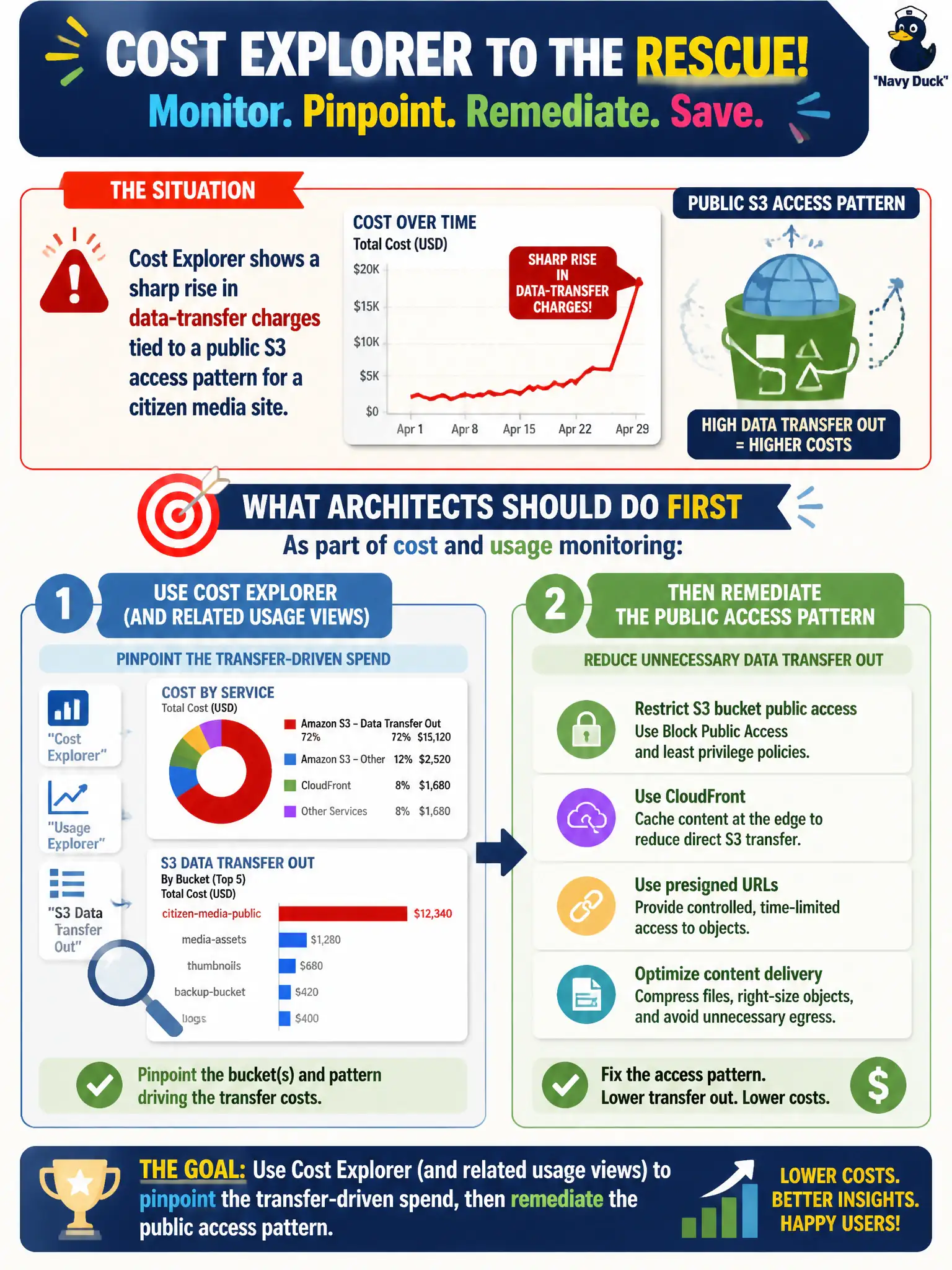
Cost Explorer shows a sharp rise in data-transfer charges tied to a public S3 access pattern for a citizen media site. What should architects do first as part of cost and usage monitoring?
Select an answer to reveal the explanation.
Short Explanation
When the water bill spikes, you find the open hydrant before you argue about the rate. Cost Explorer shows the data-transfer jump from that public S3 pattern — then you fix the pattern.
Full Explanation
When Cost Explorer shows a sharp rise in data-transfer charges tied to a public S3 access pattern for a citizen media site, the first cost-and-usage monitoring action is to quantify the driver, then remediate the pattern. Use Cost Explorer and related usage views—filtered by service, usage type, and account—to confirm that egress or request volume from the public bucket is the spike, then redesign access with CloudFront, private object patterns, VPC endpoints, or reduced cross-Region pulls so citizen media remains available without paying for ungoverned public transfer.
Ignoring transfer line items because they supposedly never recur accepts recurring waste and abandons the monitoring discipline Task-style cost questions expect. Deleting Cost Explorer access for finance so spikes are invisible removes the very telemetry needed for accountable municipal spend control. Moving all objects to Glacier Instant Retrieval without measuring transfer causes changes storage class while leaving the public egress pattern—and its bill—uncorrected.
Exam caveat: diagnose before you migrate storage; transfer spikes and storage-class decisions are different levers. Operational check: open Cost Explorer for the spike window, group by usage type and linked account, identify the public media bucket traffic, implement a CDN or private access fix, and verify the next daily transfer chart declines while citizen content remains reachable through the intended path.