
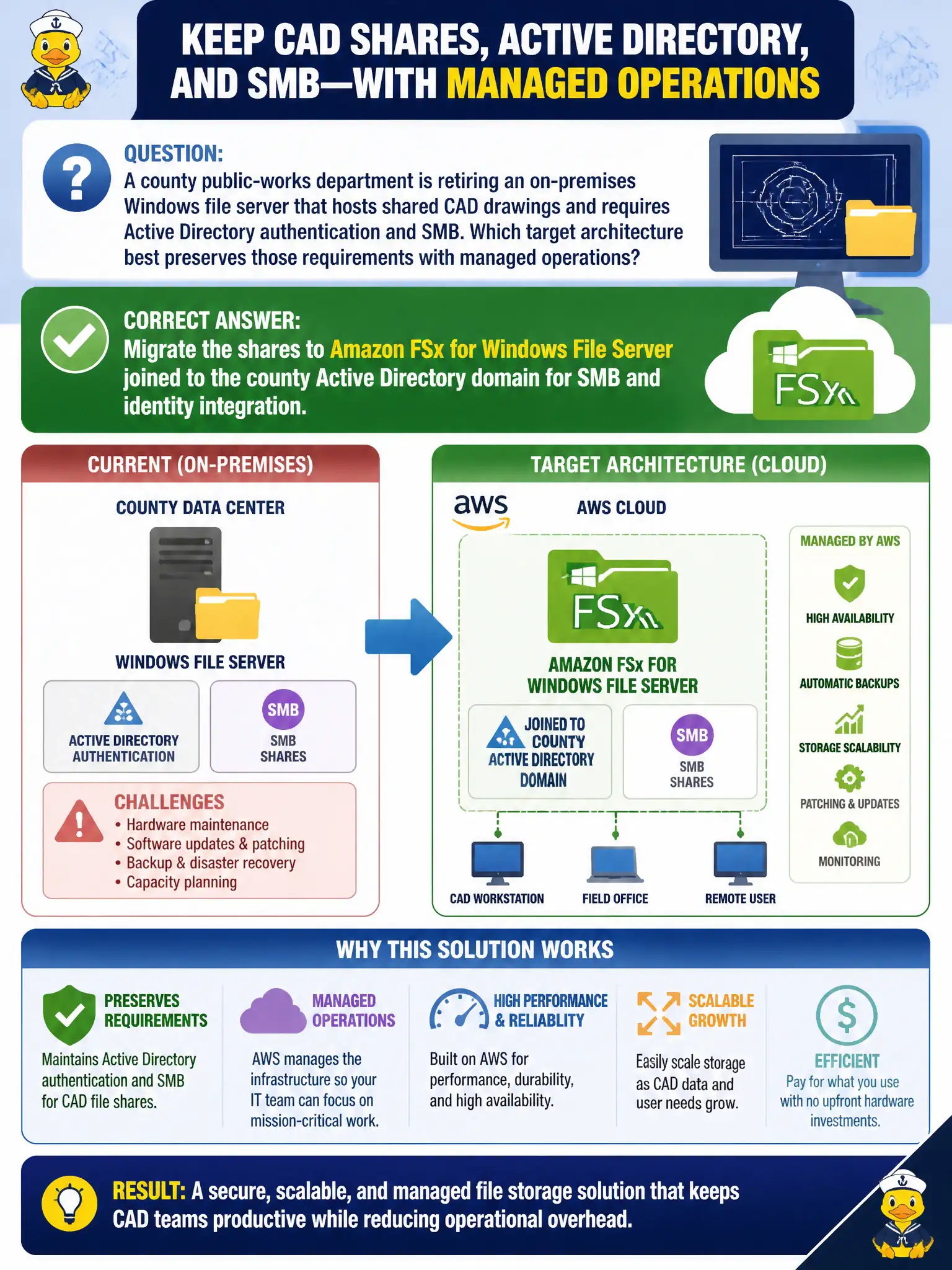
A county is replacing aging Windows file servers that provide SMB shares and NTFS ACLs for public-health case files, planning drawings, and permit attachments, with departments in separate AWS accounts joined to the same Active Directory domain. Which target architecture should architects select for the migrated file platform?
Select an answer to reveal the explanation.
Short Explanation
Windows shops live on SMB and Active Directory, not mystery object APIs. FSx for Windows File Server is the managed file cabinet that still speaks the language the desktops and NTFS ACLs already know. Glacier, a lonely EBS volume, and stuffing files into DynamoDB skip the protocol and identity work.
Full Explanation
A county replacing aging Windows file servers that provide SMB shares and NTFS ACLs for public-health case files, planning drawings, and permit attachments—with departments in separate AWS accounts joined to the same Active Directory domain—should select Amazon FSx for Windows File Server joined to Active Directory so SMB, NTFS ACLs, and existing domain identities continue to work across department accounts. That preserves familiar Windows file semantics for municipal staff. Amazon S3 Glacier Instant Retrieval mounted as a drive letter on every Windows desktop as the only file share fails interactive SMB/NTFS semantics and ACL fidelity. A single gp3 Amazon EBS volume attached to one EC2 instance and shared with every department over the public internet fails multi-account sharing design and security. Amazon DynamoDB tables storing each file as a binary item with no SMB protocol fail the Windows file-server replacement use case. Exam caveat: FSx for Windows File Server is the AD-joined SMB/NTFS answer. Operational check: deploy FSx joined to the shared AD, migrate shares with ACL validation, peer or share across accounts as designed, enable backups, and decommission legacy file servers after parallel run.