
A sandbox data-science OU suddenly generated a large GPU EC2 bill after a notebook instance type was misconfigured. The FinOps team wants faster detection next time. Which improvement best strengthens cost management alerting?
Select an answer to reveal the explanation.
Short Explanation
A mis-sized GPU notebook can torch a sandbox budget overnight. Cost Anomaly Detection plus Budgets is how you get the text message while it’s still a fire drill, not a council scandal. Annual hearings are too late.
Full Explanation
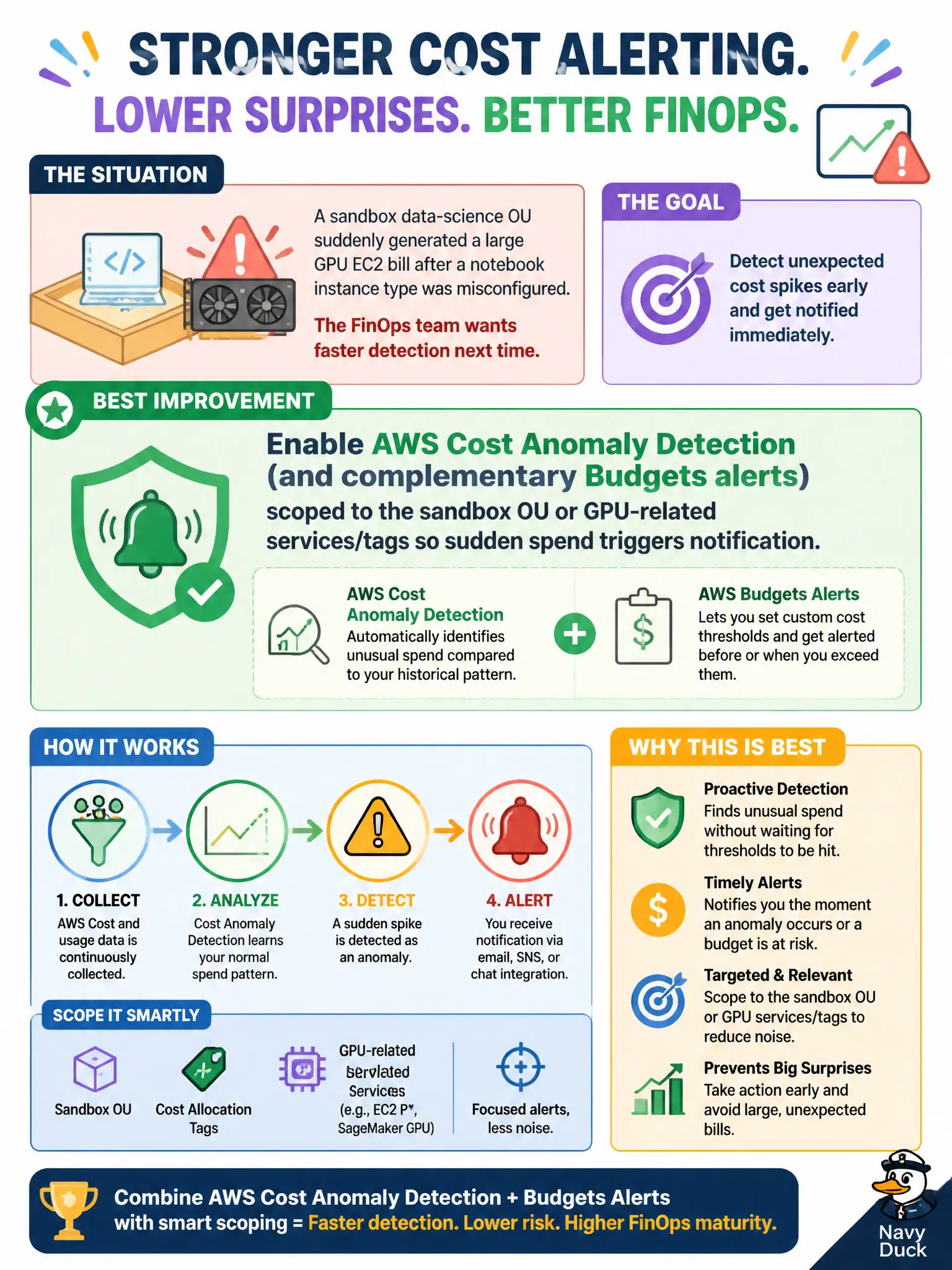
When a sandbox data-science OU suddenly generates a large GPU EC2 bill from a misconfigured notebook instance type, faster detection next time comes from strengthening cost management alerting: enable AWS Cost Anomaly Detection and complementary Budgets alerts scoped to the sandbox OU or GPU-related services and tags so sudden spend triggers notification to FinOps and the OU owner. That gives the city hours or days of warning instead of a quarterly surprise. Relying solely on annual budget hearings to notice sandbox GPU spikes fails because hearings are too late for course correction inside the fiscal period. Disabling EC2 in all sandbox accounts so notebooks cannot run fails as an alerting design—it removes a legitimate civic research capability instead of detecting misuse. Moving GPU instances to the production OU so sandbox monitoring tools ignore them fails by hiding waste in production and weakening OU-based governance. Exam caveat: Cost Anomaly Detection plus scoped Budgets is the intended early-warning pattern for surprise spend; capability bans and OU shuffling are distractors. Operational check: turn on anomaly detection for the sandbox OU, add GPU service or tag Budgets with low thresholds, route SNS to on-call FinOps, run a controlled spend test to prove alert delivery, and document notebook instance-type guardrails in the sandbox account SCPs or launch templates.