
A vet wants a template that, when opened from a Patient record, produces a flowing narrative paragraph covering the pet's recent visits, active prescriptions, and any flagged lab abnormalities all together, rather than filling in one specific field. Which template type is the natural fit, and why?
Select an answer to reveal the explanation.
Short Explanation
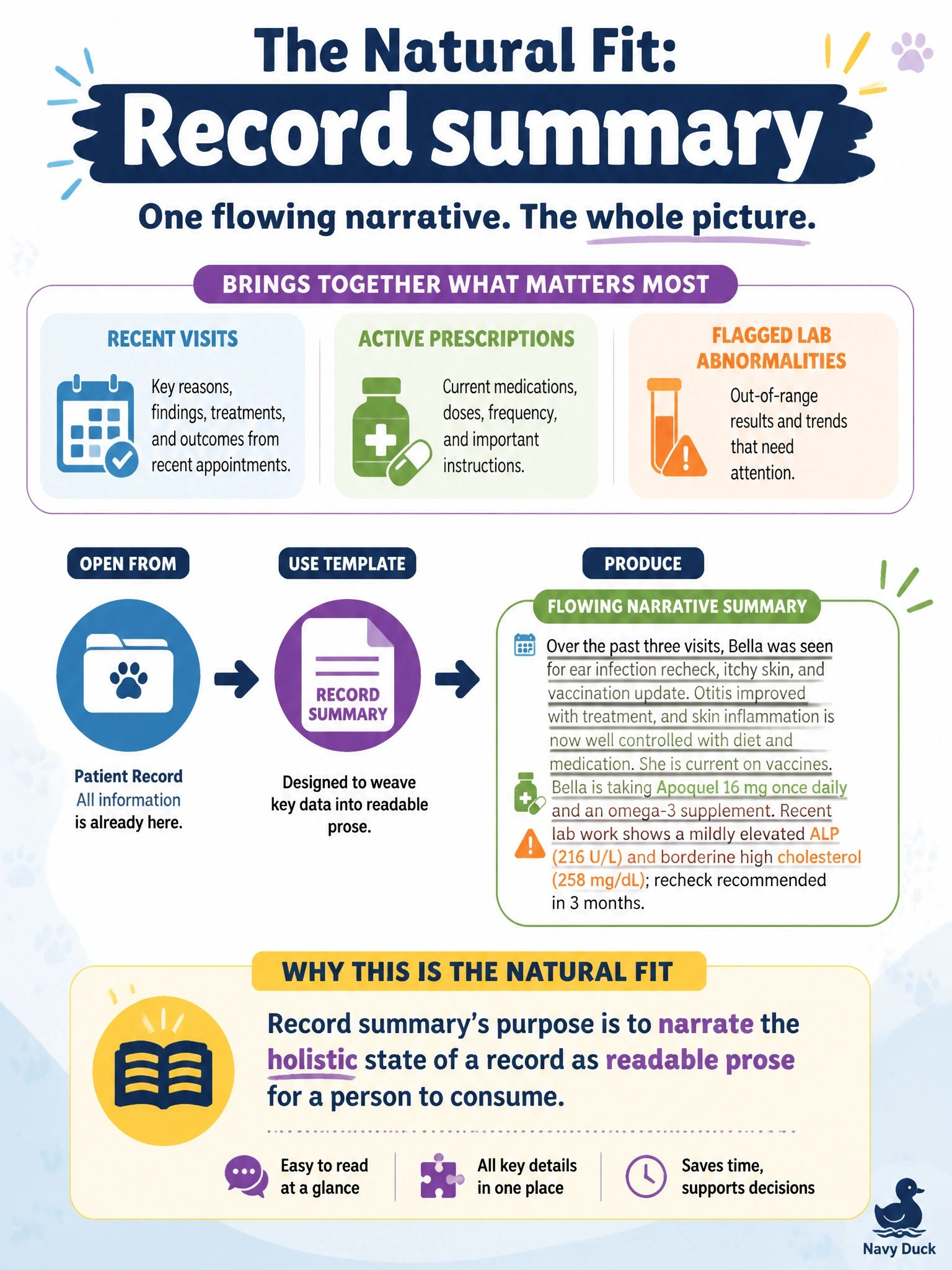
When you need the story of a patient record so far, in plain English, a record summary is designed to create that cohesive narrative. You can use it to bring recent visits, active prescriptions, and flagged lab abnormalities together for a person to read.
Full Explanation
A record summary is the natural fit because it synthesizes multiple facts about one record into cohesive, readable prose for a human reader. That matches the vet’s request for one flowing paragraph covering recent visits, active prescriptions, and flagged lab abnormalities. Field generation is designed to populate a target field with generated content, not to create a multi-topic narrative; the claim that it writes to multiple fields simultaneously is not its defining purpose. A sales email is meant to draft an outbound sales-style message, so sharing the use of merge fields does not make it suitable for summarizing a patient record; merge fields can ground content in many template types. Flex is not a purpose-built type for turning an entire patient record into a readable summary, while record summary is designed for that task. An exam caveat is that the presence of merge fields alone does not determine the template type: focus on the requested output and purpose. As a practical check, ask whether the result should fill a target field, draft a sales email, or narrate the record as a whole; for the last goal, use a record summary.