
A parks photo bucket should allow public read access to thumbnail objects but must deny public write so citizens cannot upload or overwrite objects anonymously. Which S3 data-access design best encodes that policy?
Select an answer to reveal the explanation.
Short Explanation
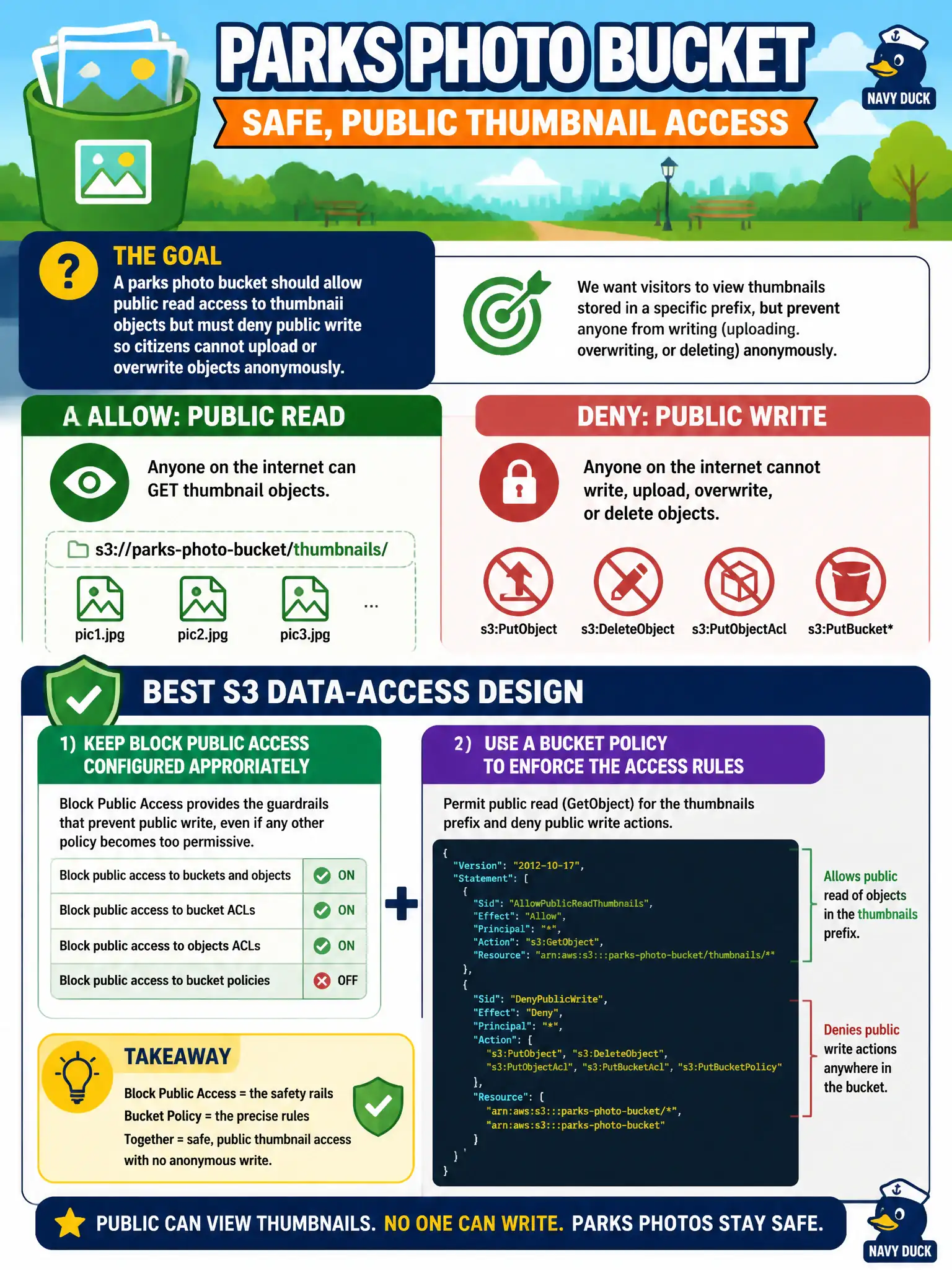
Thumbnails can sit in a glass display case (public read) while the supply closet stays locked (no public write). Block Public Access plus a careful GetObject-only policy for that prefix is the parks-friendly mix.
Full Explanation
A parks photo bucket that should allow public read of thumbnail objects but deny public write needs Block Public Access configured appropriately for intentional public reads, plus a bucket policy that permits s3:GetObject for the thumbnail prefix (or objects) from Principal "*" while explicitly not allowing—and preferably denying—public s3:PutObject, DeleteObject, and ACL-mutating actions. That encodes a glass display case for thumbnails and a locked supply closet for uploads, which remain authenticated to parks roles only.
Turning off all Block Public Access settings and attaching a policy that allows s3:PutObject from Principal "*" fails integrity: anonymous users can upload or overwrite content, including malware. Making the bucket fully private and emailing ZIP files of every photo weekly fails the public-thumbnail UX requirement and scales poorly. Enabling public write but disabling public read fails the threat model spectacularly—attackers can store payloads the city hosts.
Exam caveat: Block Public Access settings interact with bucket policies; for public-read thumbnails you typically relax only what is required and keep public ACLs blocked if policy-based GetObject is enough. Operational check: anonymously GET a thumbnail URL successfully, anonymously PUT to the same prefix and confirm AccessDenied, and verify authenticated parks roles can still upload through a private path or separate ingest bucket.