
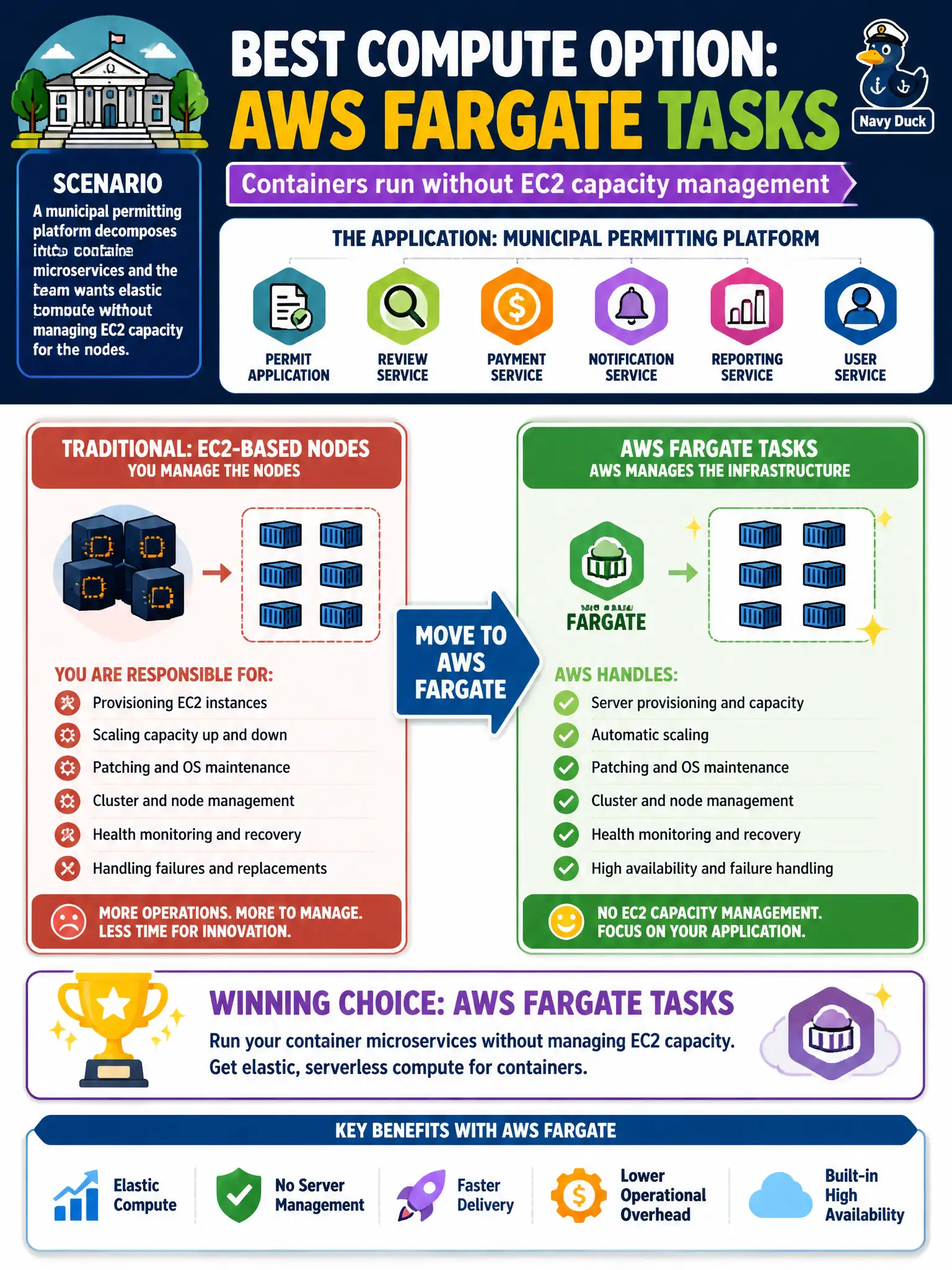
A municipal permitting platform decomposes into container microservices and the team wants elastic compute without managing EC2 capacity for the nodes. Which compute option best removes EC2 node operations?
Select an answer to reveal the explanation.
Short Explanation
Containers without babysitting servers is the Fargate pitch—drop the task, skip the node farm. For city permitting microservices that want elasticity without EC2 capacity chores, Fargate fits. Self-managed ECS on EC2, Dedicated Hosts, or bare metal put the node ops right back on the team.
Full Explanation
Municipal permitting microservices that need elastic container compute without EC2 node operations should run on AWS Fargate. Fargate launches tasks without customers provisioning, patching, or capacity-planning EC2 instances for the cluster nodes, which removes the node-farm chores that many city teams want to avoid. That serverless container model is the Task 3.2 answer when “no EC2 capacity management” is an explicit requirement for the platform. ECS on self-managed EC2 with manual ASG capacity planning for every service fails the stated goal because the team still owns instance capacity, scaling groups, and host operations. Dedicated Hosts reserved years ahead for each microservice replica fail conceptually: they maximize host-level control and commitment rather than removing EC2 operations, and they are a poor fit for elastic microservice replicas. Bare-metal EC2 with Docker installed and no orchestration control plane fails because unmanaged hosts leave scheduling, healing, and capacity entirely to the team and abandon managed orchestration benefits. Exam caveat: Fargate removes node management but you still design task CPU/memory, networking, IAM task roles, and service autoscaling; some specialized hardware needs may still require ECS on EC2. Operational check: deploy a permitting service as Fargate tasks behind a load balancer, verify no customer-managed ASG is required for nodes, load-test scale-out, and confirm CloudWatch metrics cover task CPU, memory, and running count.