
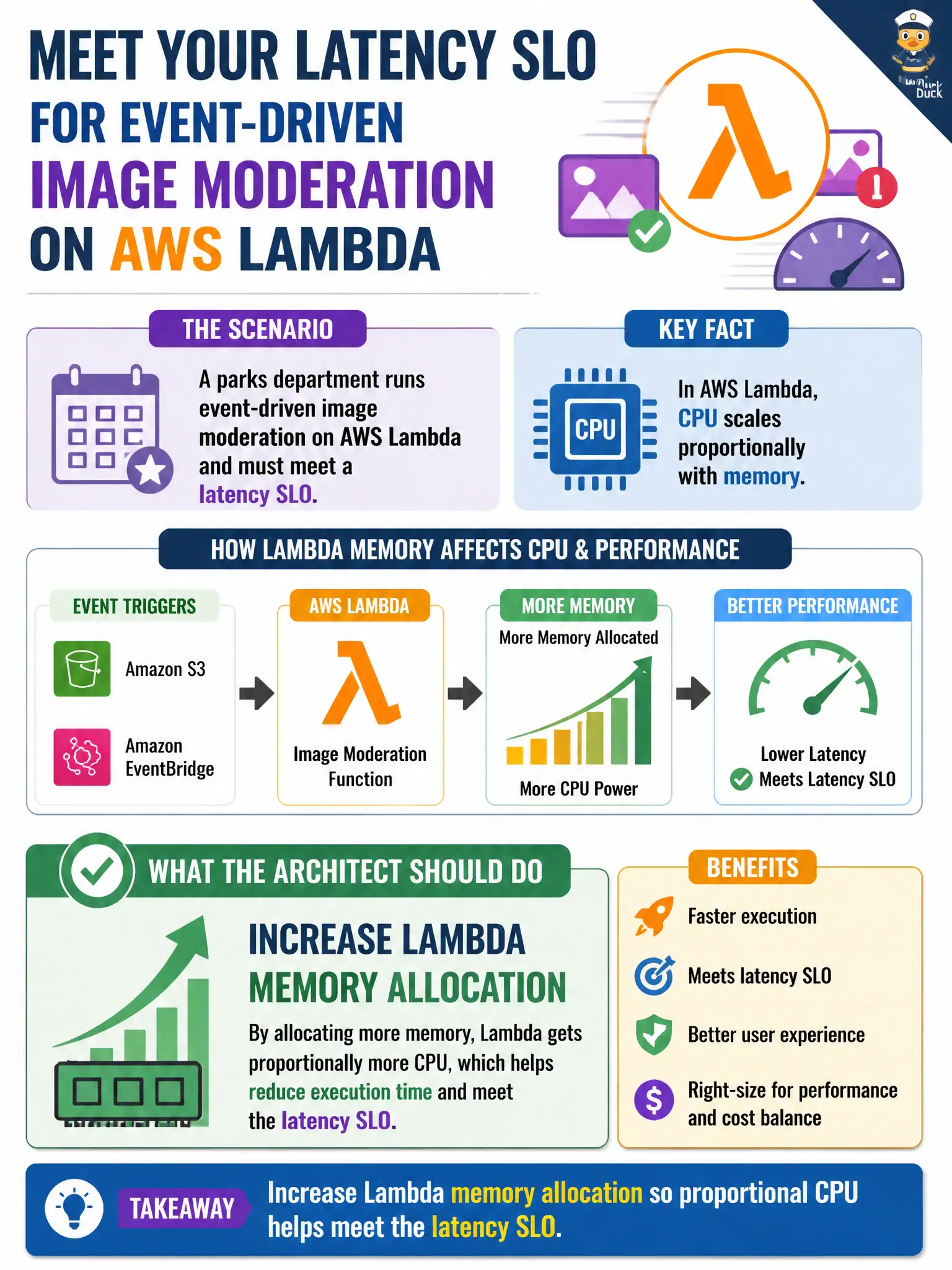
A parks department runs event-driven image moderation on AWS Lambda and must meet a latency SLO. CPU for Lambda scales with memory. What should the architect do?
Select an answer to reveal the explanation.
Short Explanation
Lambda’s CPU rides along with memory—like giving the worker both a bigger desk and a faster brain. Bumping memory (and thus CPU) is how you trim moderation latency to hit the SLO. Starving memory, parking on a tiny always-on box, or killing concurrency works against performance.
Full Explanation
AWS Lambda allocates CPU power in proportion to the memory you configure, so latency-sensitive event-driven work often improves when memory (and thus CPU) increases. A parks department image-moderation function that must meet a latency SLO should raise memory allocation enough for proportional CPU to finish faster under realistic image sizes. That tuning is the associate-level high-performing compute action for Lambda when CPU is the bottleneck, rather than abandoning serverless or starving the function of resources. Always setting memory to the minimum 128 MB to maximize cold-start savings regardless of latency fails because minimal memory also minimizes CPU and can violate the SLO even if cold starts look cheaper on paper. Replacing Lambda with a single t2.micro EC2 instance to guarantee fixed CPU shares fails conceptually: a tiny always-on box loses Lambda’s event-driven elasticity and can become a fixed bottleneck for bursty moderation. Disabling concurrent executions so each image waits in a single-threaded account queue fails because serializing all work destroys throughput and increases queue latency during civic upload spikes. Exam caveat: more memory costs more per millisecond but can reduce duration enough to meet SLOs; measure end-to-end latency and concurrency, and remember cold starts, package size, and downstream API limits still matter. Operational check: load-test representative park images at candidate memory sizes, pick the smallest setting that meets the latency SLO with headroom, and monitor duration, throttles, and errors in CloudWatch before locking the configuration.