
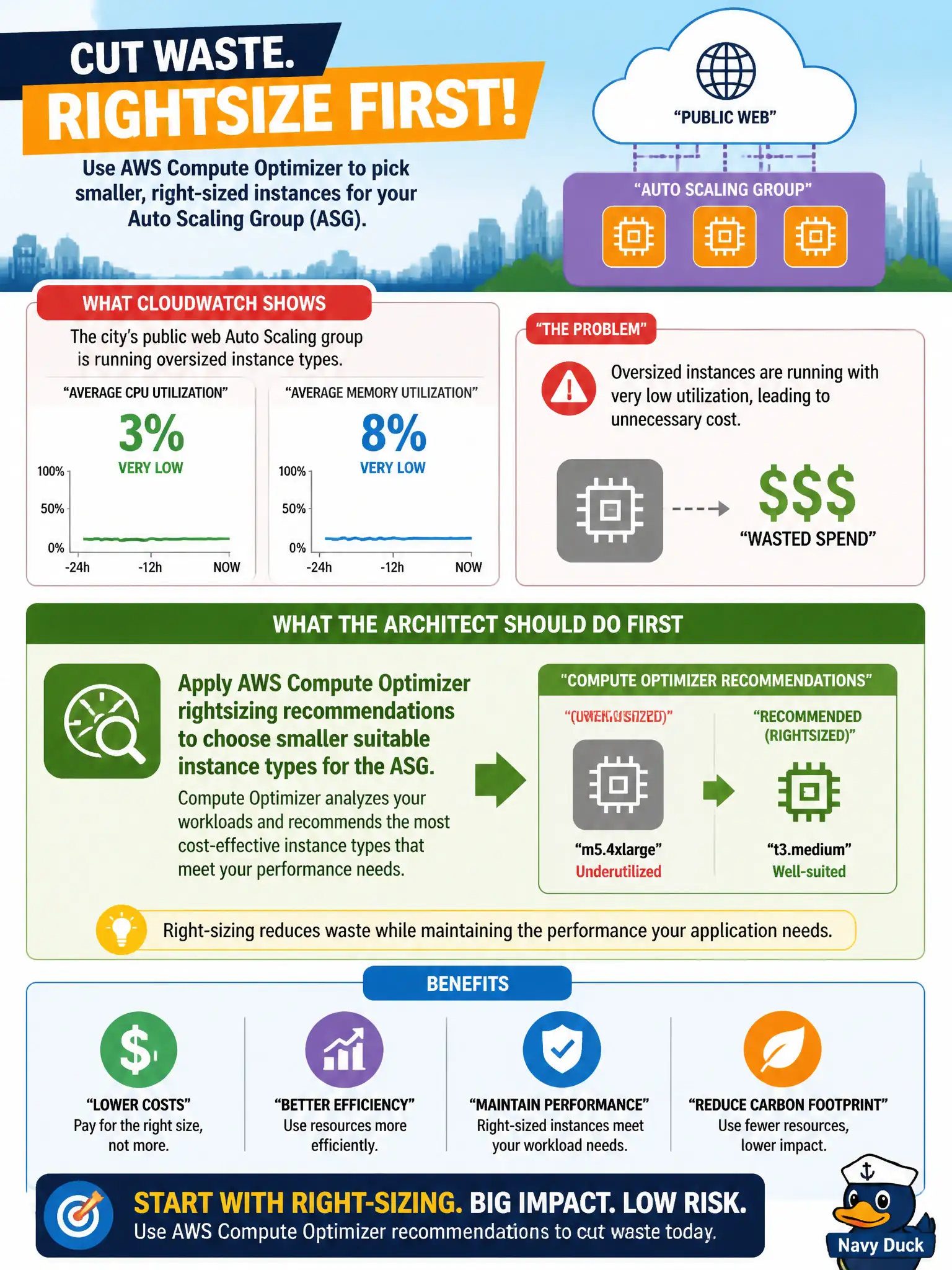
CloudWatch shows a city's public web Auto Scaling group averaging very low CPU and memory on oversized instance types. What should the architect do first to cut waste?
Select an answer to reveal the explanation.
Short Explanation
If the city's web ASG is lounging on huge boxes, Compute Optimizer is the friendly tape measure—shrink to what the metrics justify and stop tip-jarring oversized instances.
Full Explanation
Applying AWS Compute Optimizer rightsizing recommendations to choose smaller suitable instance types for the Auto Scaling group is the correct first step when CloudWatch shows very low CPU and memory on oversized instances for a city’s public web fleet, because Optimizer turns utilization evidence into concrete instance-type guidance while preserving the ASG elasticity model. Shrinking wasteful vertical size cuts cost before more exotic changes. Adding a Network Load Balancer in front of every instance regardless of protocol needs fails because an extra load balancer does not fix over-provisioned instance classes and may add cost without addressing utilization. Switching the fleet to bare-metal only to improve utilization metrics fails conceptually: bare metal is a tenancy/performance choice, not a rightsizing strategy, and can increase cost while metrics still show underuse if the app does not need that capacity. Disabling detailed monitoring so low utilization is hidden fails as an anti-pattern that conceals waste instead of removing it. Exam caveat: rightsizing via Compute Optimizer/metrics comes before irrelevant LB changes, bare-metal mandates, or hiding monitoring. Operational check: enable sufficient metrics; review Compute Optimizer findings for the ASG; stage a smaller instance type in nonprod; roll out with CloudWatch alarms on latency/error rates; and re-check Optimizer after a soak period so the city’s web tier stays right-sized as traffic evolves.