
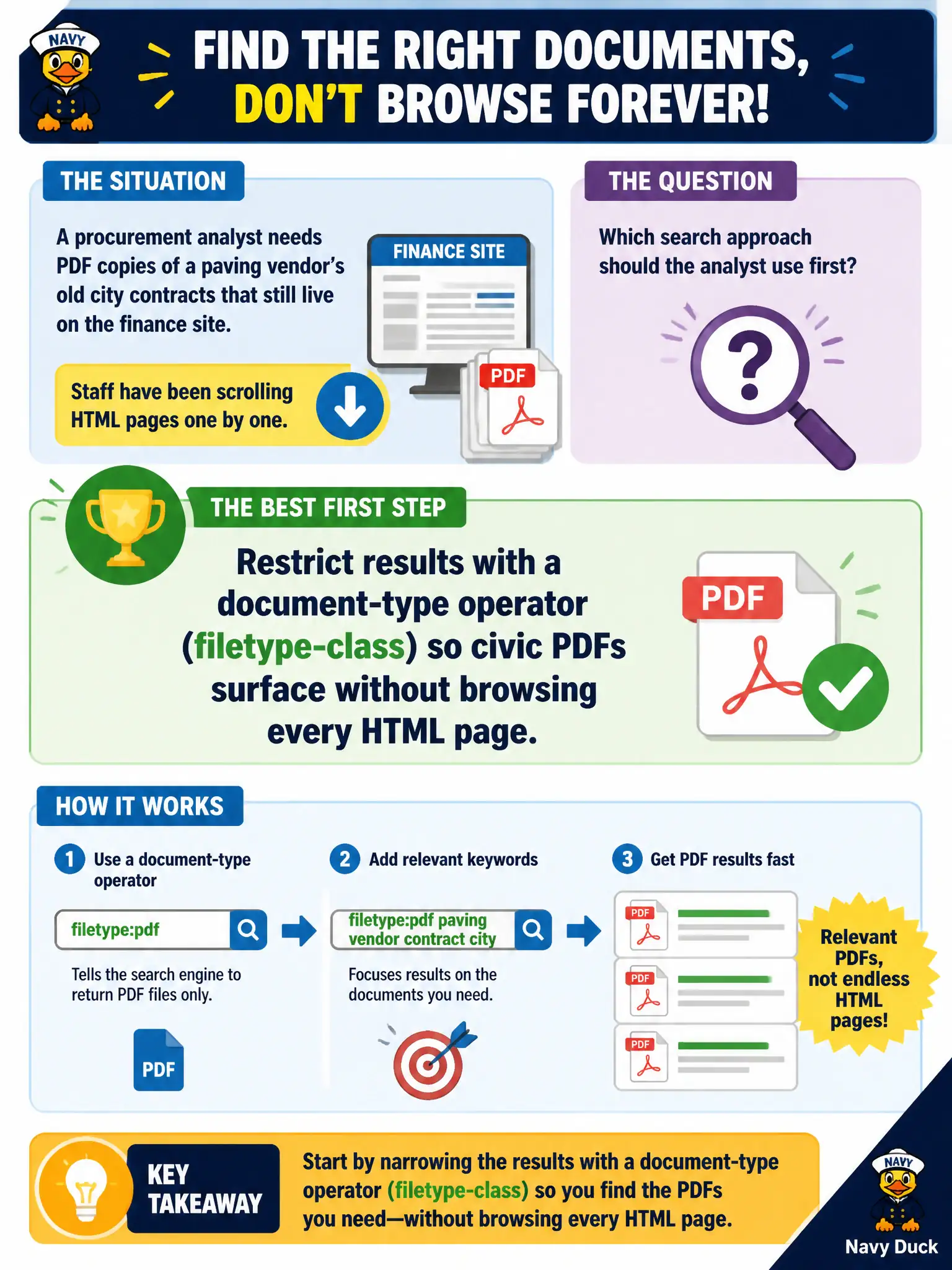
A procurement analyst needs PDF copies of a paving vendor's old city contracts that still live on the finance site. Staff have been scrolling HTML pages one by one. Which search approach should the analyst use first?
Select an answer to reveal the explanation.
Short Explanation
Hunting contracts by clicking every finance page is like looking for one memo by walking every hallway. A filetype-class operator tells the engine you want documents, not blog chrome. The PDFs were already public—you just stopped making the website a maze.
Full Explanation
When old paving contracts still live as PDFs on the finance site, the first search approach should restrict results with a document-type operator so civic PDFs surface without scrolling every HTML page. Blindly downloading the entire finance CMS with an unauthenticated crawler is heavy-handed and may violate terms or overwhelm systems. Emailing the vendor from a personal account to resend contracts shortcuts around public collection and mixes outreach with OSINT. Running an unquoted keyword search for the vendor name and opening the first news hit may miss on-domain contract PDFs entirely. Exam caveat: site and filetype operators should be combined when the domain is known, and results still need retrieval dates and locators. Operational check: run a site-restricted filetype query for the vendor identifiers, capture matching PDF URLs, and only then browse HTML if gaps remain. Keep the civic purpose, method limits, and exhibit labels aligned so reviewers can see what was public-source work versus other authorities. Document residual uncertainty explicitly rather than implying completeness. Prefer reversible public methods and preserve exhibits that a second analyst can reopen without guessing.