
A detection engineer writes a BIOC for a supported cloud-audit behavior and wants to know whether last week's events would have matched before anyone is paged. How should that rule enter the tenant?
Select an answer to reveal the explanation.
Short Explanation
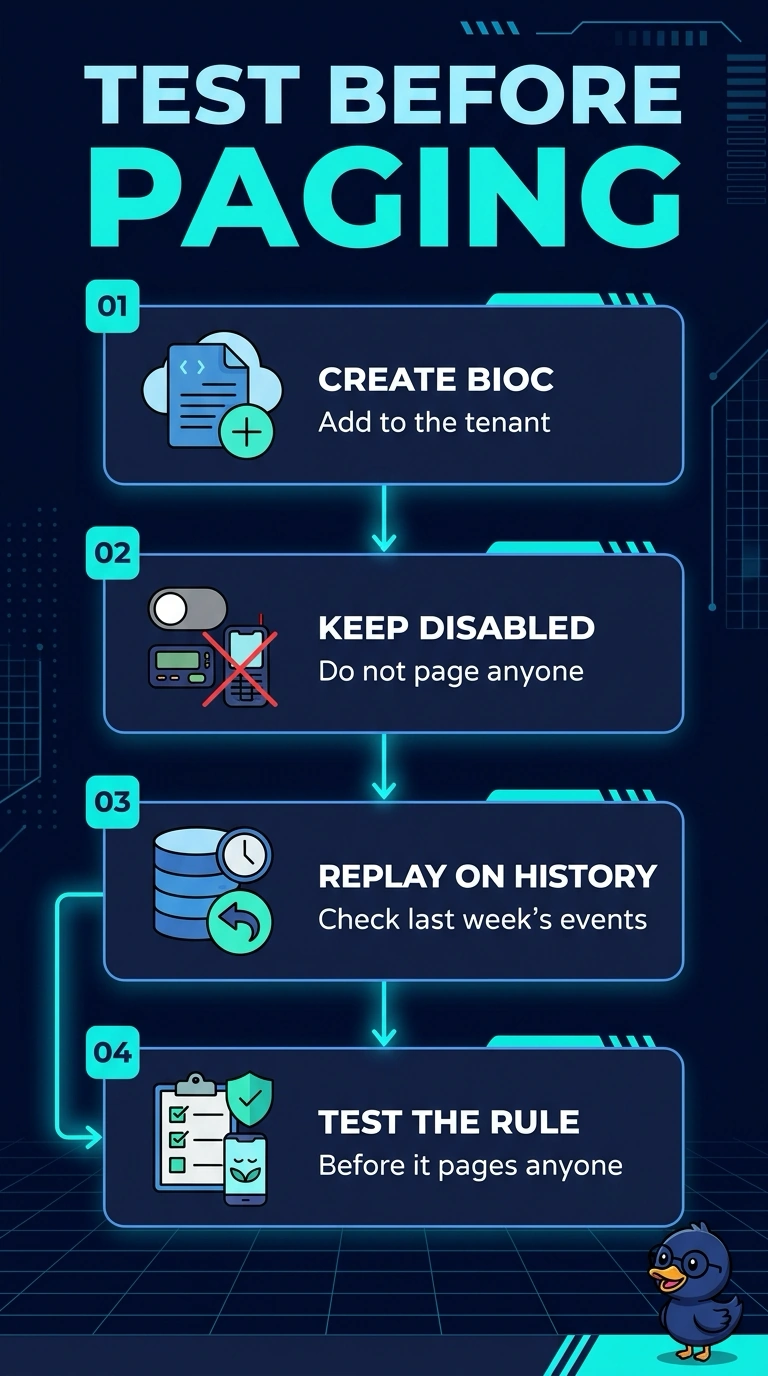
You can check last week’s matches without paging anyone by creating the BIOC disabled, replaying history, and testing the results first. That validation helps you avoid enabling it immediately with a host-isolation playbook or disguising it as an IOC or vulnerability policy.
Full Explanation
Create the BIOC disabled, replay last week’s supported cloud-audit events, and test the matches before it pages anyone. This lets you measure what the rule would detect without notifying the SOC. A BIOC detects behavior on endpoint data or supported cloud-audit data and must filter event_type; replaying history before enabling it validates this behavior. Saving the rule as an IOC that matches a user name against endpoint hash data does not work: an IOC matches a known hash, address, domain, or path on endpoint data, not a user name or cloud-audit behavior. Converting the rule into a vulnerability policy also misses the goal. Such a policy evaluates vulnerabilities and creates or ignores issues according to first-match order; it does not evaluate cloud-audit behavior. Enabling the BIOC on day one and attaching a playbook that isolates every matching host skips validation and risks taking action on every match before you know the volume. A playbook is a response, not a substitute for testing the detection. Exam caveat: IOC matching and vulnerability policies can be useful for their intended purposes, but neither tests this cloud-audit behavior before the BIOC is enabled. Practical check: keep the BIOC disabled, replay the relevant history window, count the matches, and only then decide whether to enable paging.