
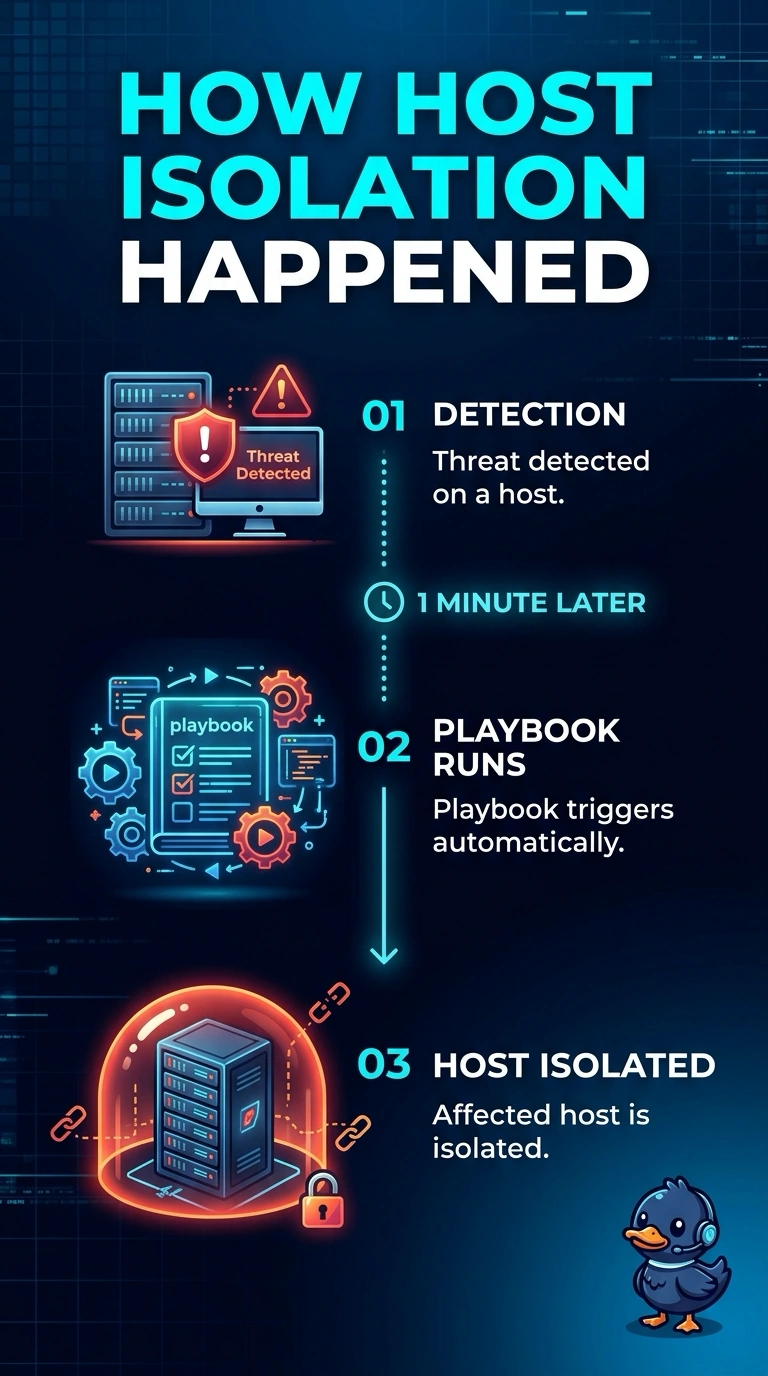
A BIOC matches a process chain on a clinic virtual machine, and the host is isolated a minute later. A teammate says the BIOC itself isolated the machine. The case audit trail records a playbook execution that issued the isolation action. What performed the isolation?
Select an answer to reveal the explanation.
Short Explanation
You matched a process chain with a BIOC, but the playbook is what isolated the host after the detection. The trap is treating the BIOC query—which filters for event_type—as if it also issued the isolation command.
Full Explanation
A BIOC detects behavior; it does not remediate the host by itself. Here, the BIOC matched the process chain, and the case audit trail records a playbook execution that issued the isolation action. The playbook ran after the detection and isolated the clinic virtual machine. The vulnerability policy row that ignores findings on leased assets creates or ignores an issue according to its first match; it does not isolate a host. A vulnerability policy can also prevent a build or new deployment when the agent and admission control are in place, but an ignore row for leased assets is not endpoint isolation. The Kubernetes Connector match rule evaluates kind, metadata, and spec; it does not evaluate a process chain or isolate a host. The BIOC query itself can filter event_type to detect the behavior, but putting an isolate command inside that query confuses detection with response. Exam caveat: without an attached playbook, a matching BIOC can still alert or raise an issue while leaving the host online. Practical check: open the incident, confirm the BIOC matched the process chain, and verify in the audit trail that the playbook run issued the isolation action.