
A pharmacy checkout API returns card numbers in the response body, but the Cortex API inventory shows no sensitive-data column for those calls. The PCI data profile is present and disabled. What must be true before that column can appear?
Select an answer to reveal the explanation.
Short Explanation
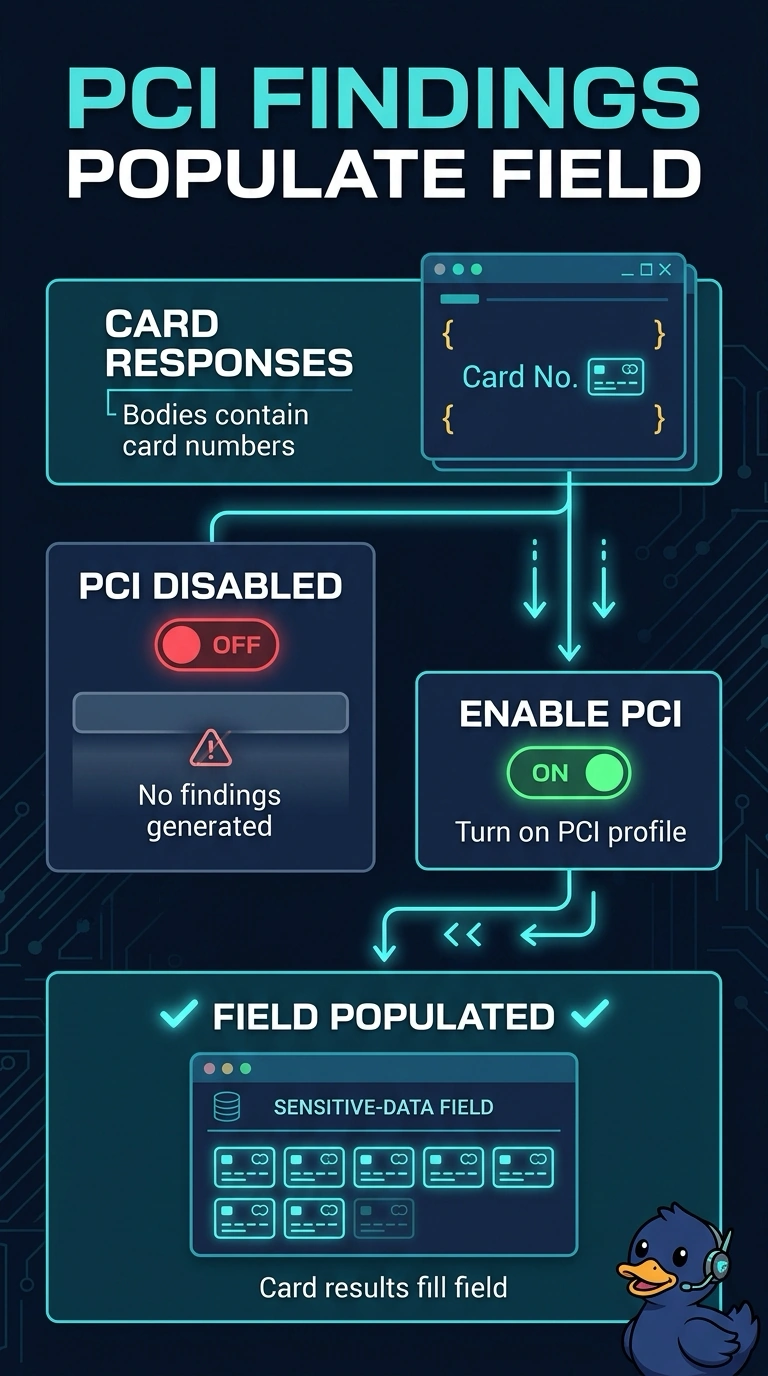
You already collected the card traffic, you just have not turned on its classifier yet. Only enabled profiles generate their classification findings; enabling PCI permits its matching card-data results to populate existing API inventory fields. Other enabled profiles can independently classify their own matching data, so disabling PCI does not necessarily hide every sensitive-data result.
Full Explanation
Card numbers in these pharmacy checkout responses fall under the PCI data profile, which is present but disabled, so the engine does not produce PCI classification findings for those operations even though the calls are inventoried. Only enabled profiles generate their classification findings; enabling PCI permits its matching card-data results to populate existing API inventory fields. Other enabled profiles can independently classify their own matching data, so disabling PCI does not necessarily hide every sensitive-data result. That is why enabling the PCI profile is required: it activates the pattern set that recognizes card data and allows matching results to populate the sensitive-data field already used by inventory. Reinstalling the gateway shared-flow policy only re-collects the same response traffic and does not change whether PCI is enabled, so repeated collection still yields no PCI findings. Importing an OpenAPI file that stops listing the card field changes specification comparison for the operation, not data classification, and hiding a field in the contract never turns on a profile or inspects the live body. Attaching an endpoint prevention profile controls agent enforcement on hosts, not API inventory classification, so stripping or allowing fields at the endpoint does not generate PCI findings.