
A community clinic installed the XDR agent on front-desk PCs. The agents heartbeat, and no prevention profile is assigned through an endpoint group. What can be concluded from these observations?
Select an answer to reveal the explanation.
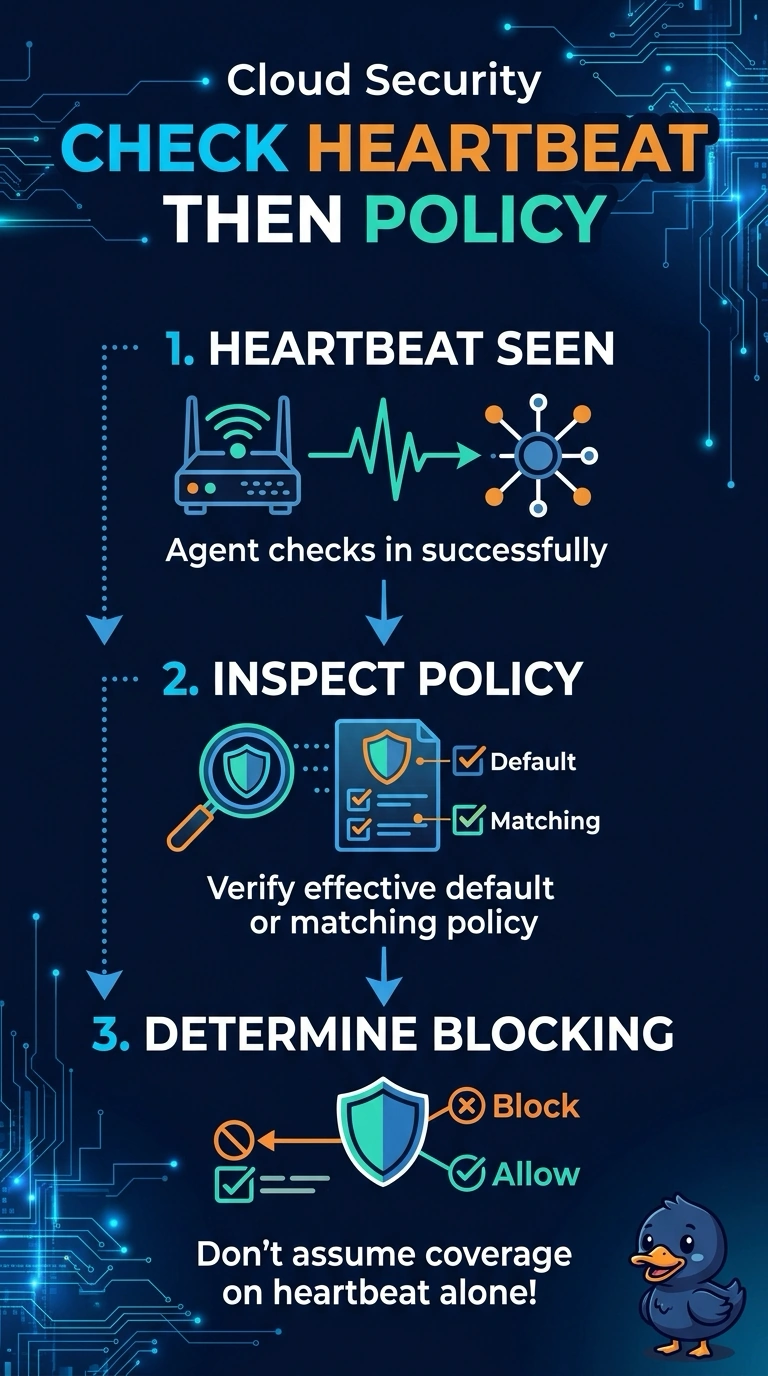
Short Explanation
You can see the agents are checking in, so start there. Agents receive default malware prevention profiles. A heartbeat alone does not prove complete coverage, but absence of a custom group assignment does not establish that prevention is absent.
Full Explanation
Agents receive default malware prevention profiles. A heartbeat alone does not prove complete coverage, but absence of a custom group assignment does not establish that prevention is absent. That is why the correct conclusion is to treat the heartbeat as proof the agents check in and then inspect their effective default or matching prevention policy to determine blocking. Assuming full prevention from the install alone overstates what deployment proves, because install and check-in do not document which malware prevention rules are effective for those hosts. Expecting protection inherited from a Cloud Workload image rule confuses platforms, because that rule scans image or disk outcomes such as misconfiguration, malware, or secrets and it runs only when a Cloud Workload policy includes it, which is not endpoint prevention on a front-desk PC. Inferring the same blocking as an assigned profile from the heartbeat alone skips verification, because heartbeat and protection are separate signals. Exam caveat: policy management itself is limited by endpoint scope, so the person who can see the PC may not be allowed to edit the profile that should be assigned. Operational check: open the endpoint record for the front-desk PCs, identify the effective default or matching malware prevention profile, and verify blocking behavior against that policy.