
API tokens and cloud keys sit in a cloud data store. The team wants those values classified in the store, and a teammate says the same switch replaces secret scanning in git. Which control fits the data store?
Select an answer to reveal the explanation.
Short Explanation
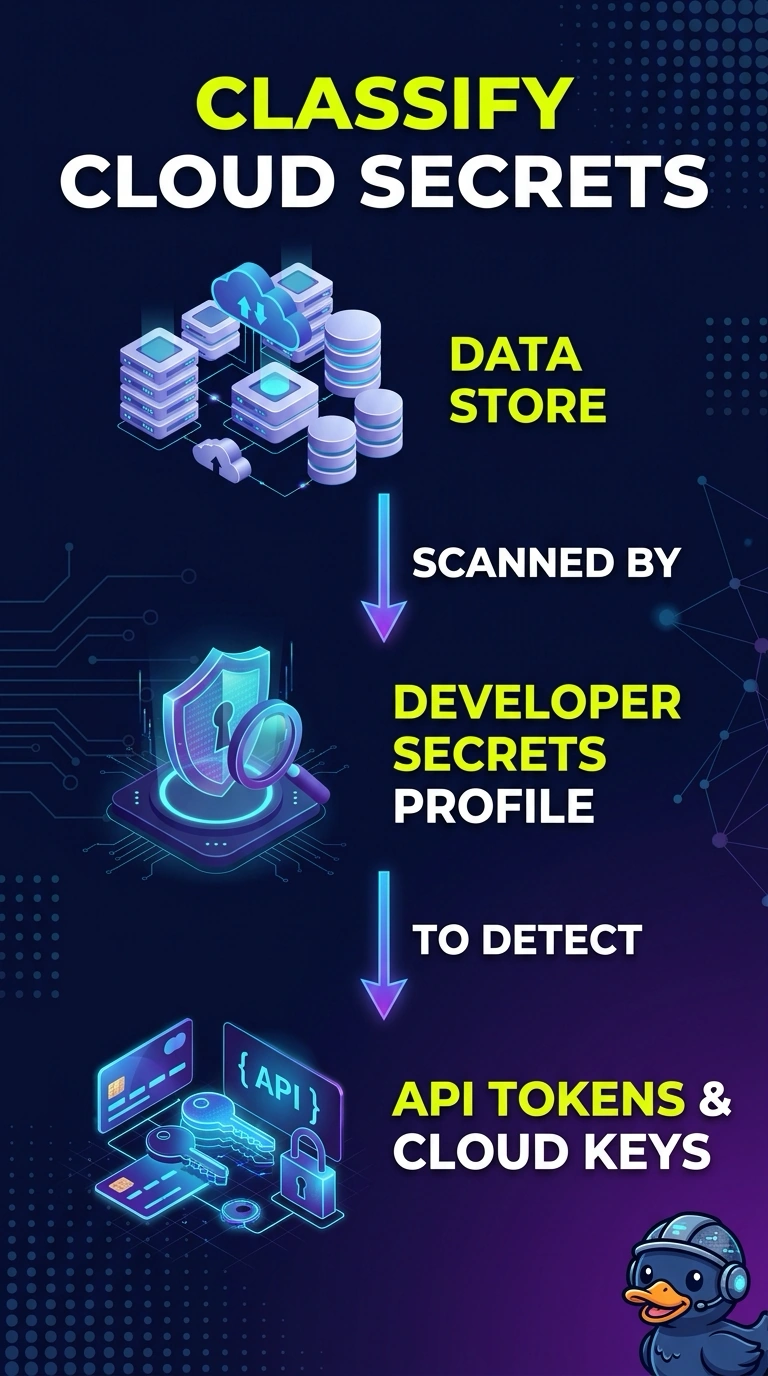
You can think of the Developer Secrets profile as the label for tokens and keys in your data store; it does not replace the repository secret scanner. PCI and PHI classify different kinds of data, while the Cloud Workload image rule does not scan the store and repository in one pass.
Full Explanation
Developer Secrets is the data-classification profile for tokens and keys in data stores. Enabling it lets those API tokens and cloud keys become findings in the store; it is not the repository secret scanner, which scans git. The PCI profile is for cardholder data, such as card numbers. It neither scans git history nor classifies API keys as card data, so the extra claim attached to that option is incorrect. A Cloud Workload image rule examines image contents when a workload policy runs it; it does not read a data store and a git repository in one pass, or replace both secret checks. The PHI profile is for health data, and an API key is not clinical data, so PHI will not describe these tokens. Exam caveat: patterns within Developer Secrets still need to be enabled. A repository secret baked into an image layer is another case: it produces a workload secret result, not a data-store profile finding. Practical check: enable Developer Secrets on the store, confirm that a known token is classified there, and verify that a secret committed in git still requires the repository secret scanner.