
A platform team wants a custom check of Kubernetes Deployment kind, metadata, and spec, and they will write the check in Rego. Which scanner and rule shape fit?
Select an answer to reveal the explanation.
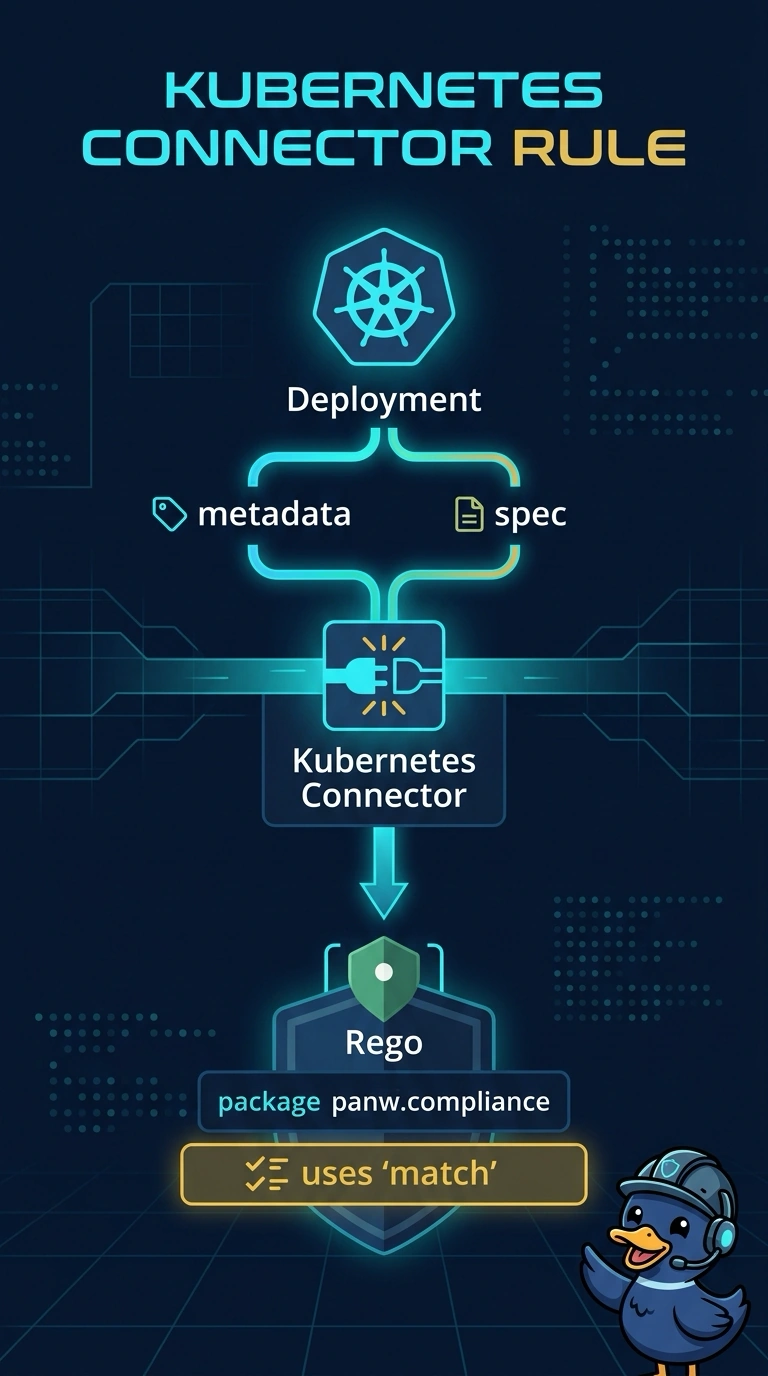
Short Explanation
Think of the connector as the clipboard that copies each Deployment off the cluster for review. To judge kind, metadata, and spec in Rego, you need the Kubernetes Connector, package panw.compliance, and a match rule—not a disk scan, XDR agent rule, or standalone admission controller. Match is the right rule shape here.
Full Explanation
The Kubernetes Connector supplies the cluster resource feed, allowing a custom Rego rule to evaluate a Deployment’s kind, metadata, and spec. The fitting rule uses package panw.compliance and match; deny is not the rule shape for this connector-based posture check. An agentless disk scan running a Python script against the node filesystem does not inspect Deployment objects through the Kubernetes API, so it cannot perform this check. An XDR agent rule that denies the object during admission confuses a host-oriented agent action with evaluating cluster resource posture in a connector rule. The admission controller by itself, with a deny rule but no connector resource feed, also lacks the feed needed to assess the Deployment’s fields as described; admission denial is a different control from this posture evaluation. Exam caveat: installing a connector without assigning its rule to a policy produces no workload issues, so the rule must also be placed on a Cloud Workload policy. Practical check: open the custom rule and verify package panw.compliance and a match rule, then confirm a Deployment change appears through the connector feed.