
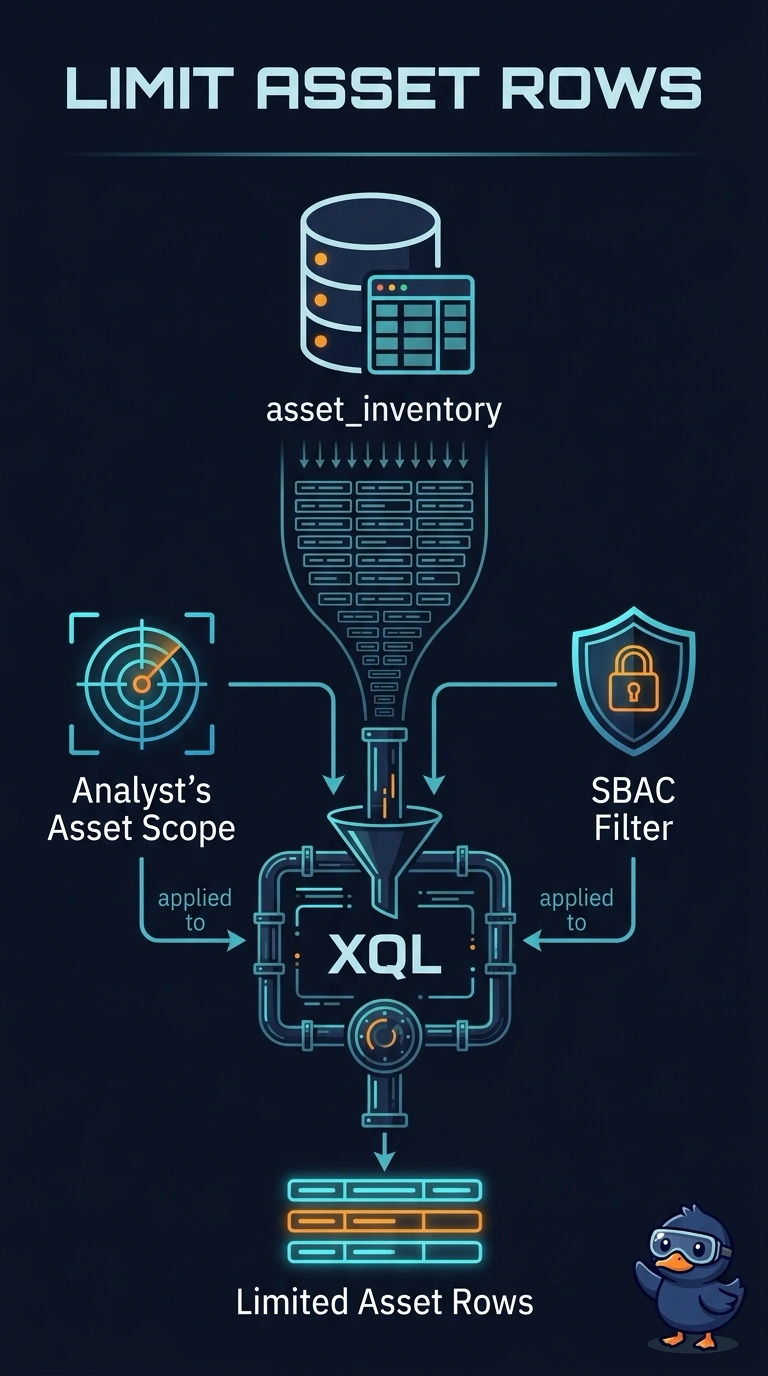
A logistics analyst scoped to one business unit runs XQL on asset_inventory and sees storage accounts from a second unit. Which control is supposed to limit those rows to the analyst's assets?
Select an answer to reveal the explanation.
Short Explanation
The warehouse badge, not a sentence you add to the clipboard, decides which aisles you can see. XQL on asset_inventory follows asset scope, so that scope is what should limit the rows. The trap is writing a business-unit phrase into the query, or reaching for a static hostname group, when the filter is the analyst's dynamic scope.
Full Explanation
XQL over asset_inventory follows asset scope. A user scoped to one business unit should see assets in that scope's dynamic groups, not a hand-written filter inside the query. Rows from a second unit mean those assets are inside the caller's groups, or the query ran as an identity whose scope is wider than the analyst's. The control that is supposed to limit the dataset is still asset scope. Typing a business-unit phrase into the query is not what SBAC applies, and asset_inventory is not exempt from asset scope. Row-level dataset scope is a separate control from asset scope. Leaving asset scope unused does not make row-level scope the filter for this dataset. A static group cannot be an SBAC scope, and hostname is not a supported scope attribute, so a hostname list cannot define this access. Exam caveat: a dashboard the role may open can show empty widgets for the same scope, which is the opposite symptom from seeing too many rows. Operational check: open the analyst's dynamic asset groups, see whether the second unit's accounts match the filter, and correct the group rather than editing the XQL text.