
After a Broker VM registers, the plant team schedules a change window for every later feature update of that appliance. What is the better operating plan?
Select an answer to reveal the explanation.
Short Explanation
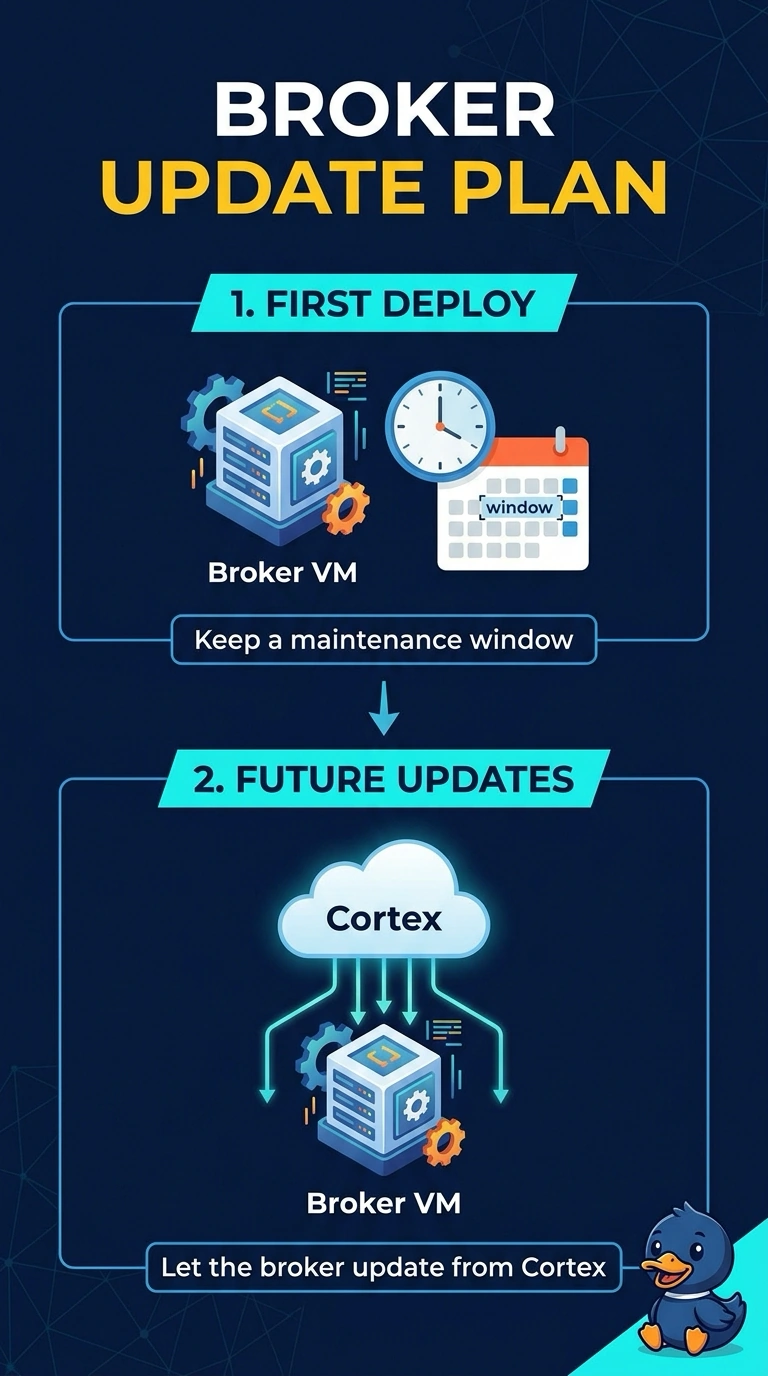
You schedule the moving van once, and the mailbox keeps its own updates after that. The Broker VM updates from Cortex after it is registered, so you plan a window for the initial deploy rather than for every feature. The trap is rebuilding an outpost or hand-installing packages on a closed appliance.
Full Explanation
The Broker VM updates from Cortex. The careful window belongs on the initial deployment and registration, not on every later feature, because the appliance takes those updates itself. Rebuilding an outpost template does not update the broker. An outpost is a scan stack in a dedicated account, and its template apply is a different change from broker software. Installing third-party packages by hand violates the closed appliance. Extra software is not how the broker receives features, and a third-party agent is not allowed on it. Pointing the broker at a public registry confuses a registry integration, which feeds image scanning, with the broker's own update path. The broker is not an image source you scan in order to patch it. Exam caveat: a failed update path back to Cortex can leave the broker stale, which is a connectivity problem, not a reason to open the appliance for manual packages. Operational check: after registration, confirm the broker reports a current build taken from Cortex, and confirm no outpost apply or extra package was required for that build.