
A radiology group uses Snowflake as its cloud-managed database and wants DSPM through the provider API. Managed-database inventory/configuration APIs are not automatically access to row contents, so use that service's current DSPM onboarding guide for content-read authentication, network path and scan mode. A teammate starts building a Broker VM for it. What is the right integration?
Select an answer to reveal the explanation.
Short Explanation
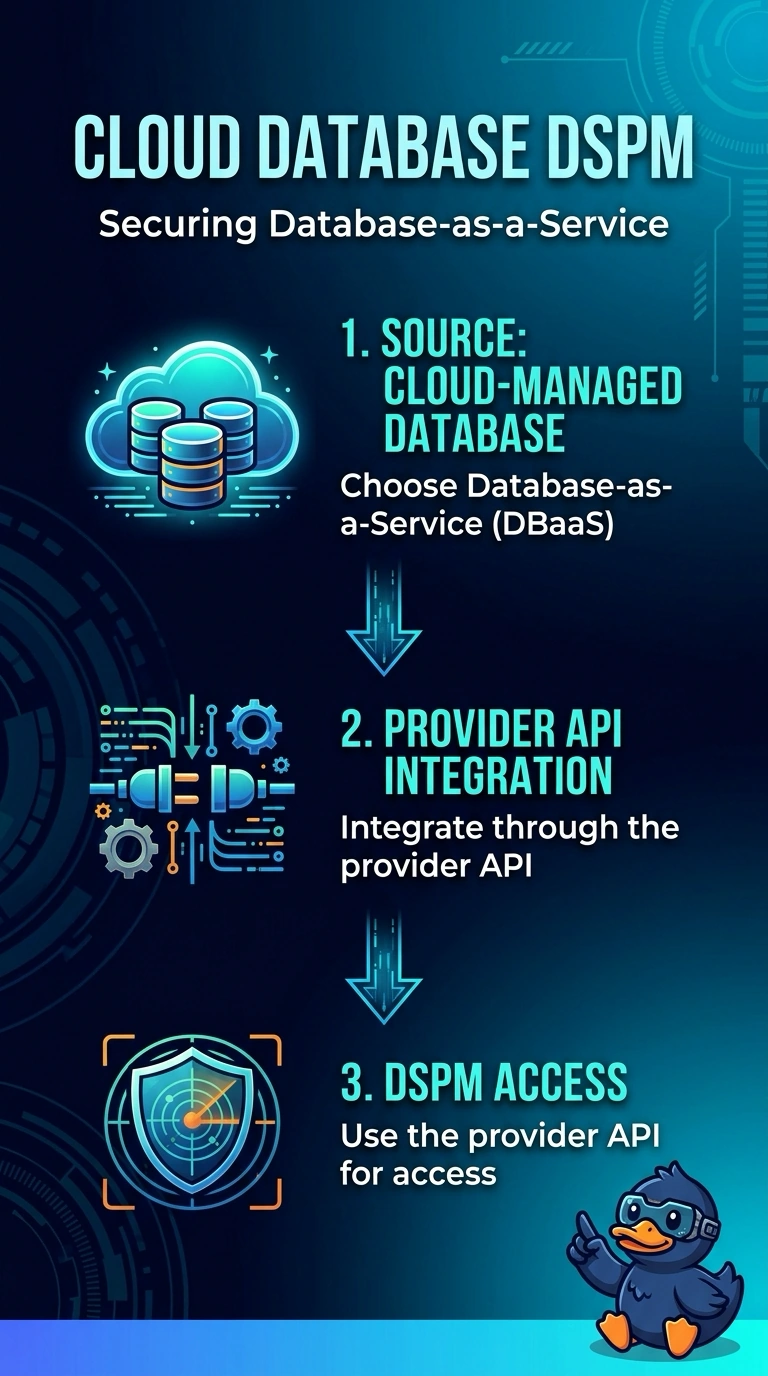
You can use Snowflake’s provider API integration for database-as-a-service sources, following its current DSPM onboarding guide. You still need the specified content-read authentication, network path and scan mode, since inventory APIs alone do not provide access to row contents. A Broker VM is not needed just because the source is a database.
Full Explanation
SaaS and database-as-a-service sources use their APIs, while on-premises data sources use a Broker VM. Because Snowflake is a cloud-managed database, use the provider API integration for database-as-a-service sources, following Snowflake’s current DSPM onboarding guide for content-read authentication, network path and scan mode. Managed-database inventory and configuration APIs do not automatically provide access to row contents, so verify that the guide’s setup grants the required row-level read access. A Broker VM in a data center is appropriate for an on-premises database that the cloud API cannot see; placing one in front of this managed service adds a component the integration does not need. A GitHub webhook delivers development-system events that can support pipeline scanning, but commits are not a way to classify database table columns. An outpost scanner image is used for outpost scanning of a cloud account; Office 365 DSPM is cloud scan only, not an outpost image pull, so this does not provide the managed-database integration. Exam caveat: DSPM must still be included in the design, and classification profiles must be enabled or sensitive columns may remain invisible even after the API connection exists. Practical check: confirm Snowflake is connected as a provider API source using the guide’s authentication, network path and scan mode, and verify that the partly built Broker VM is not required for this source.