
A school district keeps sensitive mail and files in Microsoft 365 and has no Azure subscription. How should that data be connected for DSPM?
Select an answer to reveal the explanation.
Short Explanation
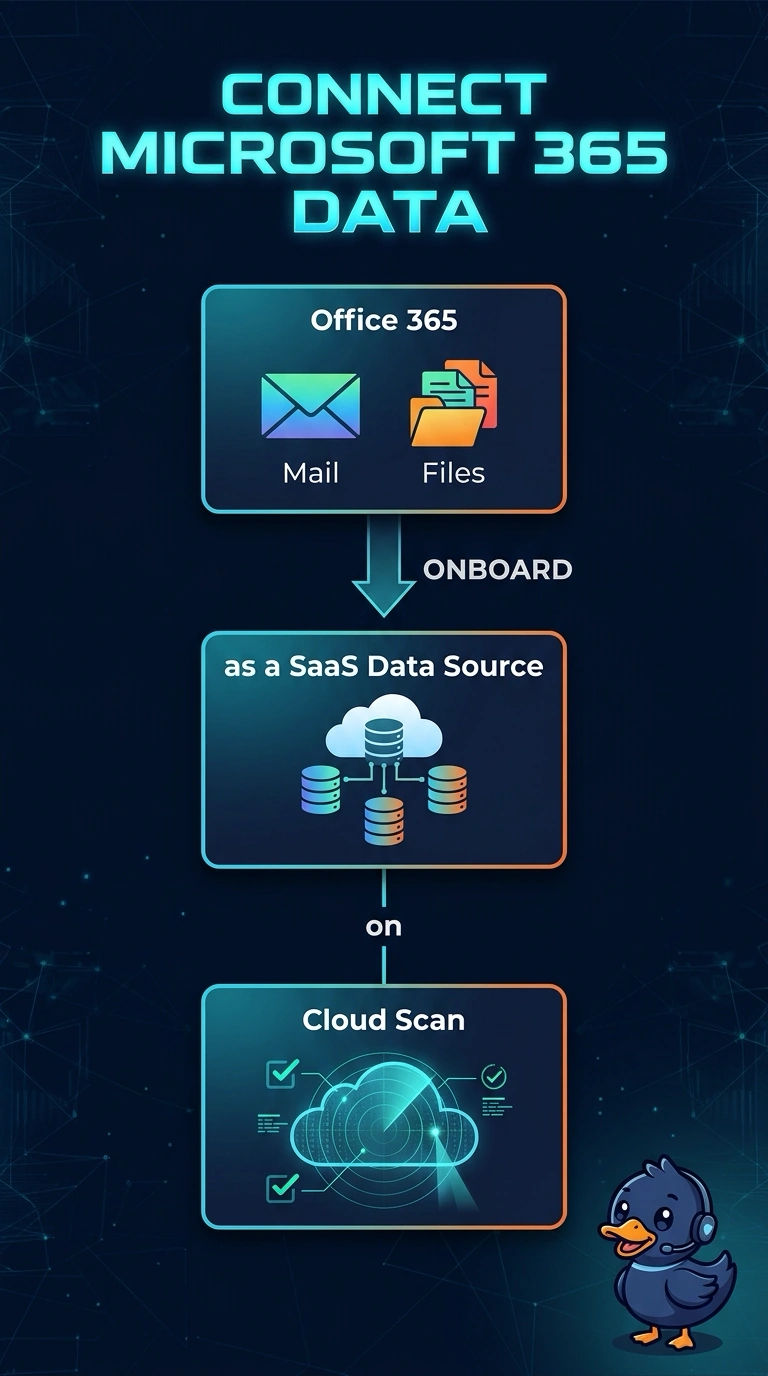
Think of the mailboxes as a filing cabinet in a different building from the Azure account you do not have. You onboard Office 365 as a SaaS data source, and SaaS DSPM uses cloud scan. The trap is inventing a subscription so the mail looks like blobs.
Full Explanation
Office 365 is a data-source onboarding, not a second cloud-account stack. The district's mail and files are reached through that SaaS connection. SaaS DSPM for Office 365 is supported on cloud scan only, which also fits a district that has no Azure subscription to put an outpost in. Creating an empty Azure subscription and pretending mailboxes are blobs builds a cloud account the data does not live in. DSPM would be pointed at the wrong kind of store. An outpost aimed at Exchange Online fails the same requirement, because SaaS DSPM is not an outpost feature, and an outpost also needs a real subscription to live in. An XDR agent on a domain controller is endpoint runtime coverage. It does not classify mail and files, and it is not a data-source integration. Exam caveat: cloud-scan DSPM can see customer data inside Palo Alto Networks accounts and deletes it after the scan, so the district should accept that trust tradeoff when it chooses Office 365 DSPM. Operational check: confirm the Office 365 source is onboarded with cloud scan and that no empty Azure subscription was created as a stand-in for the mailboxes.