
A robotics shop wants secrets and infrastructure-as-code findings in VS Code before commit. The documented Python runtime is already installed. The extension still will not authenticate. Which tenant-side requirements are missing?
Select an answer to reveal the explanation.
Short Explanation
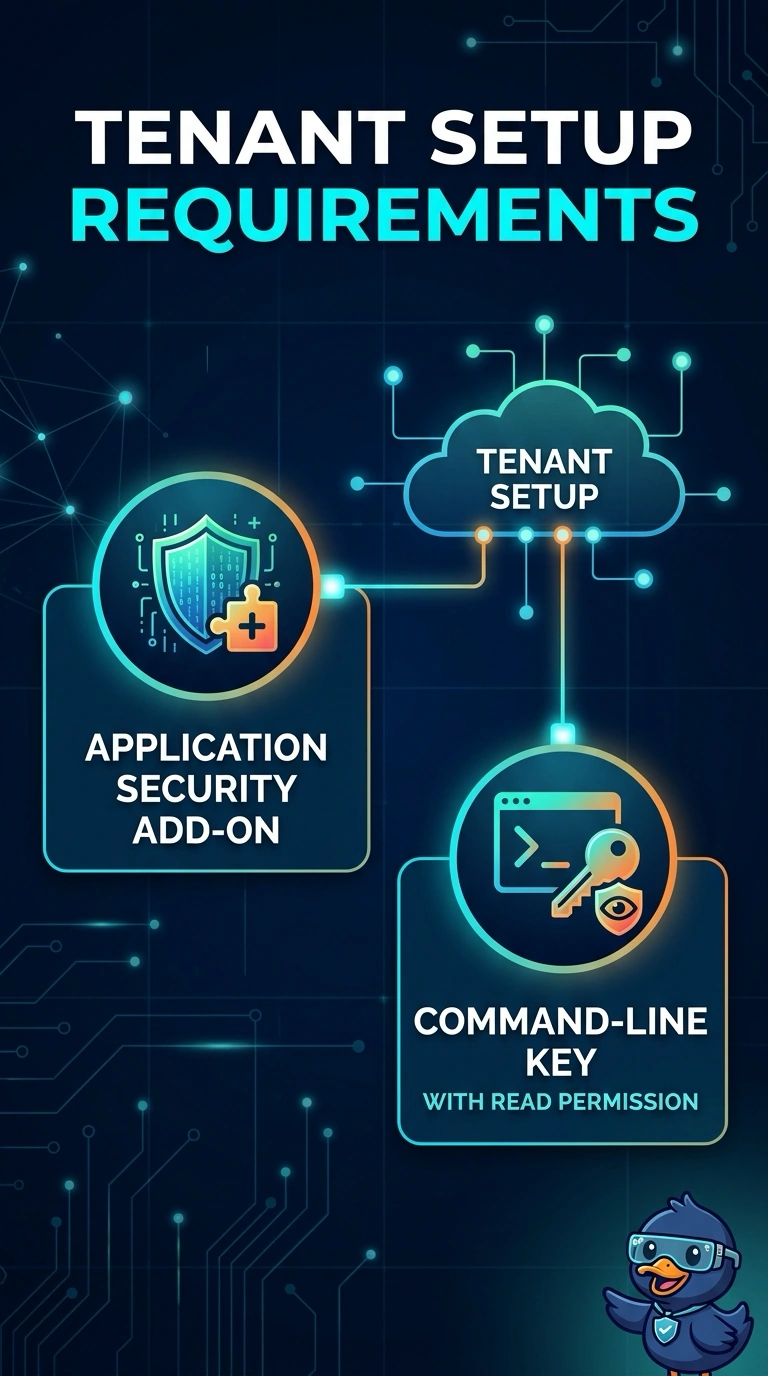
Think of the editor plugin as a reader that still needs a library card. You already have VS Code and the documented Python runtime, but authentication still requires the tenant’s Application Security add-on and a command-line key with read permission. The JetBrains plugin serves a different IDE, and a Cloud Workload image rule does not authenticate the editor.
Full Explanation
The VS Code extension uses the same engine as the command-line tool, so it needs the Application Security add-on and a command-line key with read permission. Your documented Python runtime is already installed, and because the issue is authentication, the missing tenant-side requirements are the add-on and read permission. The JetBrains plugin is for JetBrains rather than VS Code, so it cannot authenticate this extension. Python 3.8 and Node.js 18 are not the documented runtime: the extension uses Python 3.9 through 3.12, while Node.js 22 or newer is used for composition analysis; neither runtime substitutes for the add-on or key. A Cloud Workload image rule scans an image when a workload policy runs it; it does not authenticate an editor, and the IDE does not create or edit tenant policy. Exam caveat: an editor finding does not itself fail a pull request. The add-on and key enable the local report, while the pull-request trigger is what blocks a merge. Practical check: enable the Application Security add-on, create a command-line key with read permission, reconnect the extension, and confirm that a known secret in a scanned file is reported before commit.