
A registry scan finds a cloud key in an image layer. The same key is committed in the git repository that builds the image. What must the team fix?
Select an answer to reveal the explanation.
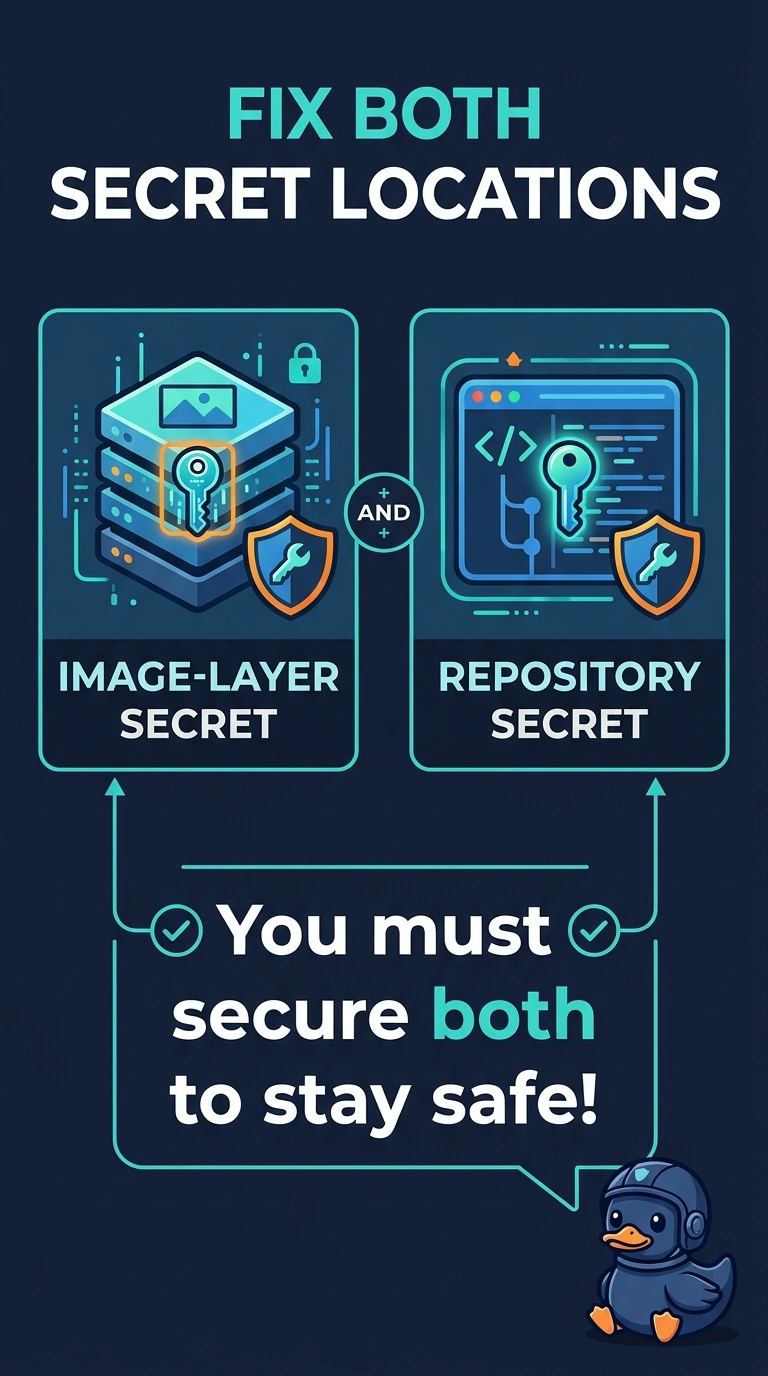
Short Explanation
Think of the same spare key hidden in the truck and written on the garage clipboard. You found it in an image layer and again in git, and those are different scanners, so you fix both copies. Clearing the image and leaving the repository file, or the other way around, puts the key back on the next build.
Full Explanation
A secret in an image is a workload result from image scanning. The same secret committed in git is a repository secret result from the repository scanner. They are different findings in different places, so Removing one stored copy leaves the other artifact. Rotating the live credential invalidates its old value wherever copied, but does not remove the old bytes from Git history or image layers; both artifact locations still need cleanup/rebuild. The team has to fix the image layer and the repository file. Repository scanning does look for secrets. Treating the image as the only copy ignores the committed key that the next build can bake back in. Image scanning does report secrets, along with vulnerabilities and malware. Dropping the image finding because of a theory that images cannot hold secrets leaves the layer in the registry. A CVSS result is a vulnerability score on a vulnerable component. A cloud key in a layer is a secret, not a vulnerability-score issue, and a vulnerability policy does not remove the key from git. Exam caveat: rotating the live cloud credential is still required, and that rotation is a cloud change in addition to deleting both copies the scanners found. Operational check: confirm the repository finding and the image finding both clear after the file and the layer are rebuilt, and confirm the old key no longer authenticates.