
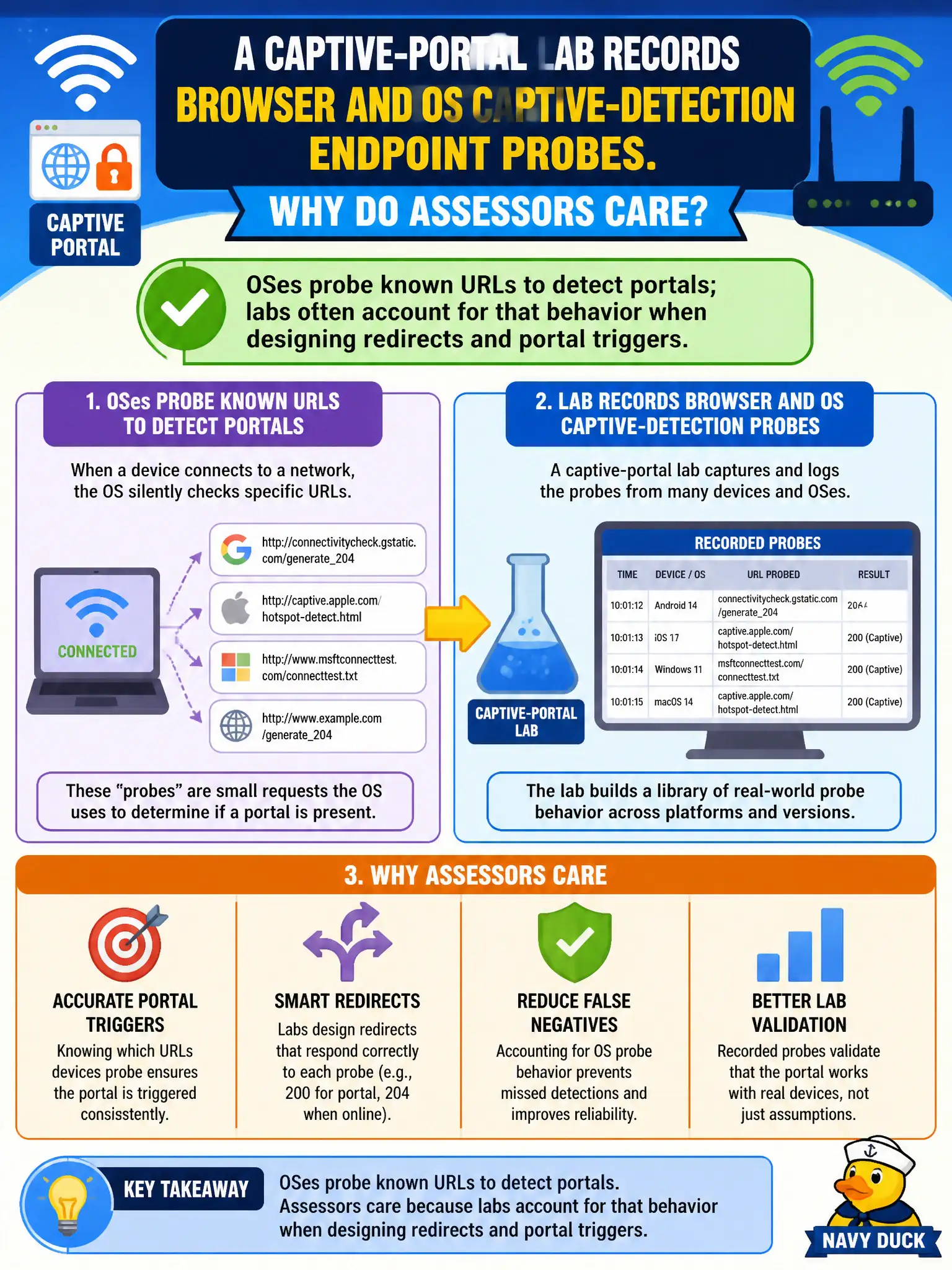
A captive-portal lab records browser and OS captive-detection endpoint probes. Why do assessors care about those probes?
Select an answer to reveal the explanation.
Short Explanation
Phones and laptops phone home to special URLs asking, "Am I stuck in a portal?" Labs that ignore those checkups wonder why the login page never pops. Design for the probe, not against it.
Full Explanation
Captive-portal labs care about browser and OS captive-detection endpoint probes because modern clients issue HTTP or HTTPS requests to well-known detection URLs after association to decide whether to present a captive user experience. Authorized labs often intercept, answer, or redirect those probes so the portal UX triggers reliably for awareness or credential-harvest technique classes under RoE. Captive-detection URLs do not prove WPS PIN recovery and should not be misread as crypto material. Operating systems do probe after joining networks; assuming they never probe breaks lab design for municipal awareness tests. Those probes also do not replace DHCP—addressing and detection are complementary parts of the portal path. Exam caveat: HTTPS detection endpoints and certificate quirks can make portal triggering inconsistent across OS versions; labs must account for that without leaving rogue services running past the approved window. Operational check: associate a municipal test client, observe probes toward known detection hosts, confirm the lab answers them as designed, and document OS-specific behavior in the civic workpapers. For municipal and campus engagements, keep the finding language tied to authorized scope, name the building or SSID class affected, and state the residual risk to residents or staff if the rejected option had been chosen. Re-validate after the next change window that the selected control still matches inventory, monitoring, and RoE abort criteria used by the city wireless program.