
A municipal AP shows WPS enabled only on the 2.4 GHz radio while 5 GHz appears disabled for WPS. What configuration mistake does that partial state illustrate?
Select an answer to reveal the explanation.
Short Explanation
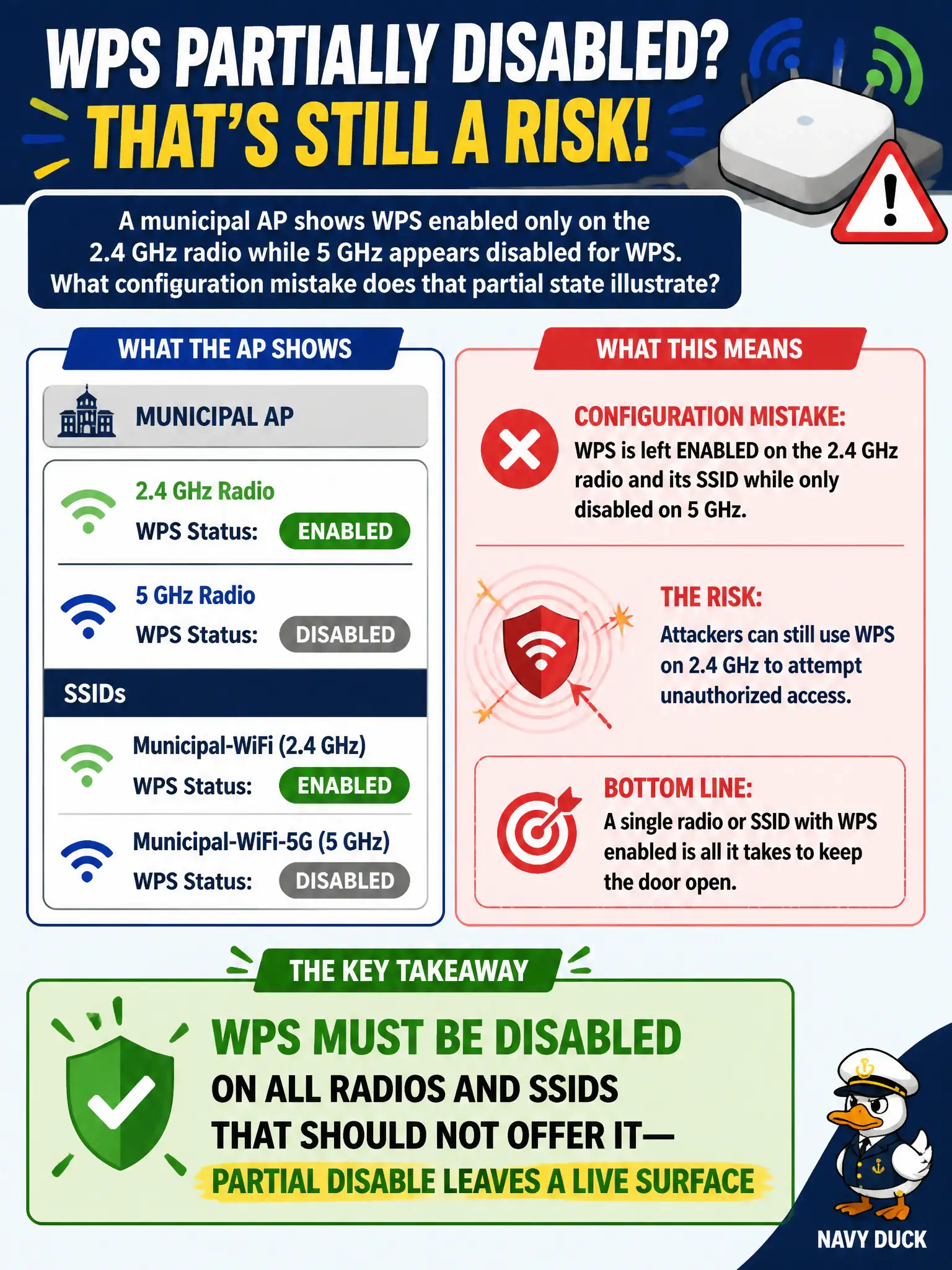
Turning WPS off on 5 GHz while leaving it on 2.4 GHz is locking the front door and leaving the side door wide open. If WPS should be gone, kill it on every radio and SSID that matters. It is not wired-only magic, and one radio's WPS does not gift SAE to the other.
Full Explanation
A municipal AP showing WPS enabled only on the 2.4 GHz radio while 5 GHz appears disabled illustrates a configuration mistake: WPS must be disabled on all radios and SSIDs that should not offer it—partial disable leaves a live surface. Attackers and assessors aim at the radio that still offers WPS. Civic controller templates should enforce off across bands.
'WPS is a wired-only protocol, so radio settings never matter' fails because WPS is not a wired-only protocol—radio settings matter. 'Enabling WPS on one radio automatically encrypts the other with SAE' fails because enabling WPS on one radio does not automatically encrypt the other with SAE. 'Mixed WPS states prove the AP cannot beacon an SSID anymore' fails because mixed WPS states do not prove the AP cannot beacon an SSID anymore.
Exam caveat: wash scans must check each radio/SSID, not assume one disable covers the AP. Operational check: scan both 2.4 and 5 GHz for WPS state on city APs, fix partial enables, and add a compliance check to controller audits. Retest after changes to confirm both bands show WPS off. In municipal wireless operations, record the rationale in the engagement notes so future assessors know which control or technique class was chosen and which failure modes the rejected options would create for city services.