
A city AP still has WPS enabled 'for easy onboarding' on a staff SSID. Why do authorized assessors typically flag that setting?
Select an answer to reveal the explanation.
Short Explanation
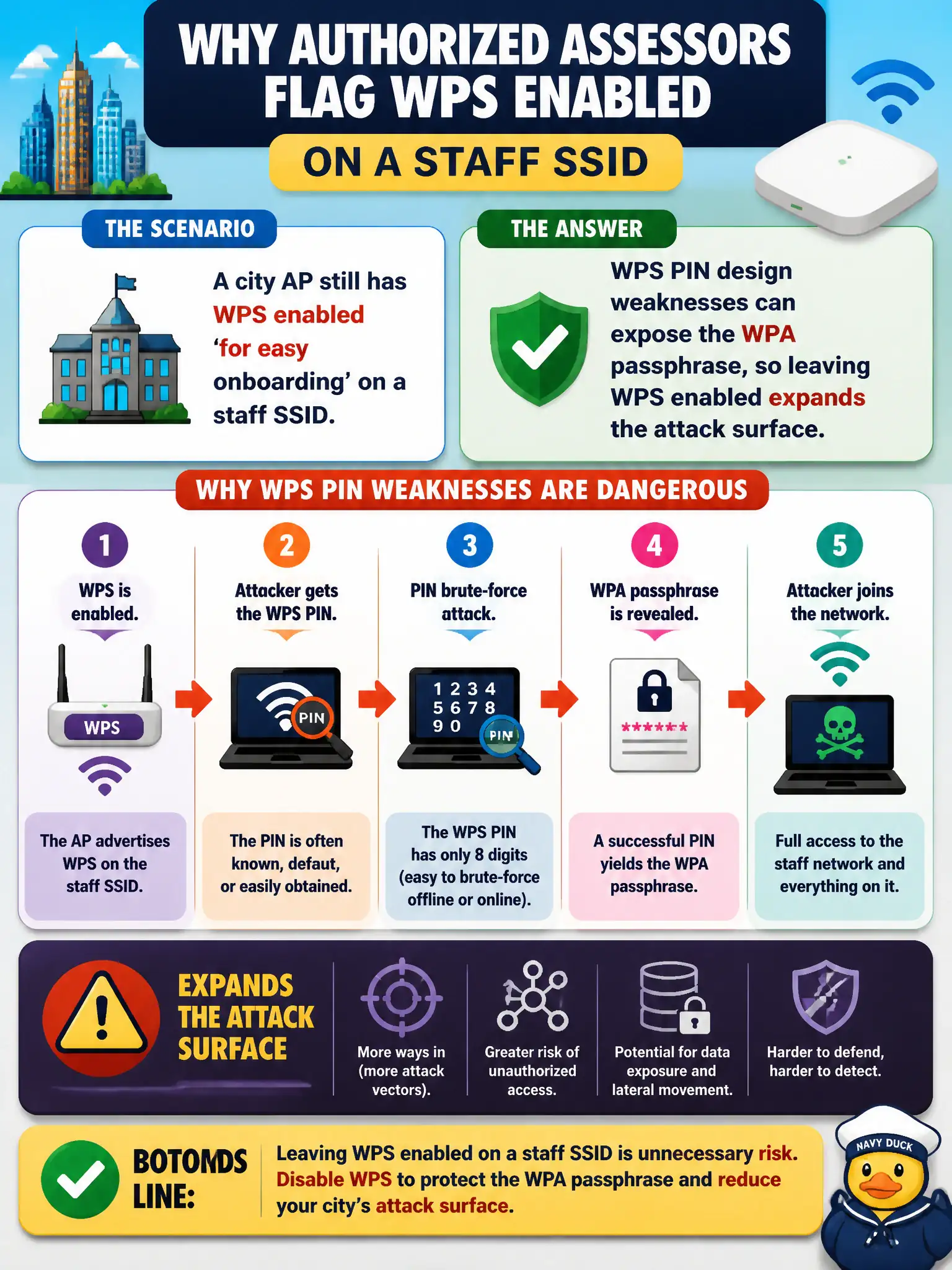
Easy onboarding is nice until WPS becomes the side door into the Wi-Fi password. PIN weaknesses are why assessors wave the red flag. Convenience on a staff SSID is still attack surface.
Full Explanation
A city AP that still has WPS enabled for easy onboarding on a staff SSID expands the attack surface because WPS PIN design weaknesses can expose the WPA passphrase. Authorized assessors typically flag enabled WPS as a finding even when the PSK itself looks strong. Civic hardening usually means disable WPS wherever push-button convenience is not required.
'WPS only affects Bluetooth pairing and cannot influence Wi-Fi credentials' fails because WPS is not merely Bluetooth pairing and can influence Wi-Fi credential exposure. 'Enabled WPS automatically upgrades the BSS to WPA3-Enterprise with no passphrase risk' fails because enabled WPS does not automatically upgrade the BSS to WPA3-Enterprise without passphrase risk. 'WPS exists solely to publish the PSK in every beacon for faster roaming' fails because WPS does not exist to publish the PSK in every beacon for faster roaming.
Exam caveat: WPS risk class is about PIN/onboarding design—not a claim every AP falls in seconds. Operational check: wash-scan municipal APs for WPS state, attempt only RoE-approved WPS tests on in-scope gear, and recommend controller-wide disable where onboarding alternatives exist. Track remediation until WPS shows off on all staff radios. In municipal wireless operations, record the rationale in the engagement notes so future assessors know which control or technique class was chosen and which failure modes the rejected options would create for city services.