
A university WLAN still allows EAP-MD5 on an older staff profile. What awareness finding should the assessor raise?
Select an answer to reveal the explanation.
Short Explanation
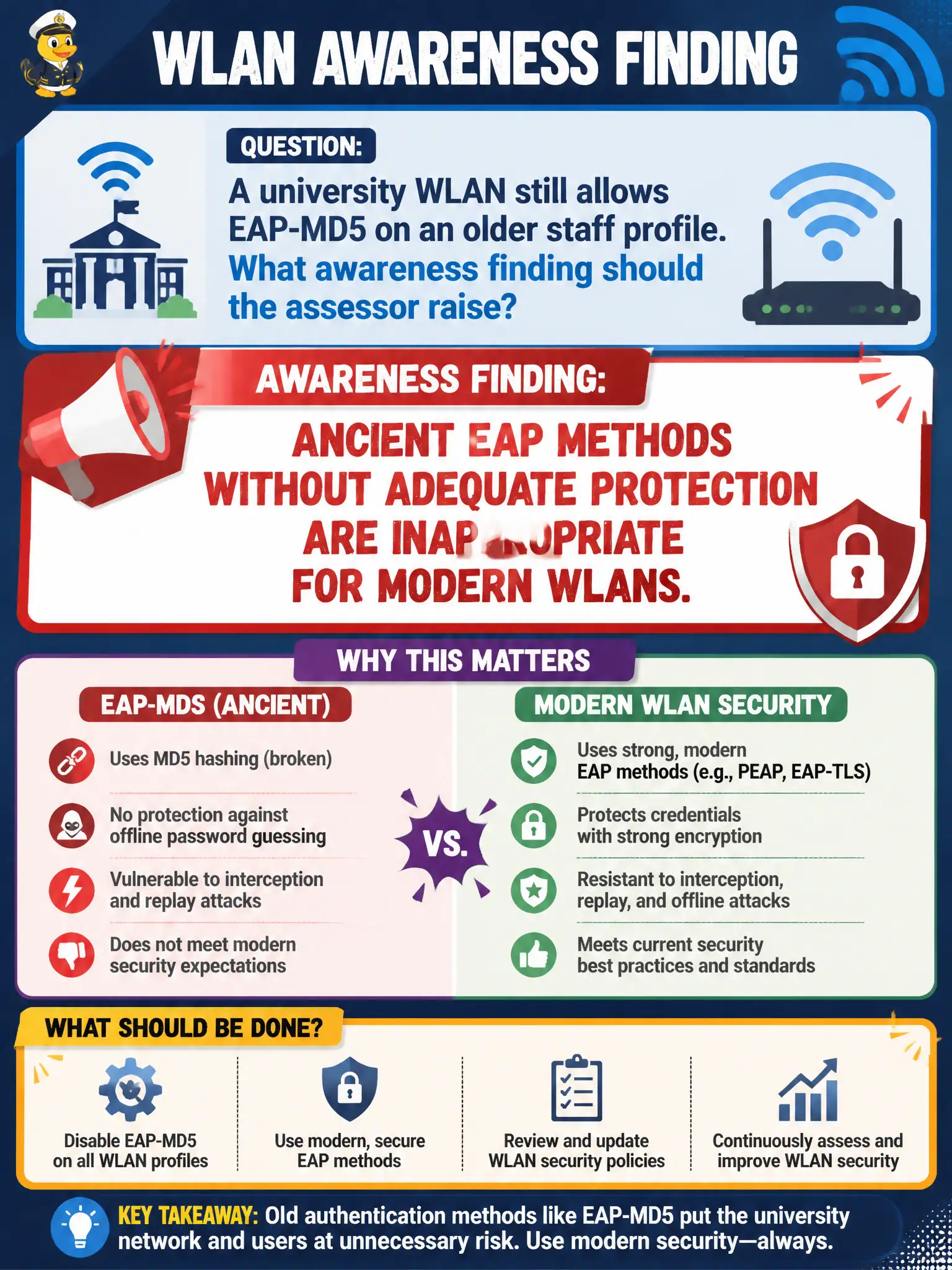
EAP-MD5 on a campus staff SSID is museum tech on a live network. Old methods without solid protection do not belong on modern Enterprise WLANs—retire them.
Full Explanation
Allowing EAP-MD5 on an older university or municipal staff profile is an awareness finding because ancient EAP methods without adequate protection are inappropriate for modern WLANs. EAP-MD5 is not the preferred inner method for WPA3-Enterprise 192-bit mode deployments. EAP-MD5 does not cryptographically replace PMF or make deauthentication frames impossible. EAP-MD5 is not required whenever FreeRADIUS is used for guest MAC authentication only. Exam caveat: legacy method enablement often survives through old profiles; recon and configuration review should list allowed EAP types explicitly. Operational check: dump permitted EAP methods on civic authenticators and controllers, disable MD5 and similarly weak options, and retest staff join with approved methods only. For municipal and campus engagements, keep the finding language tied to authorized scope, name the building or SSID class affected, and state the residual risk to residents or staff if the rejected option had been chosen. Re-validate after the next change window that the selected control still matches inventory, monitoring, and RoE abort criteria used by the city wireless program. Document the decision in the municipal engagement notes so the next assessor inherits both the technical rationale and the civic constraints that shaped it.