
A playbook lists iw and iwconfig-class commands for interface state on city assessment laptops. What role do those utilities play?
Select an answer to reveal the explanation.
Short Explanation
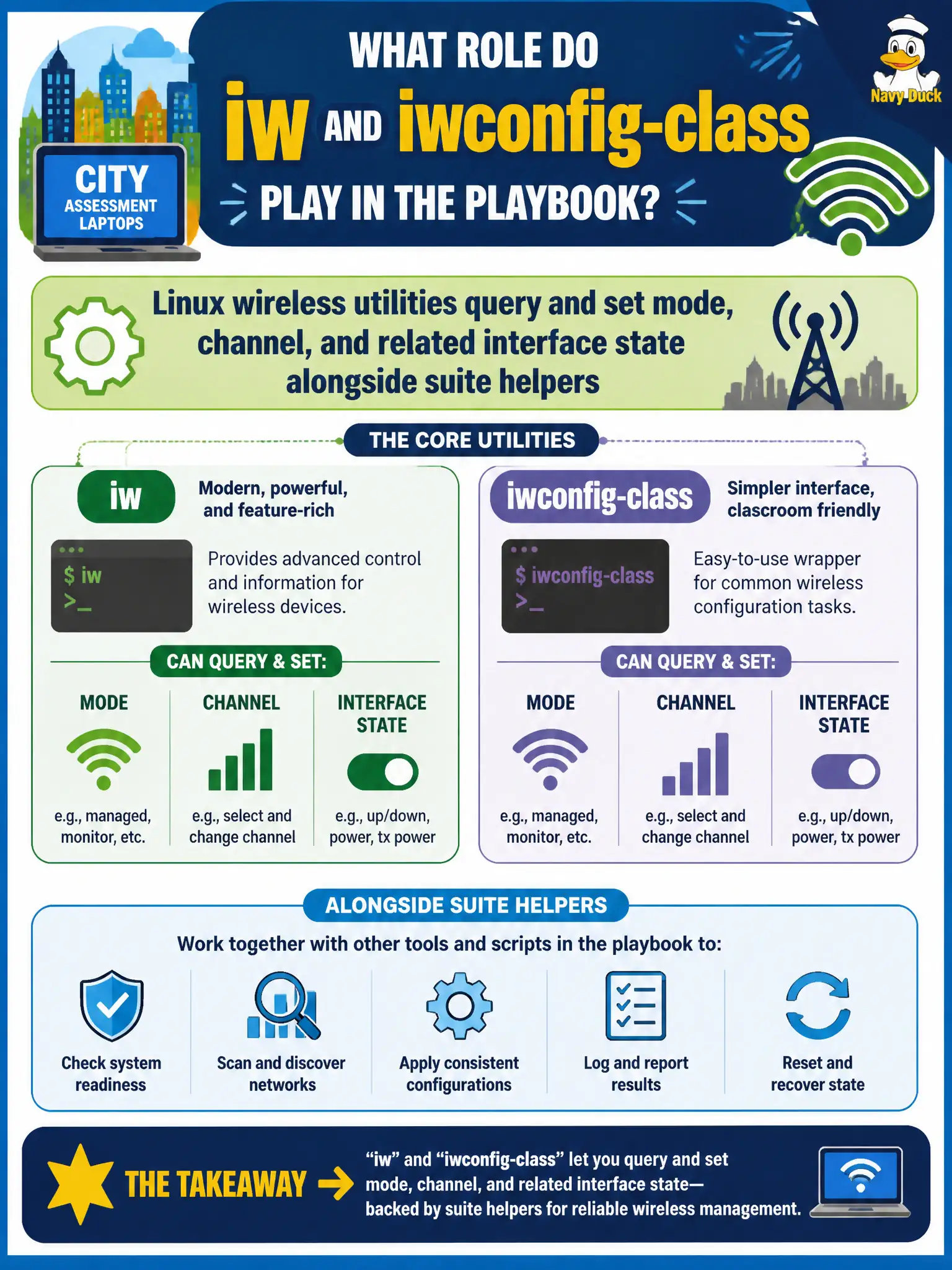
Think of iw-class tools as the radio’s dashboard knobs—mode, channel, and status—sitting beside the aircrack-ng suite. You peek and tweak the interface, then let capture tools do their job. They are not a report pretty-printer.
Full Explanation
Linux wireless utilities in the iw and iwconfig class query and set interface mode, channel, transmit power-related parameters, and related state on city assessment laptops. They sit alongside aircrack-ng suite helpers: the suite focuses on survey, inject, and crack workflows, while iw-class tools manipulate the underlying interface configuration the suite depends on. Assessors use both layers to bring a card to a known-good monitor state. Saying iw-class tools only format Markdown reports and cannot touch interface state fails by concept: their purpose is interface control and query, not documentation formatting. Claiming they are obsolete and must be replaced entirely by browser-based Wi-Fi managers fails by concept: browser managers typically fight monitor mode and do not replace low-level wireless configuration. Asserting those commands manage printers exclusively fails by concept: they target wireless (and related) network devices, not printers. Exam caveat: iw is the modern nl80211 path; iwconfig is older Wireless Extensions—know which your driver supports, and do not panic if one utility errors while the other works. Operational check: use iw/iwconfig to set monitor mode and channel, verify state with the same tools, launch airodump-ng on that interface, and record the exact commands in the municipal runbook for repeatability.