
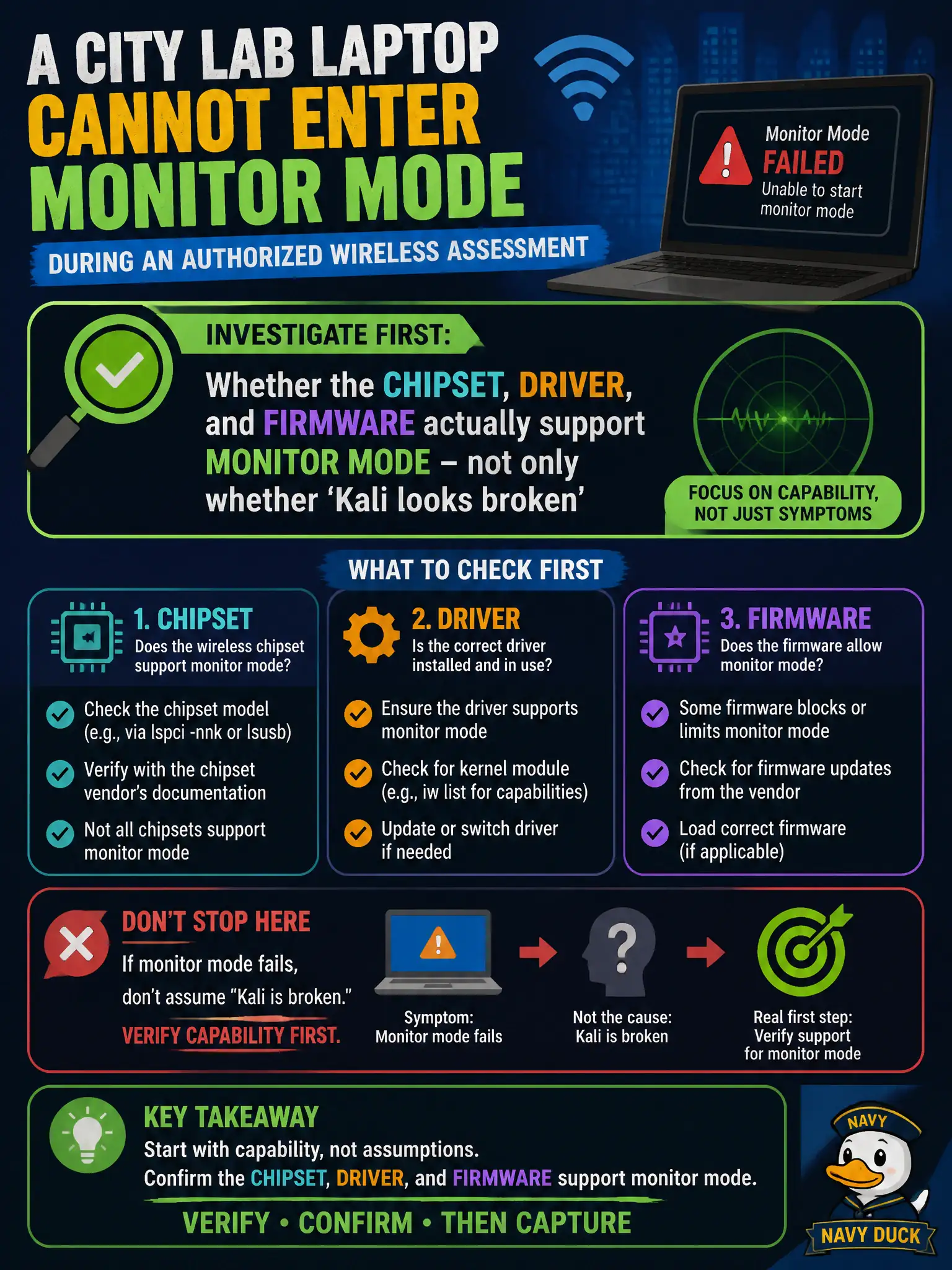
A city lab laptop cannot enter monitor mode during an authorized wireless assessment. What should the team investigate first?
Select an answer to reveal the explanation.
Short Explanation
Monitor mode is a hardware-and-driver privilege, not a Linux wallpaper setting. If the city's USB radio cannot do it, no amount of blaming Kali will conjure frames from the air. Check chipset support before rewriting lab mythology.
Full Explanation
If a city lab laptop cannot enter monitor mode during an authorized wireless assessment, investigate chipset, driver, and firmware support first. Many adapters associate fine in managed mode yet lack reliable monitor or injection support on the Linux stack in use. Blaming unrelated DNS features, printer firmware toggles, or desktop wallpaper themes wastes the engagement clock. Checking municipal DNS EDNS padding does not enable monitor mode. Printer WPA3 Transition toggles are irrelevant to the laptop radio role. Kali wallpaper themes do not block rfkill as a root cause narrative. Exam caveat: Prove monitor mode on exam/lab hardware before the timed window; keep a known-good adapter ready. Operational check: Run interface capability checks, attempt monitor mode with airmon-ng or iw, confirm radiotap captures on an authorized channel, and swap adapters if the chipset cannot deliver. In civic WLAN stewardship, keep authorization boundaries explicit, prefer the least disruptive technique class allowed by RoE, and record BSSID, channel, band, and security mode beside every conclusion so another assessor can reproduce the observation. In civic WLAN stewardship, keep authorization boundaries explicit, prefer the least disruptive technique class allowed by RoE, and record BSSID, channel, band, and security mode beside every conclusion so another assessor can reproduce the observation.