
Permitting edits never appear in the hearing twin. What composition setup mistake commonly causes that?
Select an answer to reveal the explanation.
Short Explanation
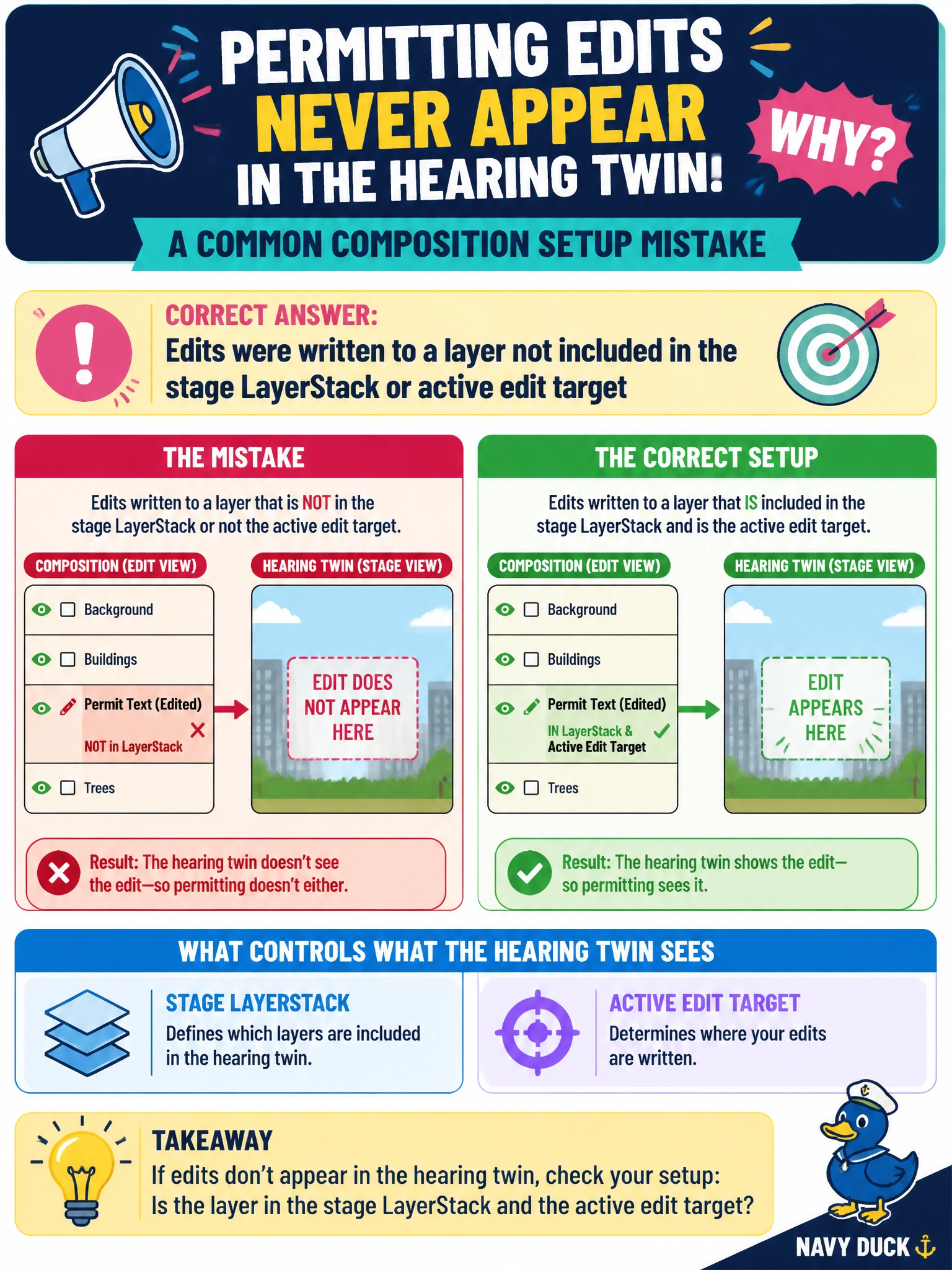
You can find the cause by checking whether your edits were written to a layer in the stage LayerStack and whether that layer was the active edit target. Composition is not affected by parcel UV-set counts, hearing-room fluorescent lights, or a relative asset path with a slash. Make sure the stage is listening to the layer where you write.
Full Explanation
Permitting edits that never appear in the hearing twin commonly were written to a layer missing from the stage LayerStack or to a layer that was not the active edit target. You may save opinions into an offline side layer or the wrong sublayer while the hearing stage composes a different stack, leaving parcel notes, setbacks, or exhibit markup out of the hearing package. Ensure the layer is in the LayerStack and selected as the edit target so its opinions contribute to the composed stage. Too many UV sets on a parcel mesh are a texturing detail and do not hide LayerStack opinions. Fluorescent lights in the hearing room are physical environment factors unrelated to USD composition. A relative asset path with a slash is normal path syntax; it may complicate asset resolution, but it does not explain missing edits when the layer or target is wrong. Exam caveat: Even with the correct LayerStack, a stronger opposing opinion or a mute can still hide edits, but the common setup mistake is writing off-stack or off-target. Confirm both layer inclusion and edit target, not just that the file exists on disk. Practical check: Before publishing, verify that the edit target layer is in the twin’s LayerStack, migrate any stray permitting opinions onto that layer, then open the composed hearing stage and confirm the exhibit changes appear under the intended parcel paths.