
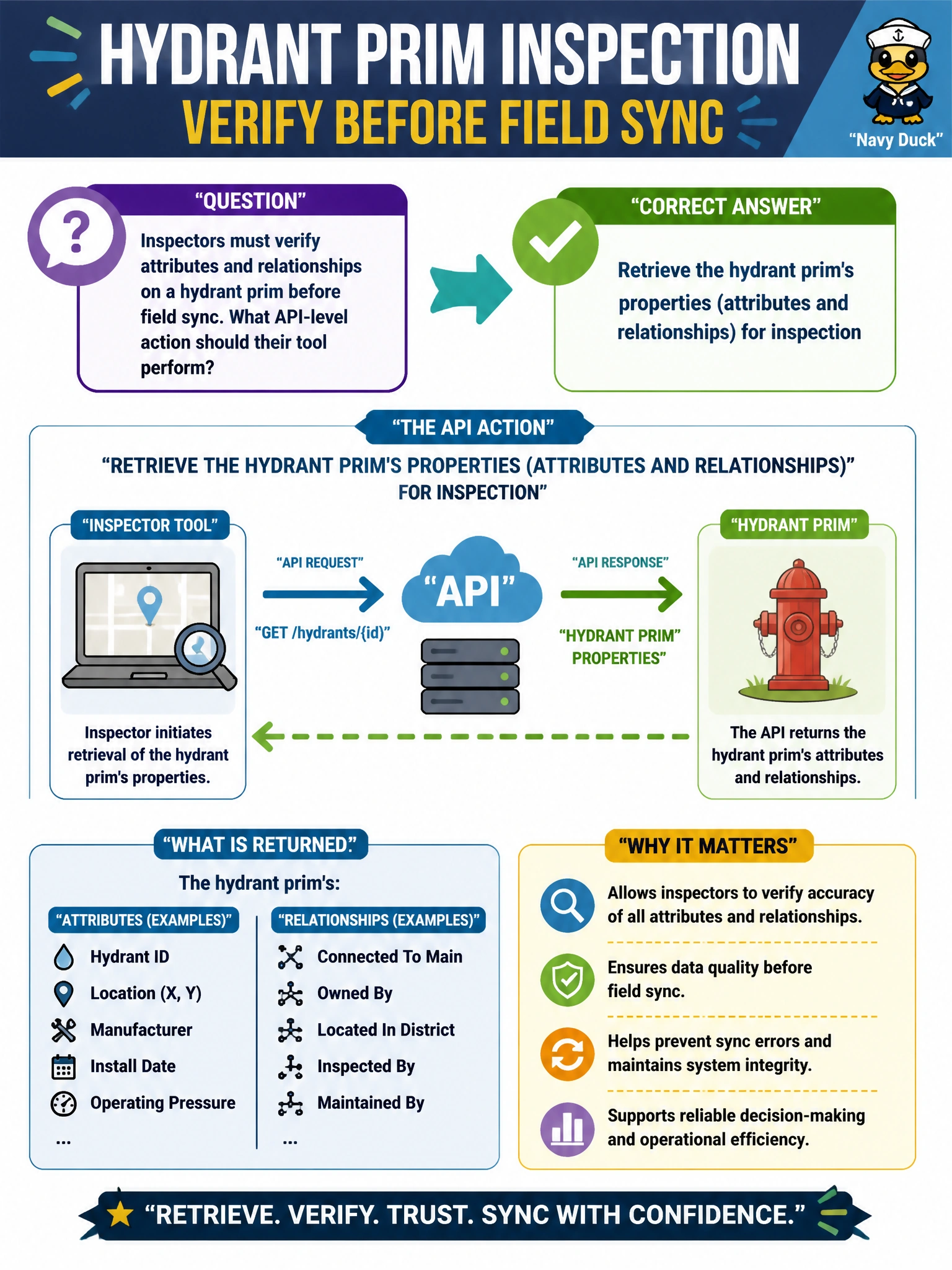
Inspectors must verify attributes and relationships on a hydrant prim before field sync. What API-level action should their tool perform?
Select an answer to reveal the explanation.
Short Explanation
To verify a hydrant, pull its properties—attributes and relationships—not the stage file size. Inspection means reading what the prim actually authored. Screenshots are not a property API.
Full Explanation
Inspectors verifying a hydrant prim before field sync must retrieve that prim’s properties—attributes and relationships—for inspection. API-level property retrieval is how tools enumerate authored schemas, connection targets, and values that field devices will trust. File size, deletion, or layer mute tricks do not substitute for reading what the hydrant prim actually contains.
Deleting the prim and recreating it from a screenshot destroys data and proves nothing about current authorship. Printing only the stage file size on disk is an opaque byte count unrelated to hydrant semantics. Muting the root layer and assuming defaults are correct hides the very opinions that must be validated and can silently fall back to incomplete defaults.
Exam caveat: “properties” in OpenUSD includes both attributes and relationships; a complete hydrant check often needs both (e.g., diameter attribute and a relationship to a supply lateral). Composed vs authored retrieval may both be needed—see related debugging questions—but the first action is to retrieve properties.
Operational check: in the inspection tool, select the hydrant prim, list attributes and relationships, verify required fields and targets against the field checklist, then allow sync only when the property report matches the expected schema.