
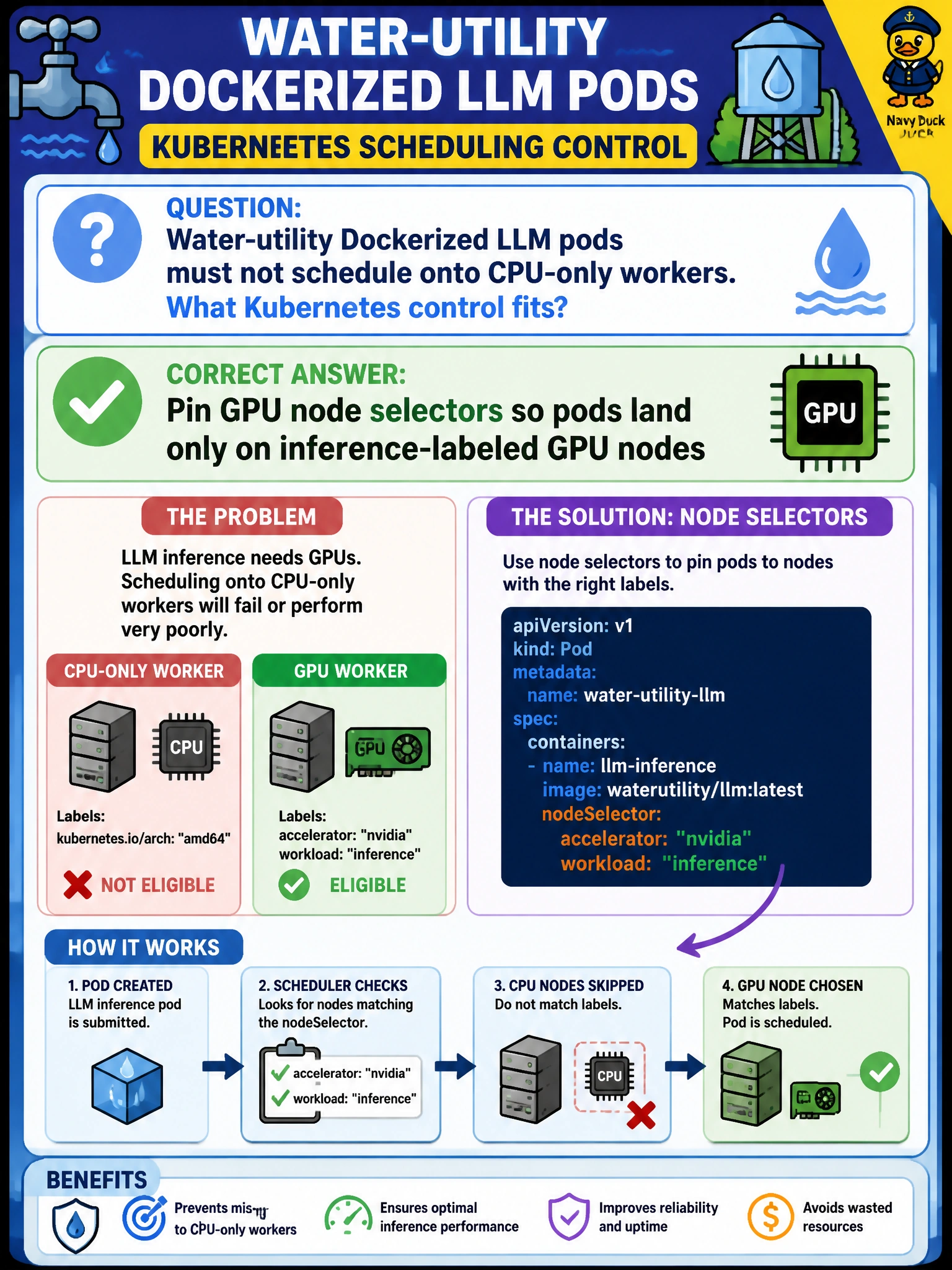
Water-utility Dockerized LLM pods must not schedule onto CPU-only workers. What Kubernetes control fits?
Select an answer to reveal the explanation.
Short Explanation
You don’t want GPU models landing on CPU workers—it’s like parking a fireboat in a bike rack. Node selectors pin your Dockerized LLM pods to inference-labeled GPU nodes, keeping water-utility serving on the right hardware.
Full Explanation
Water-utility Dockerized LLM pods that must not schedule onto CPU-only workers need Kubernetes node selectors, or equivalent affinity, to pin them to inference-labeled GPU nodes. This lets the scheduler place them only where accelerators exist, preventing CrashLoop backs or silent CPU fallback when GPU devices are absent. Removing all node labels and letting pods schedule randomly can send GPU workloads to CPU-only workers, breaking inference assumptions. Preferring CPU-only nodes for GPU model containers to save money selects the wrong hardware class for model serving. Disabling the scheduler and starting containers manually with docker run on laptops abandons the cluster placement controls, healing, and capacity management the utility depends on. Exam caveat: node selectors must match reliably maintained labels; a stale GPU label on a drained or CPU-repurposed node can still misplace pods unless taints, tolerations, and device plugins reinforce the constraint. Practical check: label GPU nodes for inference, apply the selector to the LLM Deployment, cordon or remove labels from a CPU-only node, and confirm the scheduler leaves pods Pending rather than binding them to non-GPU workers before production rollout.