
City ML validated FP16 accuracy for a permitting assistant on A100 hardware. What optimization export fits next?
Select an answer to reveal the explanation.
Short Explanation
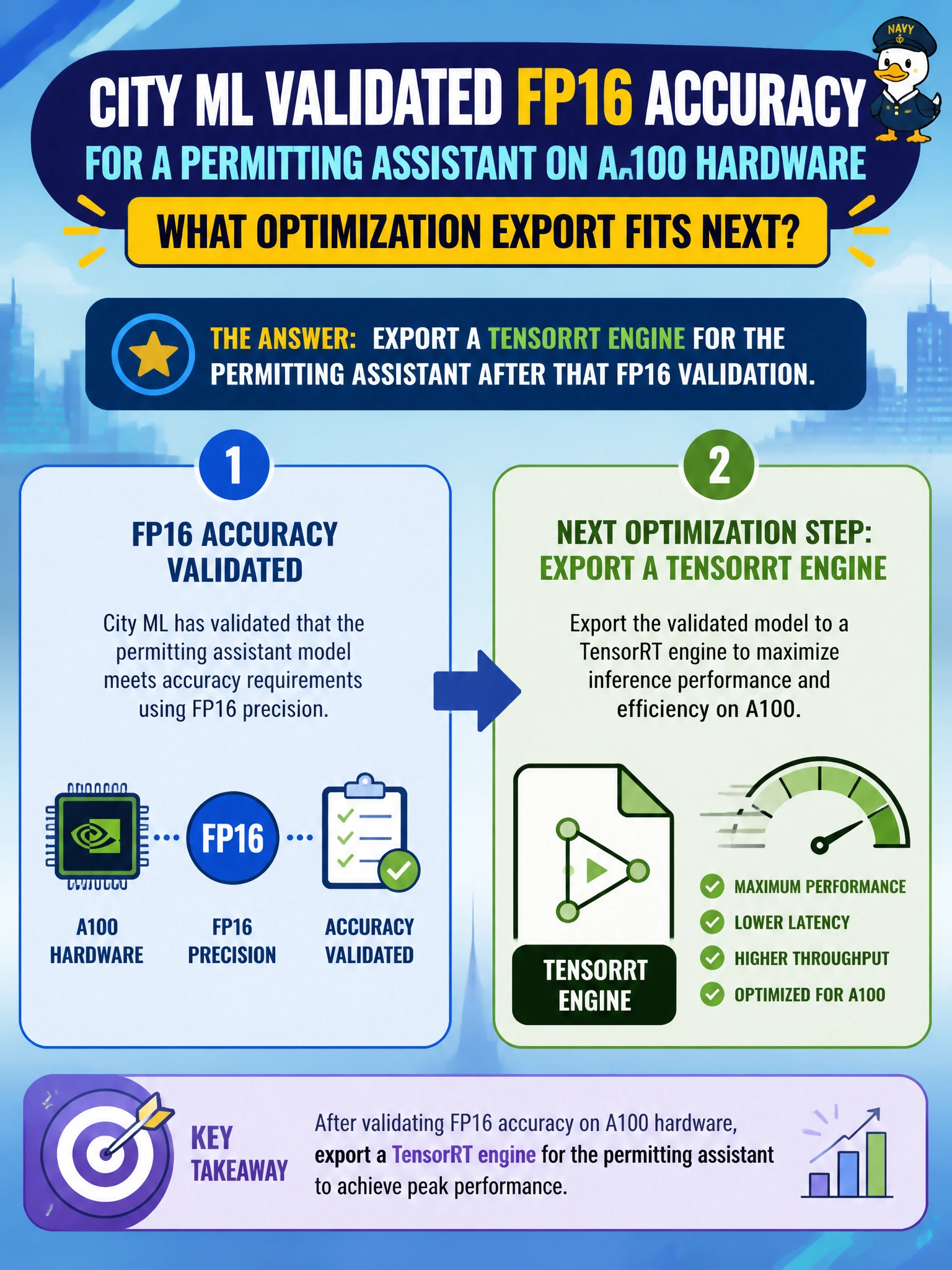
Once the permitting assistant looks good in FP16 on the city’s A100s, it’s time to bottle that graph as a TensorRT engine. Validate first, then export—don’t skip the accuracy check.
Full Explanation
City ML already validated FP16 accuracy for a permitting assistant on A100 hardware, so numeric precision and civic answer quality are known on the target GPU class. Exporting a TensorRT engine next compiles that validated graph into an optimized runtime path that exploits A100 tactics without discarding the accuracy gate already earned. The sequence—validate FP16, then engine-export—matches how municipal teams move from research checkpoint to production permitting inference. Shipping an unoptimized Python loop and forbidding any engine compilation ignores the hardware they already validated and leaves residents on slower permitting replies. Quantizing blindly to 1-bit weights without rechecking permitting answers leaps past TensorRT’s usual FP16/INT8 engine path and risks silently breaking eligibility language. Moving inference exclusively to CPU to avoid GPU engines entirely abandons the A100 investment and the latency profile the city just proved. On the exam, after architecture and civic hardware align with a passing FP16 check, TensorRT export is the fitting next optimization; distractors ban engines, jump to reckless ultra-low-bit quant, or force CPU-only. Caveat: TensorRT builds are SKU- and version-sensitive—engines validated on A100 may need rebuild or tactic fallbacks on other fleet cards, and accuracy must be re-spot-checked after export. Operational check: build the TensorRT engine from the FP16-validated permitting checkpoint, run the city’s permit-letter regression suite on A100, and promote only if accuracy and latency both clear the municipal release bar.