
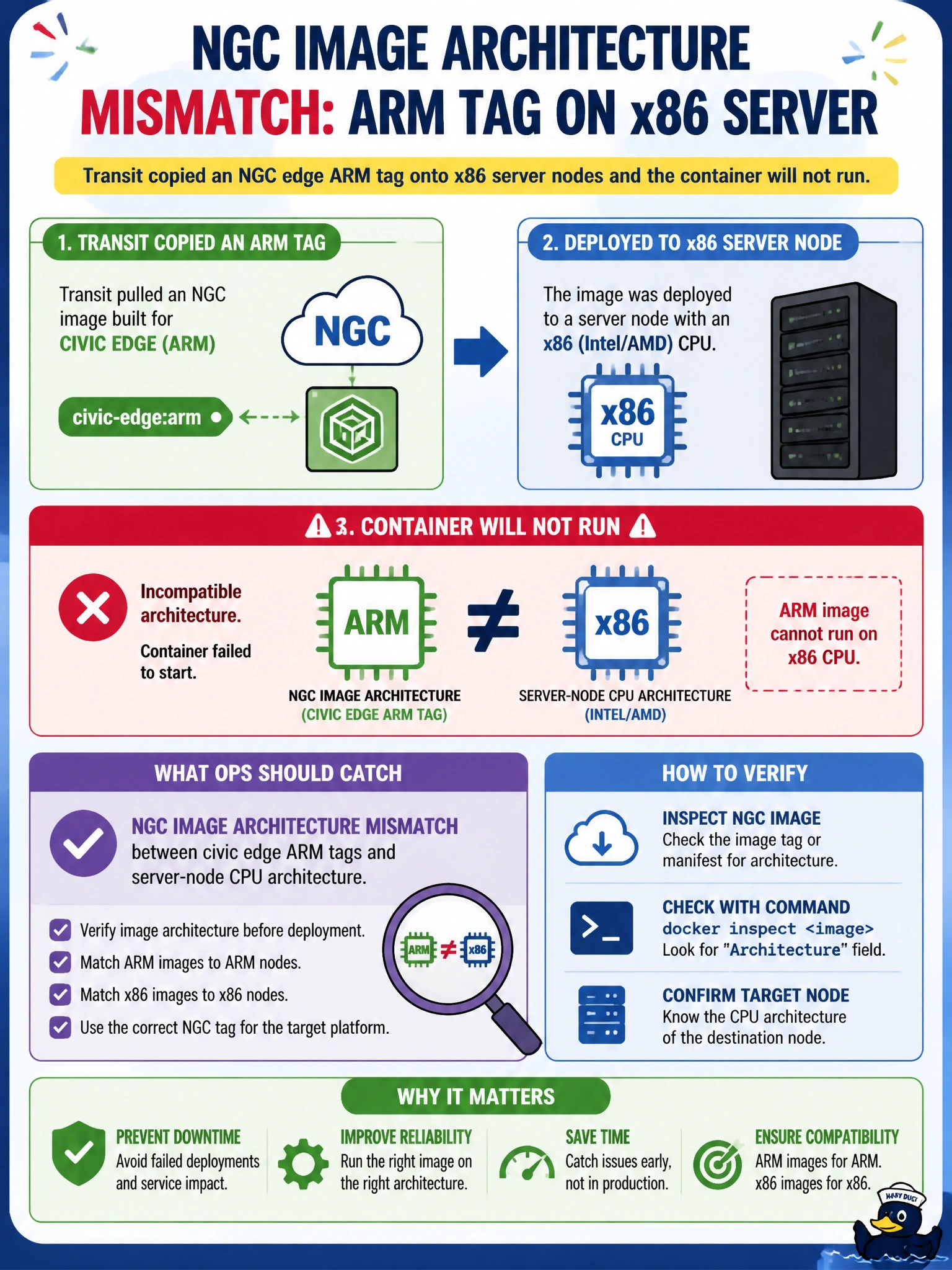
Transit copied an NGC edge ARM tag onto x86 server nodes and the container will not run. What mismatch should ops catch?
Select an answer to reveal the explanation.
Short Explanation
You’ve found the key mismatch: an NGC edge ARM tag targets a different CPU architecture from the x86 server nodes, so the container cannot run there. README font size, a “GPU” label, and bastion SSH banner text don’t change that compatibility issue.
Full Explanation
NGC edge ARM tags target ARM CPUs, so copying one onto transit’s x86 server nodes creates an architecture mismatch that prevents the container from running. Ops should match the NGC image architecture to the server-node CPU architecture and use the x86/amd64 image tag for those nodes; the edge ARM tag belongs on compatible ARM systems. The font size in the container README affects presentation, not whether ARM binaries execute on x86 servers. Seeing “GPU” in an ARM image tag does not determine CPU architecture compatibility: the label alone cannot make an ARM image suitable for an x86 node. SSH banner text on the transit bastion host is also unrelated to the container’s architecture and will not resolve the mismatch. Exam caveat: an NGC catalog may offer multiple architectures under similar names, so do not assume a tag that works on an edge device will work on a server. Check the target node’s platform, for example with uname -m, and compare it with the image’s stated architecture before pulling or deploying. Then select the matching x86/amd64 image, confirm the container starts, and keep edge and server pools from sharing incompatible tags in deployment automation.