
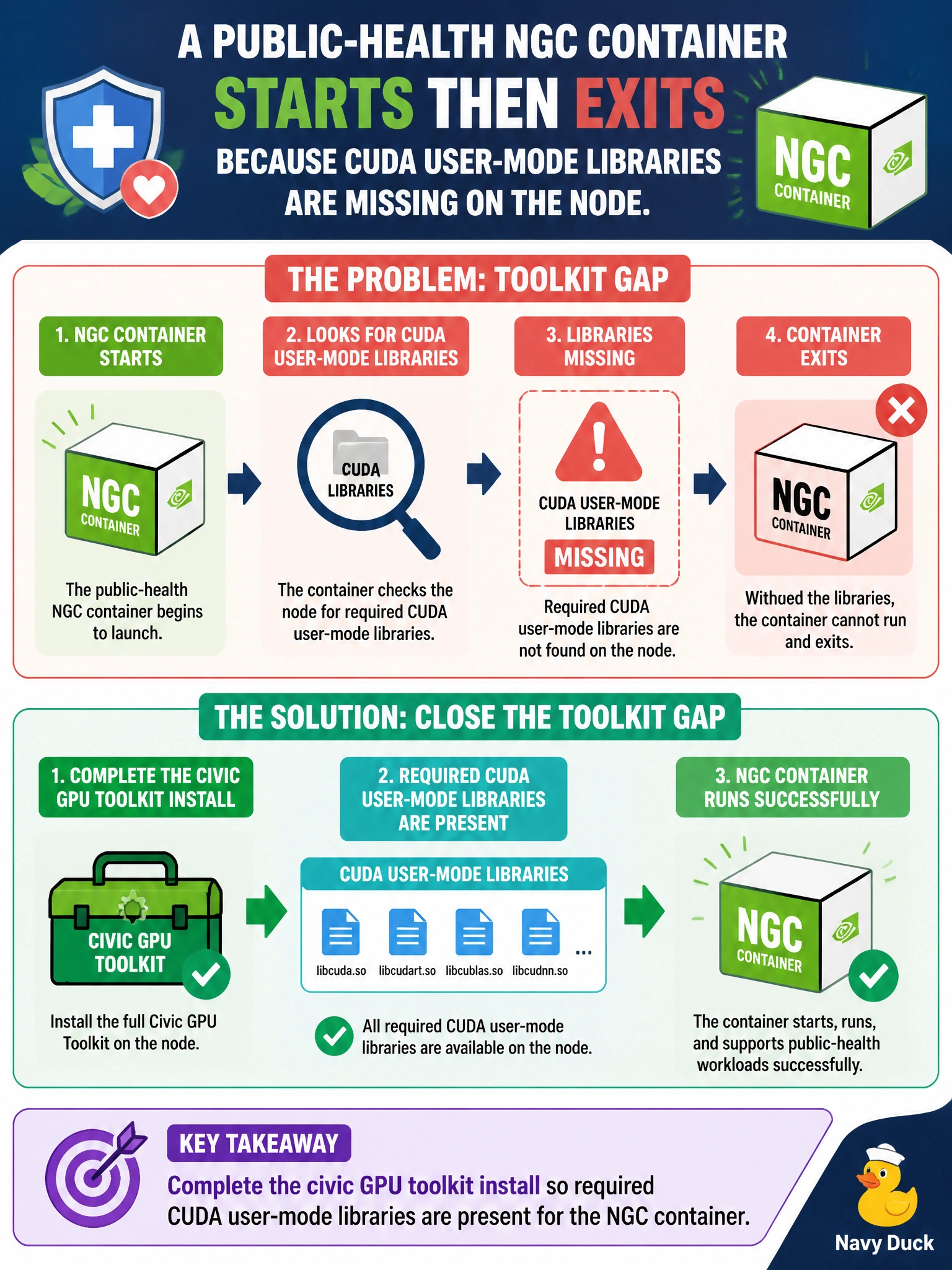
A public-health NGC container starts then exits because CUDA user-mode libraries are missing on the node. What closes the toolkit gap?
Select an answer to reveal the explanation.
Short Explanation
Container exits because the node is missing CUDA user-mode pieces—finish the civic GPU toolkit install so the NGC image can stay up. Hiding errors with network=none does not install libraries.
Full Explanation
A public-health NGC container that starts then exits because CUDA user-mode libraries are missing indicates an incomplete GPU toolkit install on the node. Completing the civic GPU toolkit install so required CUDA user-mode libraries are present closes the toolkit gap and allows the NGC container to remain running with GPU access. The host (or properly configured toolkit/container runtime integration) must provide the user-mode libraries the image expects.
Removing the NVIDIA drivers so missing libraries are expected worsens the GPU stack and does not supply CUDA user-mode libraries. Running the container with --network=none to hide the library errors only restricts networking; it does not install missing CUDA libraries or fix the exit cause. Converting the workload to a pure bash script with no GPU needs abandons the public-health GPU requirement instead of completing the toolkit.
Exam caveat: “container starts then exits, missing CUDA user-mode libs” maps to incomplete toolkit/runtime setup—not to deleting drivers or masking with network flags. Align toolkit version with the NGC image’s CUDA requirements. Operational check: on the failing public-health node, inventory installed CUDA user-mode libraries versus the NGC image requirements, complete the civic GPU toolkit install, restart the container, confirm it stays up and enumerates GPUs, and record the toolkit version in the municipal node baseline.