
Public-health PHI projects are about to go live on Run:ai. What identity step should admins complete first?
Select an answer to reveal the explanation.
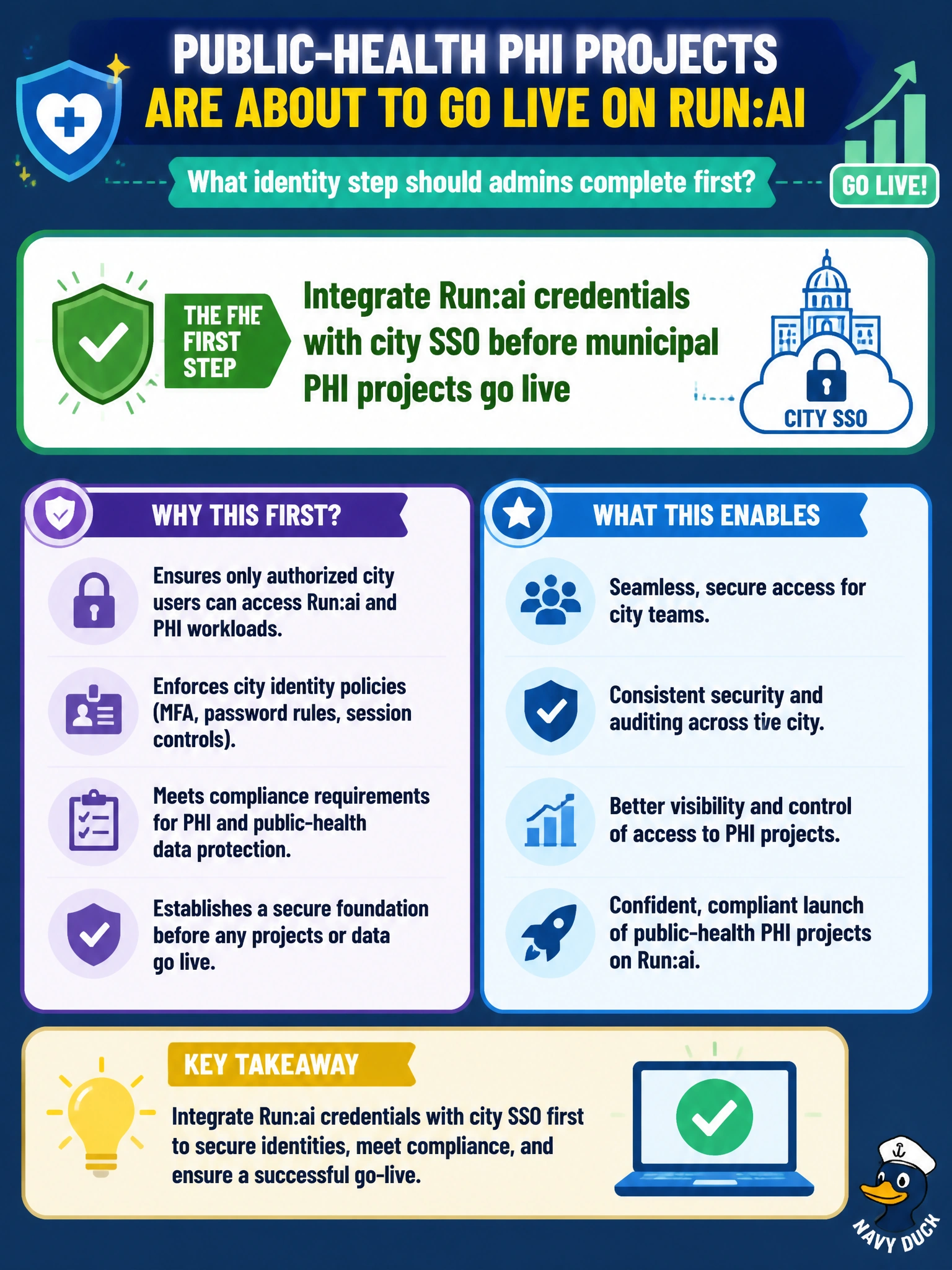
Short Explanation
Hook Run:ai to city SSO before PHI goes live—badges first, then the records room. Sticky-note passwords and guest logins are how audits fail. Waiting for a breach is not a control plan.
Full Explanation
Before public-health PHI projects go live on Run:ai, admins must integrate Run:ai credentials with city SSO (and related identity/MFA policies). Central SSO gives joiners/leavers, audit trails, and consistent authentication before regulated workloads touch the cluster. Identity first is the prerequisite control for municipal PHI tenancy. Sharing one password on a sticky note for clinic staff fails basic credential hygiene and audit requirements. Allowing anonymous guest logins to PHI projects invites unauthorized access. Postponing identity controls until after a PHI breach inverts risk management—controls must precede go-live. Exam caveat: SSO integration should map groups to Run:ai projects/roles with least privilege; SSO alone does not encrypt PHI datasets or segment networks—still complete storage and zone controls. Operational check: enforce SSO login to Run:ai, revoke a test user in the IdP, confirm cluster access ends, and verify PHI projects reject local/guest shared passwords. Complete SSO group-to-project mappings for clinic roles before first PHI job submission, disable local break-glass passwords except vaulted emergency accounts, and verify session logout on IdP disable. For municipal PHI, identity integration is the gate that must be green prior to Run:ai go-live, not a follow-up sprint.