
Housing researchers need Run:ai notebooks but leave GPUs idle for hours. What should admins configure?
Select an answer to reveal the explanation.
Short Explanation
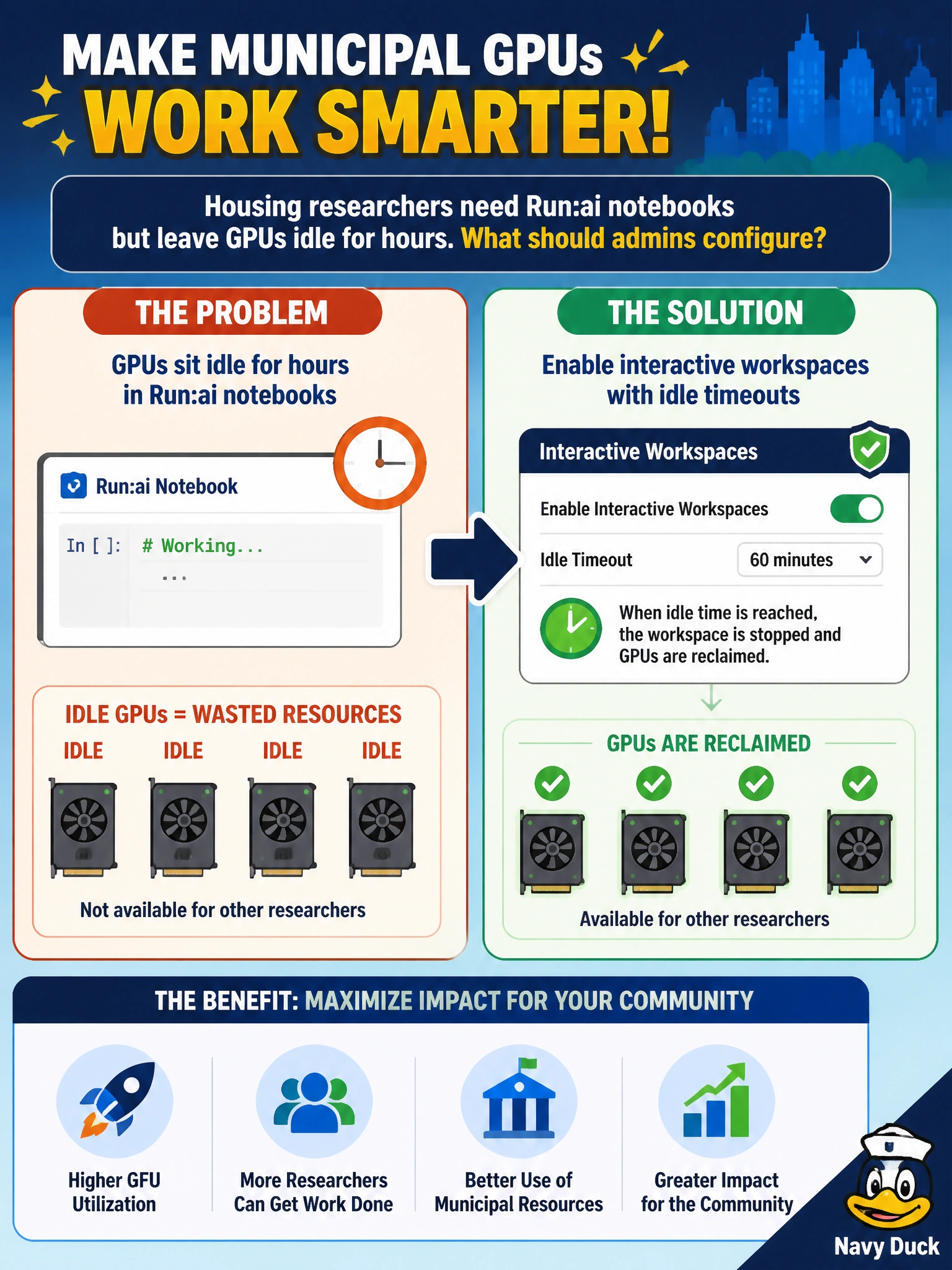
Interactive workspaces are fine—just put an idle timeout on them so housing notebooks don’t hog GPUs overnight. Forever holds, root SSH instead of Run:ai, or anonymous reservations burn the shared pool.
Full Explanation
Housing researchers often open Run:ai interactive notebooks/workspaces then leave GPUs idle for hours. Admins should enable interactive workspaces with idle timeouts so abandoned sessions release municipal GPUs automatically back to the shared pool. Idle reclaim preserves fairness without banning interactive work that researchers legitimately need. Disabling idle policies so abandoned notebooks hold GPUs forever wastes scarce accelerators. Banning all interactive sessions and allowing only unmanaged SSH root removes Run:ai governance and recreates shadow access. Removing authentication so anyone can reserve GPUs anonymously is an accountability and security failure. Exam caveat: idle timeout values must balance UX and utilization—too aggressive frustrates housing staff; too long recreates hoarding; pair timeouts with clear notifications before reclaim. Operational check: start a housing workspace, leave it idle past the policy threshold, confirm the GPU returns to allocatable capacity, and verify authentication remains required for new reservations. Publish the idle policy to housing researchers—timeout duration, warning events, and how to resume—so reclaim feels like platform hygiene rather than punishment. Combine idle timeouts with workspace size defaults that request only the GPUs notebooks need, reducing both abandonment waste and over-asks on the civic pool.