
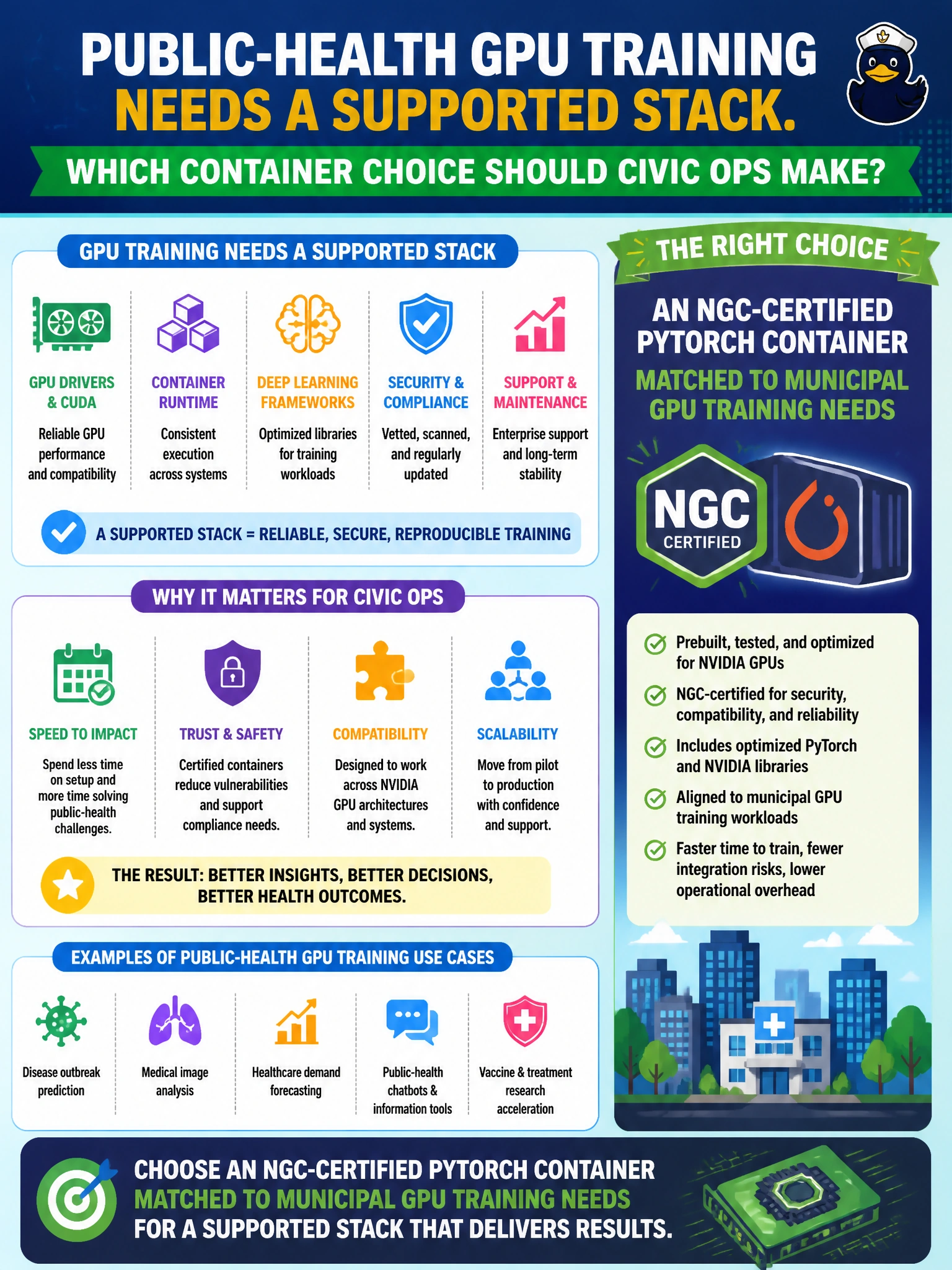
Public-health GPU training needs a supported stack. Which container choice should civic ops make?
Select an answer to reveal the explanation.
Short Explanation
Choose the NGC-certified PyTorch container matched to your municipal GPU training needs—it’s like buying city fleet tires from the approved catalog. Chat-shared laptop images and mystery Docker Hub CUDA pins can cause mismatches, while Alpine without NVIDIA libraries cannot train on GPUs.
Full Explanation
An NGC-certified PyTorch container matched to municipal GPU training needs gives your public-health team a supported deep-learning stack with known CUDA and library pins aligned to NVIDIA’s published matrix. For civic training, this certification path reduces “works on my laptop” risk and keeps driver, CUDA toolkit userspace, and framework versions in a combination that BCM node images can run. The NGC-certified PyTorch choice is the approved-catalog move for county GPU training, not an aesthetic preference. An untagged personal laptop image shared over chat lacks controlled provenance and a reproducible tag, and may embed host-specific paths or mismatched CUDA builds. A random Docker Hub image with unknown CUDA pins is not made supportable by its popularity; unknown pins commonly cause silent GPU failures and cryptic library errors. A CPU-only Alpine image with no NVIDIA libraries cannot run GPU training kernels or NVIDIA userspace, regardless of its small size or perceived security. Exam caveat: match the certified container to the workload—PyTorch for this training need—and the node’s driver/CUDA baseline; certification alone does not guarantee runtime compatibility. Practical check: on a representative public-health training node, pull the chosen NGC PyTorch tag, confirm that nvidia-smi and container CUDA userspace align with the BCM image baseline, run a short multi-GPU smoke train on a non-PHI sample corpus, and only then promote the tag to the municipal registry allowlist for PHI-capable projects.