
A school-district AI lab’s first pods will not schedule GPUs after a BCM Kubernetes install. What incomplete step should ops suspect?
Select an answer to reveal the explanation.
Short Explanation
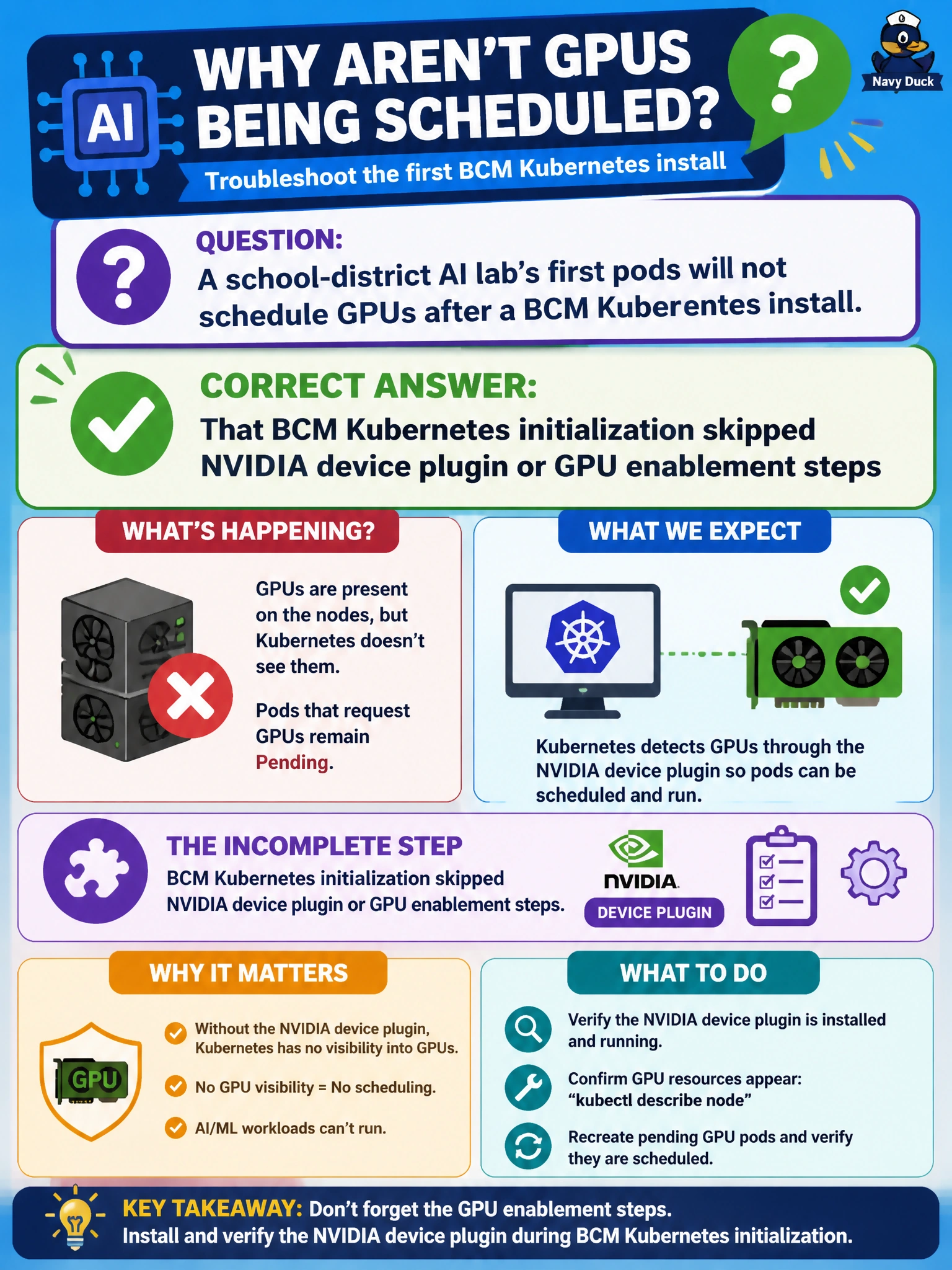
Pods that never see GPUs after a BCM K8s install often mean the NVIDIA device plugin or GPU enablement steps got skipped. Pretty category names and CIO reports do not schedule accelerators. Fix the init path, then retry the student lab pods.
Full Explanation
When a school-district AI lab's first pods will not schedule GPUs after a BCM Kubernetes install, suspect incomplete NVIDIA device plugin or GPU enablement during initialization. BCM Kubernetes bring-up must include the steps that advertise GPUs to the kubelet/scheduler; skipping them leaves pods pending despite healthy CPUs. That incomplete step is a common Domain 1 failure mode and looks like 'Kubernetes works' while accelerators remain invisible to the scheduler. Lab users then see CPU-only placement even though GPUs are physically present.
Blaming too many documentation pages generated in BCM does not explain missing GPU allocatable resources. Enabled CIO dashboard reports likewise do not advertise devices to kubelet. Friendly municipal category labels help placement policy but cannot substitute for device-plugin/GPU enablement if those components were skipped during init.
Exam caveat: post-install GPU scheduling failures often mean device plugin/GPU enablement was skipped—not that reporting or labeling features are wrong. Operational check: verify NVIDIA device plugin and related GPU enablement DaemonSets/pods are running on lab nodes, confirm nodes show nvidia.com/gpu or equivalent allocatable resources, then reschedule the student/lab pod and watch it bind to a GPU.