
Transit InfiniBand fabric shows flaps after a depot switch change. What should civic ops check first?
Select an answer to reveal the explanation.
Short Explanation
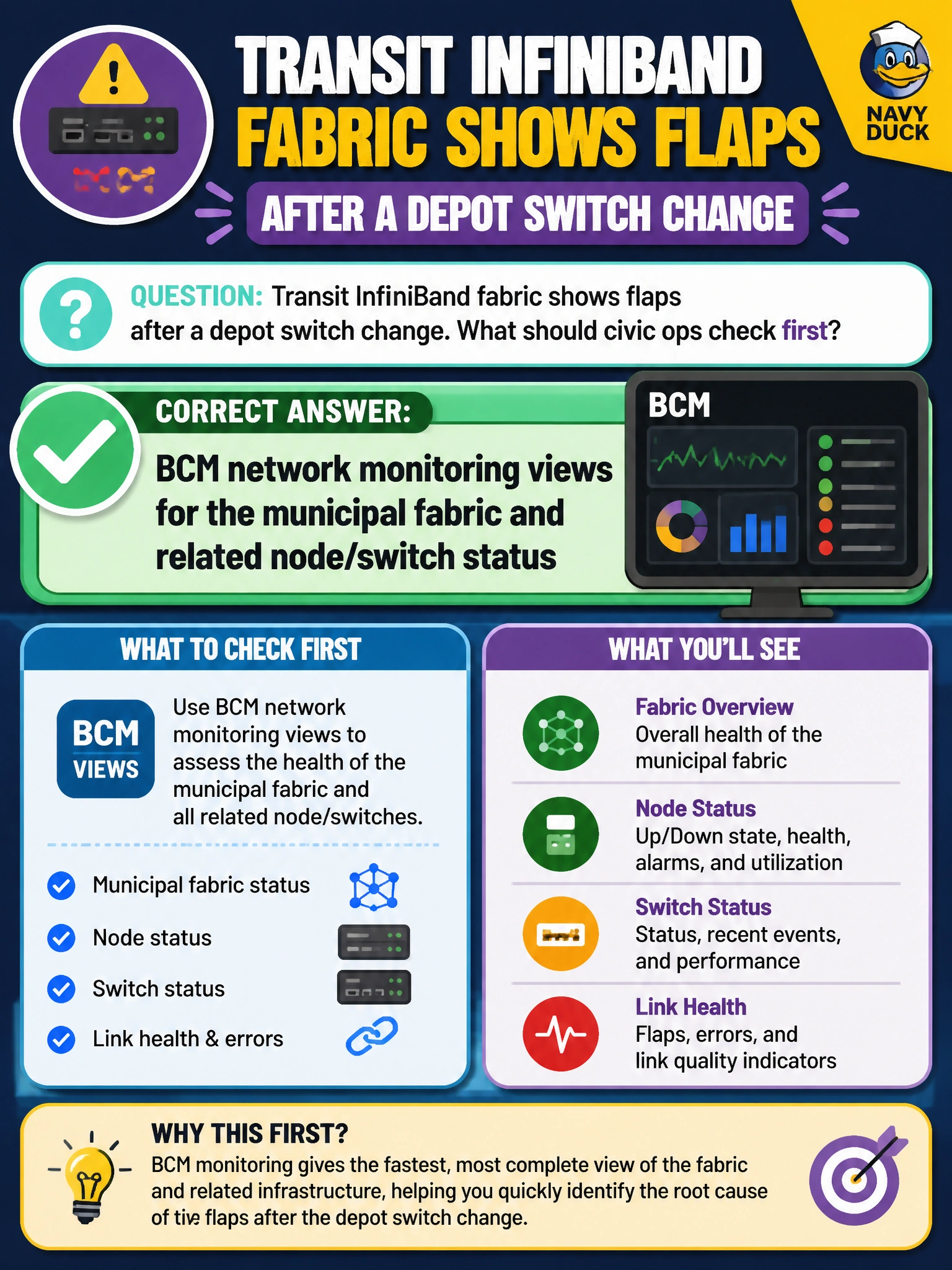
Fabric flaps after a depot switch change scream “look at the network pane,” not the fare-app colors. BCM’s network monitoring is the first civic ops stop for node and switch status on that InfiniBand path. Wiping job history does not stabilize a flapping link.
Full Explanation
When a transit InfiniBand fabric shows flaps after a depot switch change, civic ops should first check BCM network monitoring views for the municipal fabric and related node/switch status. Post-change instability is a network-plane incident: you need correlation across affected nodes, DPUs, and the altered switch before changing applications or wiping scheduler history. Fare-mobile app theme colors are unrelated UX details and waste precious incident time while the fabric remains unstable. Passenger Wi-Fi heatmaps in stations address a different wireless domain and will not explain InfiniBand flaps on the AI cluster fabric that backs depot and downtown training. Fully deleting all Slurm job history to “clear errors” destroys forensic evidence and does nothing to stabilize a flapping link after the switch change. Exam caveat: after BCM views localize the fault, remediate the switch change (config rollback, port errors, wrong VLAN/MTU) under change control—monitoring is the start, not the entire fix. Operational check: open BCM network monitoring for the depot fabric, identify which nodes/switches report flaps since the change window, compare against the change ticket, and restore a known-good switch profile before retesting multi-node transit jobs.