
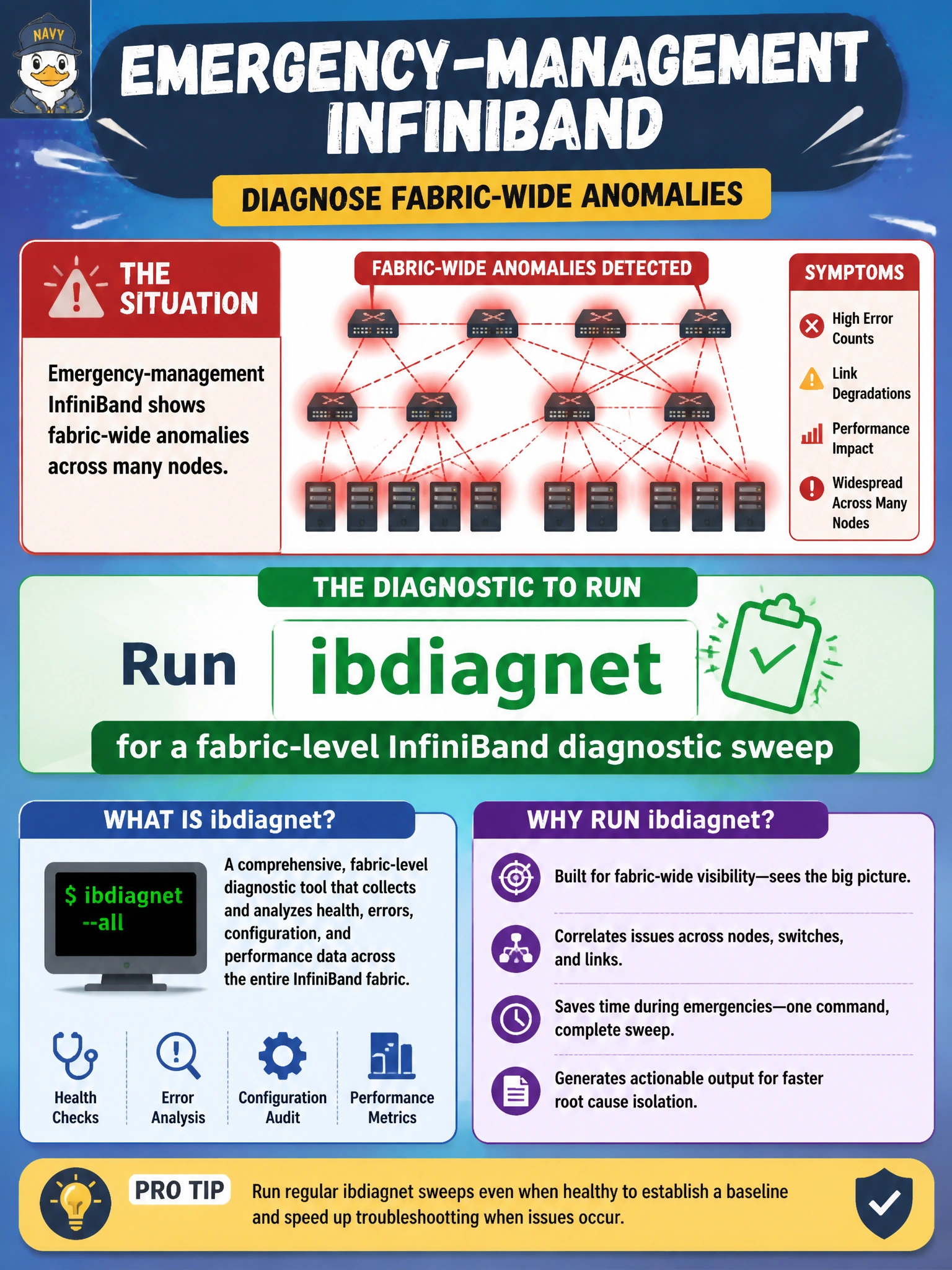
Emergency-management InfiniBand shows fabric-wide anomalies across many nodes. Which diagnostic should operators run?
Select an answer to reveal the explanation.
Short Explanation
When the whole emergency-management IB fabric looks sick, don’t just run ibstat on one server and assume that explains the fabric-wide problem. Fire up ibdiagnet for a fabric-wide diagnostic sweep that maps problems across the InfiniBand estate.
Full Explanation
When emergency-management InfiniBand shows fabric-wide anomalies across many nodes, operators need a fabric-scoped diagnostic rather than a one-server HCA link check with ibstat. ibdiagnet sweeps the InfiniBand fabric for connectivity problems, topology inconsistencies, and related anomalies that span the municipal estate, producing evidence about which links, switches, or HCAs participate in the failure pattern. That fabric-level view matches the symptom class: widespread anomalies are rarely diagnosed by checking one server’s local HCA link status with ibstat. Running ibstat on one server only shows that server’s local HCA link state; it does not reveal fabric-wide routing, partition, or multi-node link health, and cannot clear fabric faults spanning many nodes. Running perfquery on edge switch ports only samples local error counters at the edge; it is not a fabric-wide diagnostic and cannot identify the nodes, switches, or HCAs involved in a multi-node failure pattern. Running ibping between two hosts only verifies point-to-point RC connectivity for that pair; it is not a fabric-wide diagnostic and cannot reveal the broader failure pattern across many nodes. Exam caveat: ibdiagnet should run with appropriate privileges and during an approved emergency-management window when possible, because fabric sweeps can be disruptive or load-intensive on large meshes. Operational check: launch ibdiagnet against the emergency-management fabric, review reported link and node failures, correlate with UFM or SM views, then remediate specific bad paths before retesting workload RDMA.