
Courts InfiniBand maintenance sees UFM system health worsen mid-window. What should operators do?
Select an answer to reveal the explanation.
Short Explanation
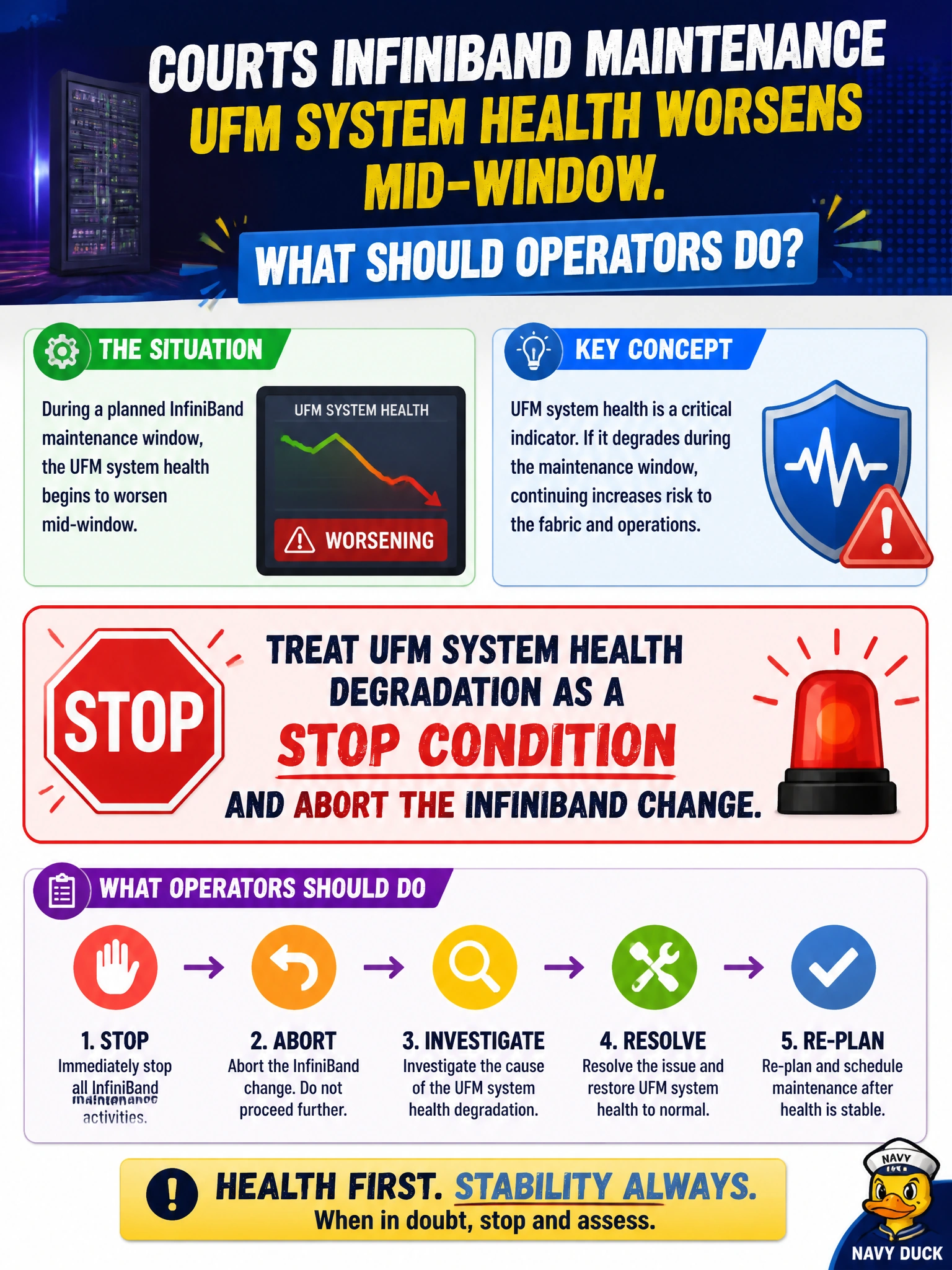
If UFM health goes south mid-window, stop digging. Treat that degradation as a stop condition and abort the courts InfiniBand change before you dig a deeper hole.
Full Explanation
During courts InfiniBand maintenance, if UFM system health worsens mid-window, operators should treat that degradation as a stop condition and abort the InfiniBand change. Continuing while system health deteriorates risks compounding outage for civic workloads and destroys the ability to roll back cleanly from a known-good health baseline.
Why the other options fail by concept: Failing over UFM to the standby instance and proceeding treats a standby swap as a cure for worsening health but lets the change continue past the stop condition without fixing the underlying degradation. Reducing UFM polling intervals to lower load while continuing the maintenance tasks masks the telemetry needed to detect degradation and intentionally weakens the stop condition mid-window. Capturing UFM diagnostics and telemetry snapshots for review after completing the change window delays action until the window ends, letting deterioration run unchecked and expanding the blast radius.
Exam caveat: not every transient health flicker equals abort—define severity and soak rules in the courts change plan—but clear mid-window degradation of UFM system health is the exam's stop signal. Prefer abort-and-assess over pushing through a red health dashboard.
Operational check: monitor UFM system health continuously during the IB maintenance window; if health degrades beyond the pre-agreed stop threshold, abort, restore prior config as needed, capture health evidence, and reschedule only after root cause of the degradation is understood.