
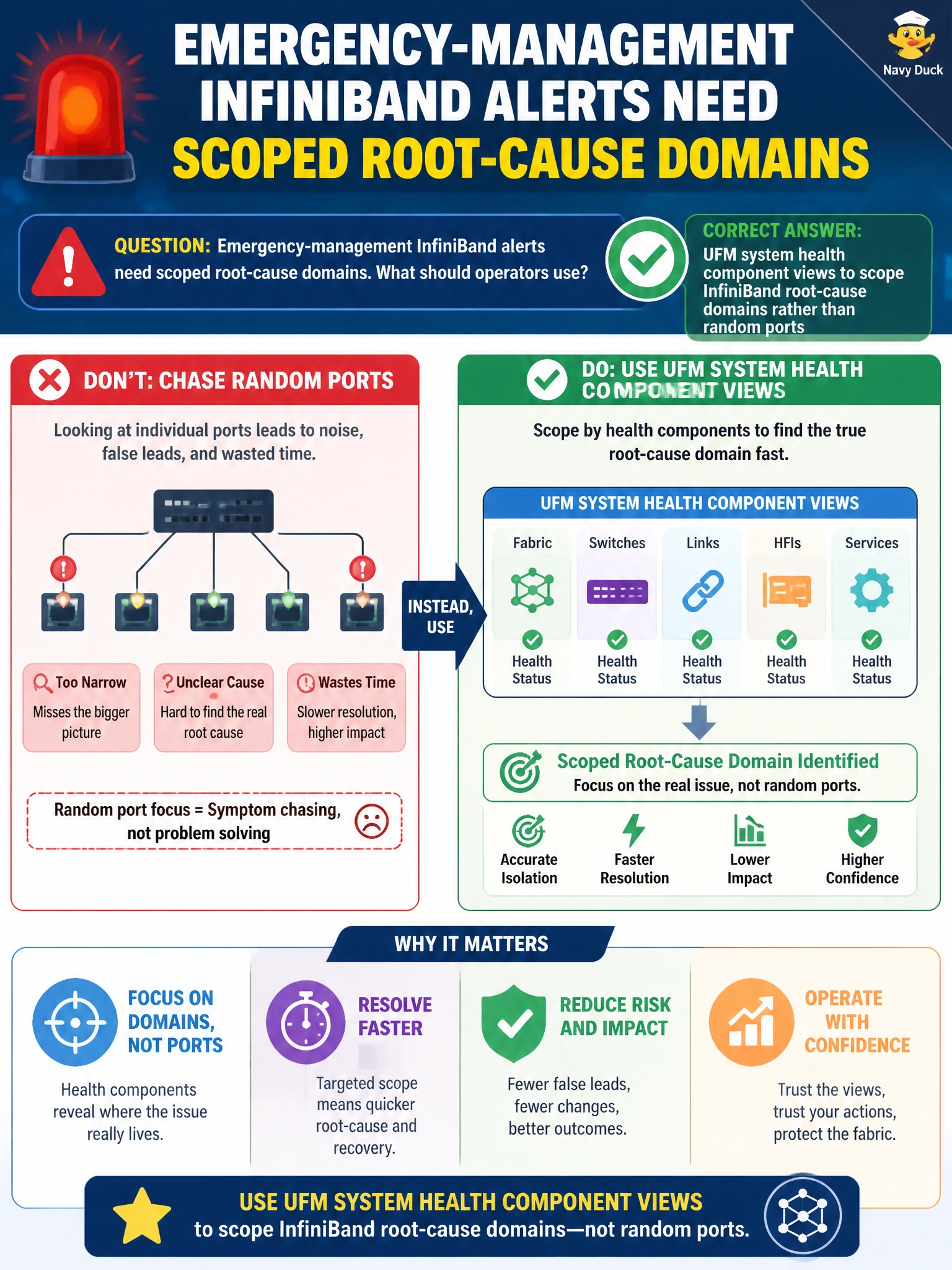
Emergency-management InfiniBand alerts need scoped root-cause domains. What should operators use?
Select an answer to reveal the explanation.
Short Explanation
Bandwidth dashboards won't help you scope an emergency root cause. Use UFM system health component views to scope InfiniBand root-cause domains for emergency-management alerts.
Full Explanation
Emergency-management InfiniBand alerts need scoped root-cause domains. UFM system health component views let operators scope InfiniBand root-cause domains rather than opening UFM performance telemetry dashboards to track bandwidth utilization across InfiniBand fabric links, which does not isolate the failing component class and leaves responders without SM, switches, hosts, or other component classes that match the alert pattern on the civic fabric.
Why the other options fail by concept: UFM performance telemetry dashboards track link bandwidth but cannot scope an emergency root-cause domain and may distract responders during a high-severity incident. UFM fabric discovery scans refresh topology inventory after planned maintenance windows and do not provide the live health scoping needed for an active InfiniBand alert. UFM port error counter reports review historical link flaps for longer-term capacity planning and do not scope the active fabric or control-plane fault driving the alert.
Exam caveat: component views narrow the domain; they do not automatically name the exact failed GUID. Use scoping to choose the next precise test (SM logs, switch health, host RDMA) rather than treating the component view as a final RCA by itself.
Operational check: on emergency-management IB alerts, open UFM system health component views, assign the incident to the implicated domain, run domain-appropriate diagnostics, and avoid using UFM performance telemetry dashboards, discovery scans, or port error counter reports as a substitute for live component scoping in the ticket.