
A school-district lab asks which utility diagnoses Spectrum-X resource allocation. What should staff identify?
Select an answer to reveal the explanation.
Short Explanation
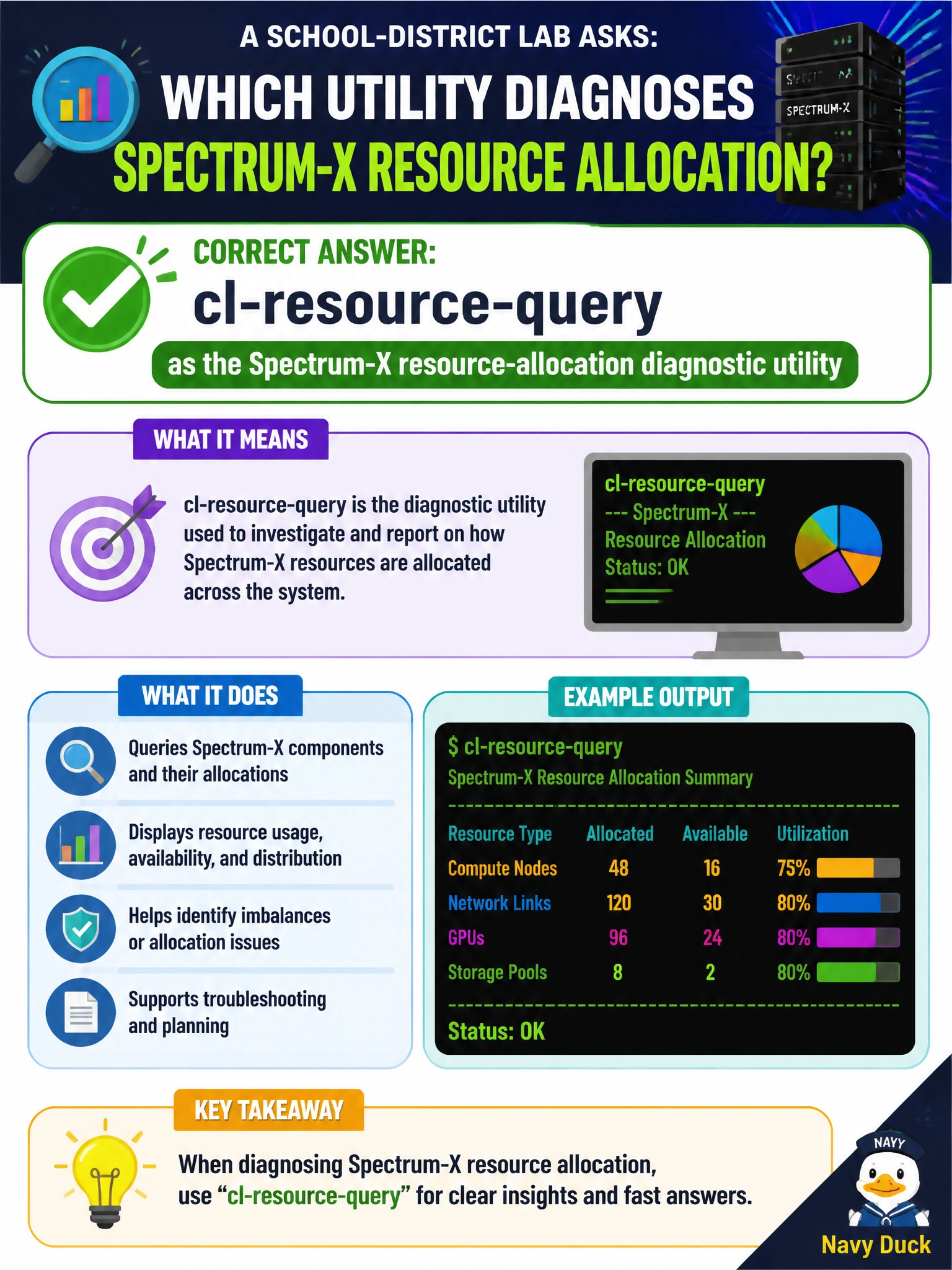
Right tool, right class. Teach the school-district lab that cl-resource-query is the Spectrum-X resource-allocation diagnostic—not IB node lists or kubectl top.
Full Explanation
A school-district lab asking which utility diagnoses Spectrum-X resource allocation should identify cl-resource-query as the Spectrum-X resource-allocation diagnostic utility. Teaching the correct tool class matters: Spectrum-X ASIC allocation and headroom questions are answered by cl-resource-query, not by InfiniBand inventory commands or Kubernetes node metrics. Accurate tool selection is a core NCP-AIN operational skill for municipal Ethernet AI fabrics.
Using mlxlink as the Spectrum-X forward-table resource utilization diagnostic fails because mlxlink reports link- and port-level signal, PHY, and cable diagnostics; it is not the tool that reports switch ASIC forwarding-table resource allocation. Using cl-acltool as the Spectrum-X resource-allocation diagnostic query service fails because cl-acltool manages access-control-list rules on the switch; ACL management is not a resource-allocation query. Using mlxconfig query as the Spectrum-X resource-allocation hardware diagnostic utility fails because mlxconfig sets and reads NIC/adapter firmware configuration parameters, not switch ASIC table allocation headroom.
Exam caveat: Know which plane each tool belongs to—InfiniBand utilities, host/GPU tools, Kubernetes metrics, and Spectrum switch utilities are not interchangeable. Match cl-resource-query to Spectrum-X resource-allocation stems.
Operational check: In the school-district lab, demonstrate cl-resource-query on a Spectrum-X switch, show how output maps to allocation headroom, contrast it briefly with mlxlink and mlxconfig so students can reject those distractors on the exam and in production triage.