
Public-health InfiniBand bandwidth drops during inference. Where should operators look first in UFM?
Select an answer to reveal the explanation.
Short Explanation
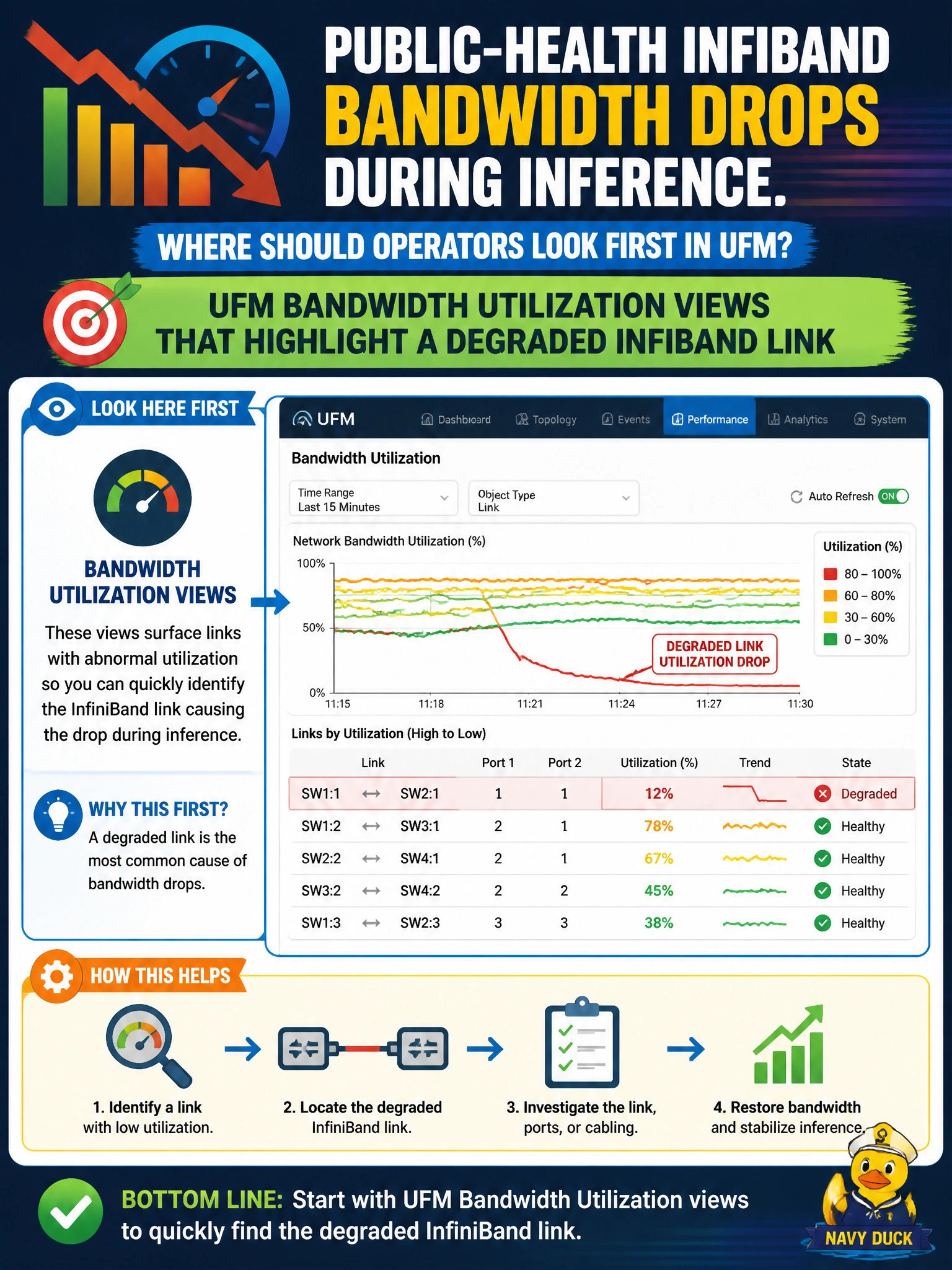
When IB bandwidth falls off a cliff, UFM’s utilization map is the trail camera. Check UFM bandwidth utilization views so public-health operators can spot the degraded InfiniBand link.
Full Explanation
When public-health InfiniBand bandwidth drops during inference, operators should look first at UFM bandwidth utilization views that highlight a degraded InfiniBand link. Utilization and link health in UFM localize whether a specific IB path is underperforming, errored, or congested so remediation targets the fabric rather than guessing at hosts. That is the correct first stop for civic IB performance triage.
Checking UFM subnet manager failover status for standby management nodes fails because failover state reflects management-plane redundancy, not the data-plane link utilization or errors causing the bandwidth drop. Relying on UFM historical telemetry exports used for quarterly capacity planning reviews fails because those exports summarize past trends and cannot pinpoint the live degraded link responsible for the current inference bandwidth drop. Reviewing UFM firmware inventory views listing switch software versions fails because firmware versions do not reveal real-time link utilization, errors, or congestion that would explain a sudden bandwidth drop during inference.
Exam caveat: match the monitoring plane to the fabric—IB problems start in UFM’s utilization views, not in configuration or inventory screens, when the stem is InfiniBand. Operational check: open UFM bandwidth utilization during the inference drop, identify the degraded link, compare to adjacent healthy links, and only then correlate host-level metrics as secondary evidence.