
A city GPU fabric must confirm software readiness before enabling advanced BlueField packet services beside Spectrum-X. What should operators check?
Select an answer to reveal the explanation.
Short Explanation
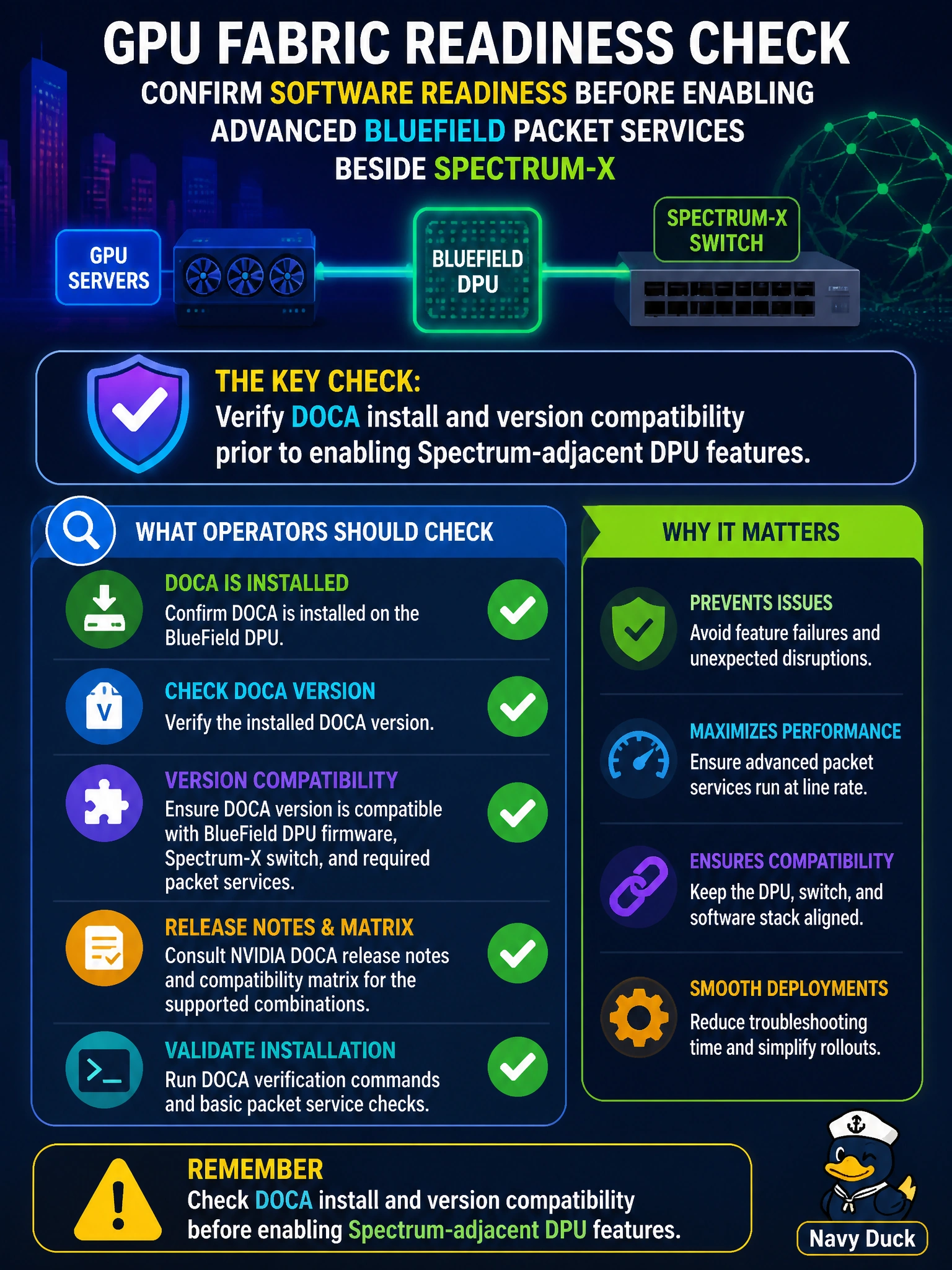
Advanced packet services hate version surprises. Check that DOCA is installed and compatible before flipping on Spectrum-adjacent DPU features for the city GPU fabric.
Full Explanation
A city GPU fabric must confirm software readiness before enabling advanced BlueField packet services beside Spectrum-X by checking DOCA install and version compatibility prior to enabling Spectrum-adjacent DPU features. Compatibility gates prevent enabling services against an unsupported or missing DOCA level, which would produce partial offloads or bring-up failures on civic GPU hosts. Switch firmware versions and ASIC type information tracked in a detailed asset database fail by concept: that inventory describes the switches, not DPU software readiness on the BlueField cards, so it cannot confirm DOCA version compatibility. CUDA driver and GPU firmware alignment across compute nodes for DPU packet offload fails because host driver and firmware alignment does not validate the DOCA install and version compatibility required on the BlueField card before enabling Spectrum-adjacent features. Checking BlueField NIC link state and Spectrum-X port counters prior to enabling DPU-accelerated flows fails because link state and port counters are runtime telemetry, not a software-readiness gate; they cannot confirm DOCA installation or version compatibility on the DPU. Exam caveat: before enabling advanced DPU packet services next to Spectrum-X, verify DOCA presence and version compatibility; CUDA driver and GPU firmware alignment checks and switch asset lists are not substitutes. Operational check: on city GPU hosts with BlueField, record DOCA version against the Spectrum-adjacent feature matrix, remediate mismatches, re-verify, then enable advanced packet services and confirm with a controlled municipal AI traffic test.